
Answered
Photoshop crash everytime that enter Preset manager
I already update the lastest version of photoshop
My computer is windows10 home with 64bit
Please look at screen shot
From brush preset menu
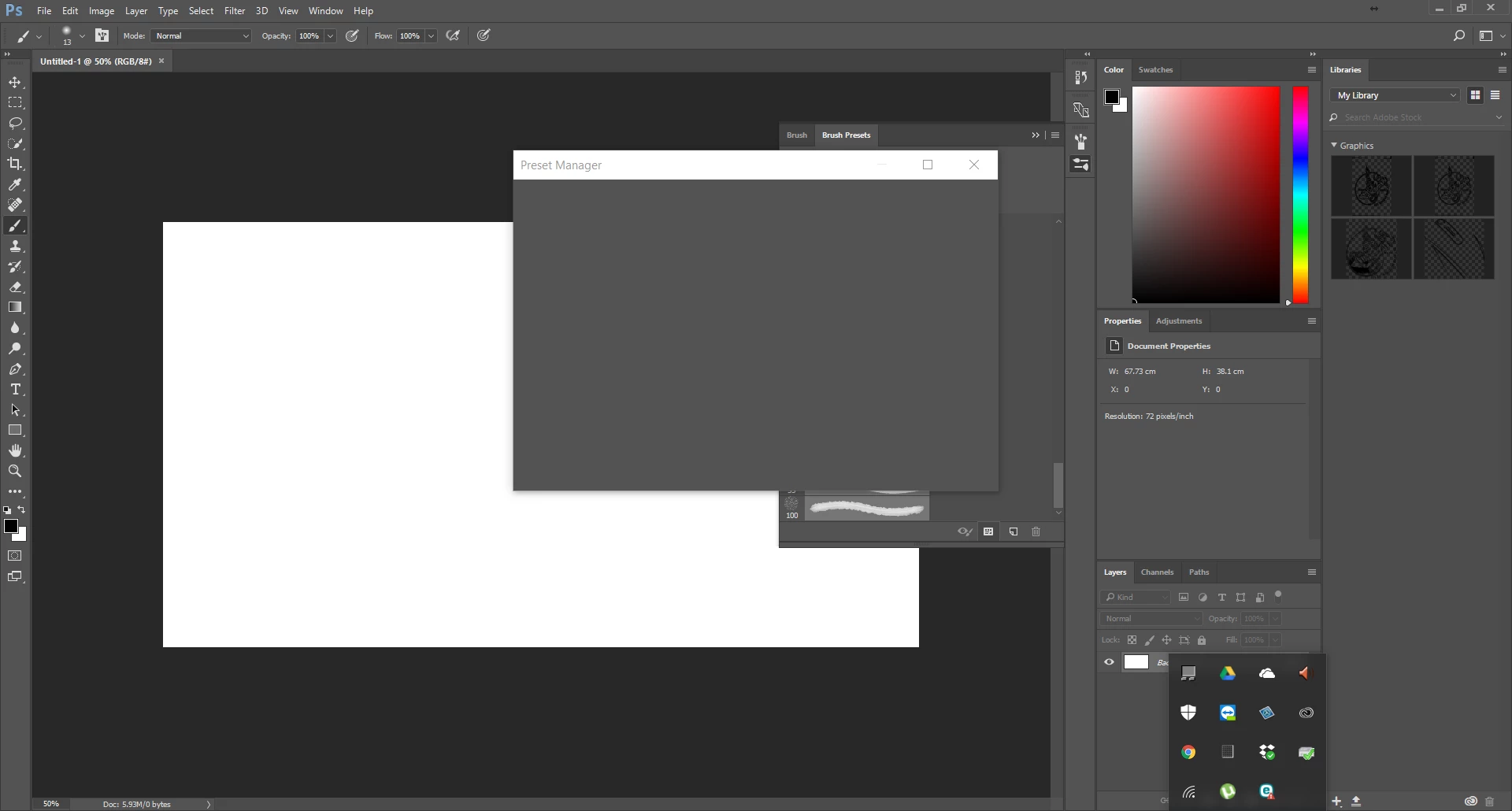
Even on Edit menu
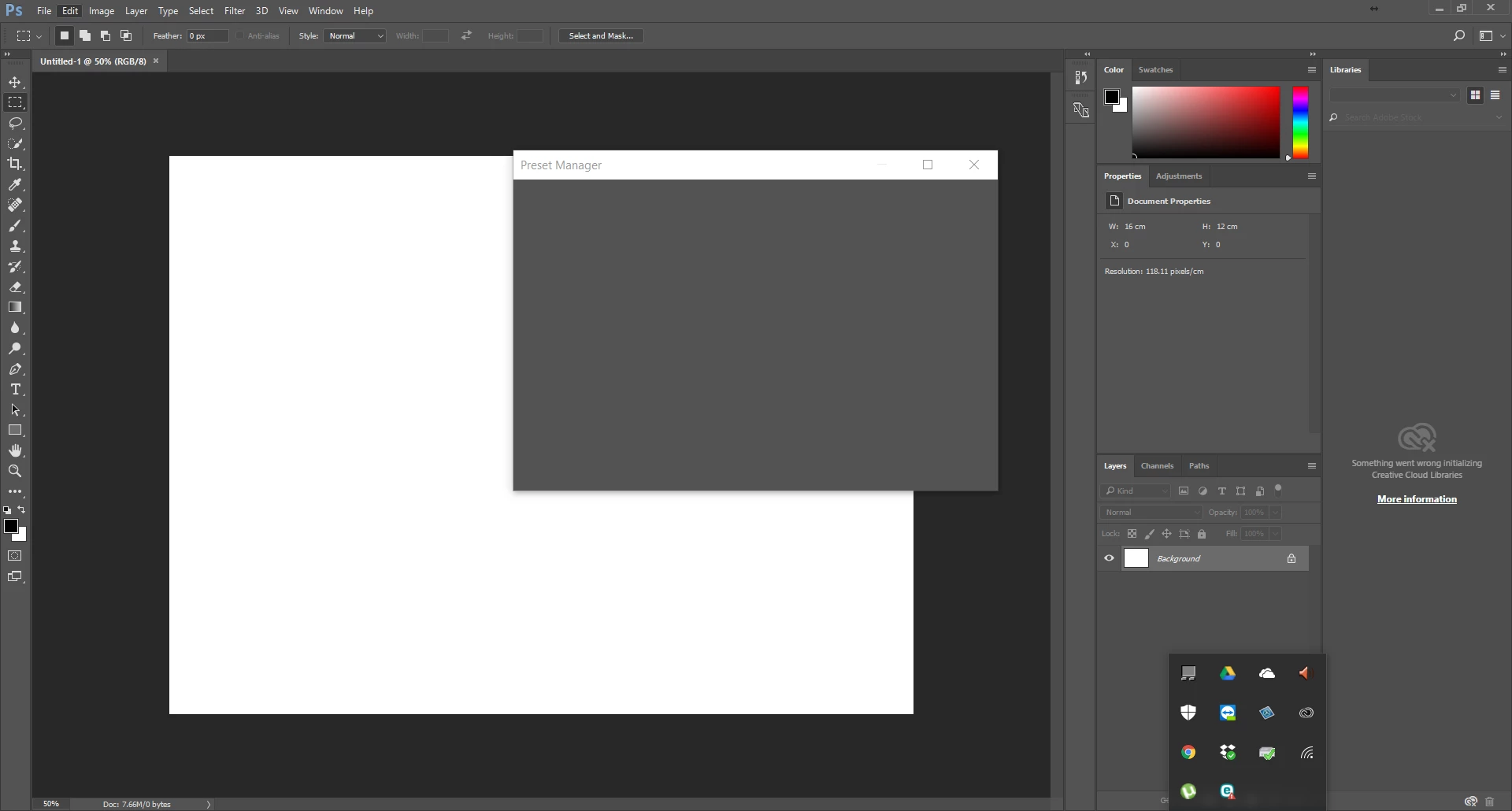
what is going on?
I already update the lastest version of photoshop
My computer is windows10 home with 64bit
Please look at screen shot
From brush preset menu
Even on Edit menu
what is going on?
Hi premsakc,
Are you using any third party presets?
If so, back them up ad restore Photoshop preferences to default. See Preferences in Photoshop for instructions.
Thanks,
Akash
Already have an account? Login
Enter your E-mail address. We'll send you an e-mail with instructions to reset your password.
 AdChoices