
Photoshop crashes intermittently with "Problem with display driver"
I recently upgraded my PC to Windows 10, and had to reinstall all my programs including Photoshop CC (v20.04) and Lightroom Classic (v. 8.3.1). I reset all my Photoshop preferences to what they had been on Windows 7, including the Graphics Processor settings
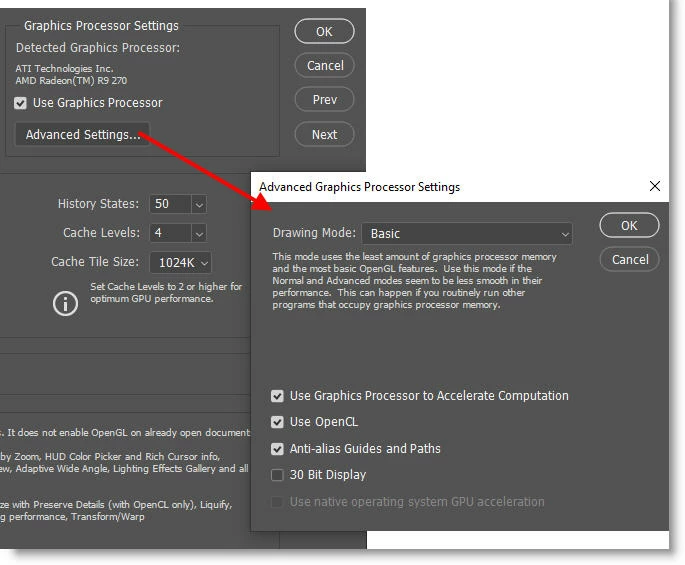
When send a file from Lightroom for editing in Photoshop...
Photo -> Edit in... -> Edit in Photoshop CC 2019...
Photoshop may crash (note that I said "may crash", because sometimes it does not). After a crash, I get this popup when I restart Photoshop:
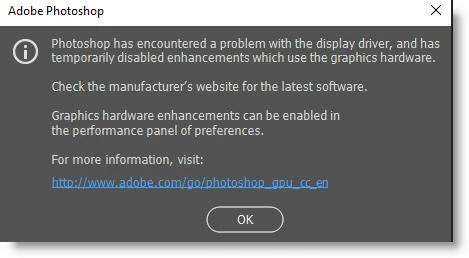
As the message says, the GPU has been disabled in Preferences. But if I re-enable it and try again, chances are good that Photoshop won't crash!
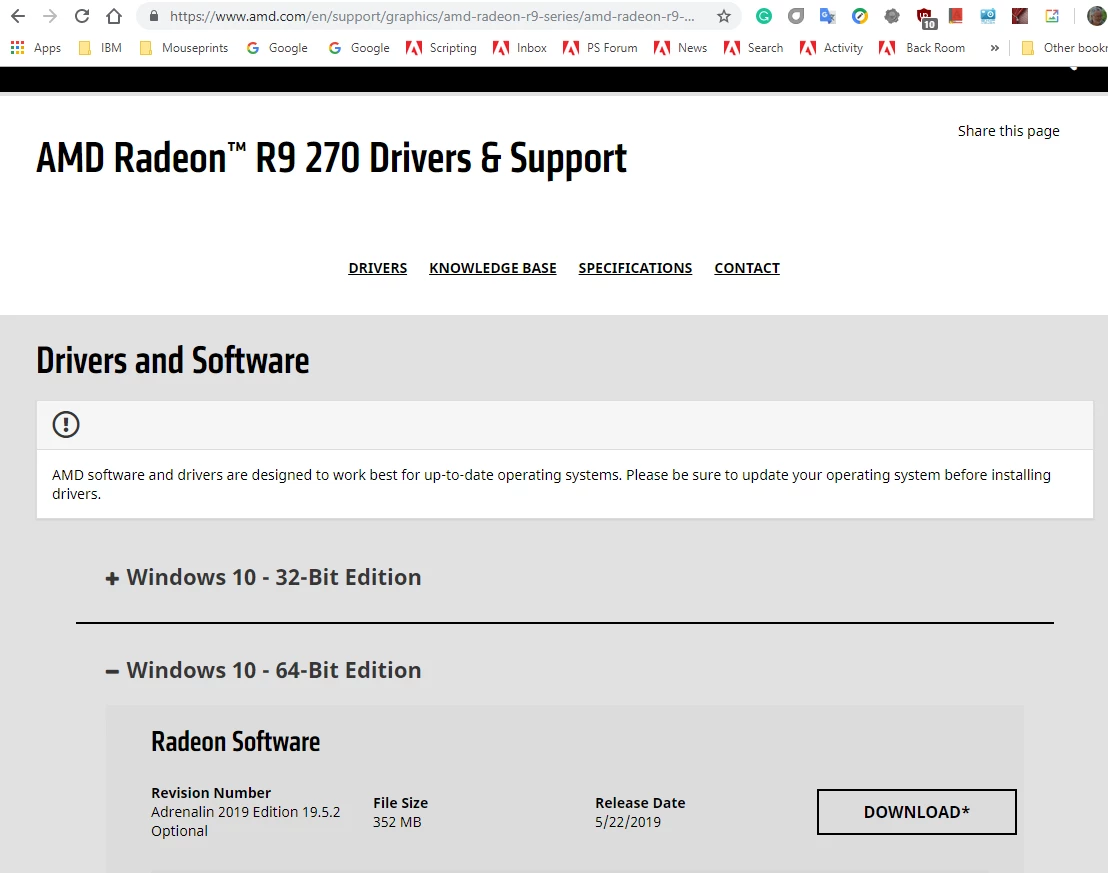
I never had this problem under Windows 7. It has only happened since upgrading to Windows 10. My graphics driver is up-to-date. In fact, I went down the complete checklist in the adobe troubleshooting article and everything checks out.
It seems to me that a crash occurs more often when I send an image from Lightroom
Photo -> Edit in... -> Edit in Photoshop CC 2019...
than when I open the file from the Photoshop File menu.
 AdChoices