alanaf41733282
Participating Frequently
February 27, 2017
Question

Photoshop creating corrupt and pixelated layers!

  • February 27, 2017
  • 1 reply
  • 1120 views

Hi,

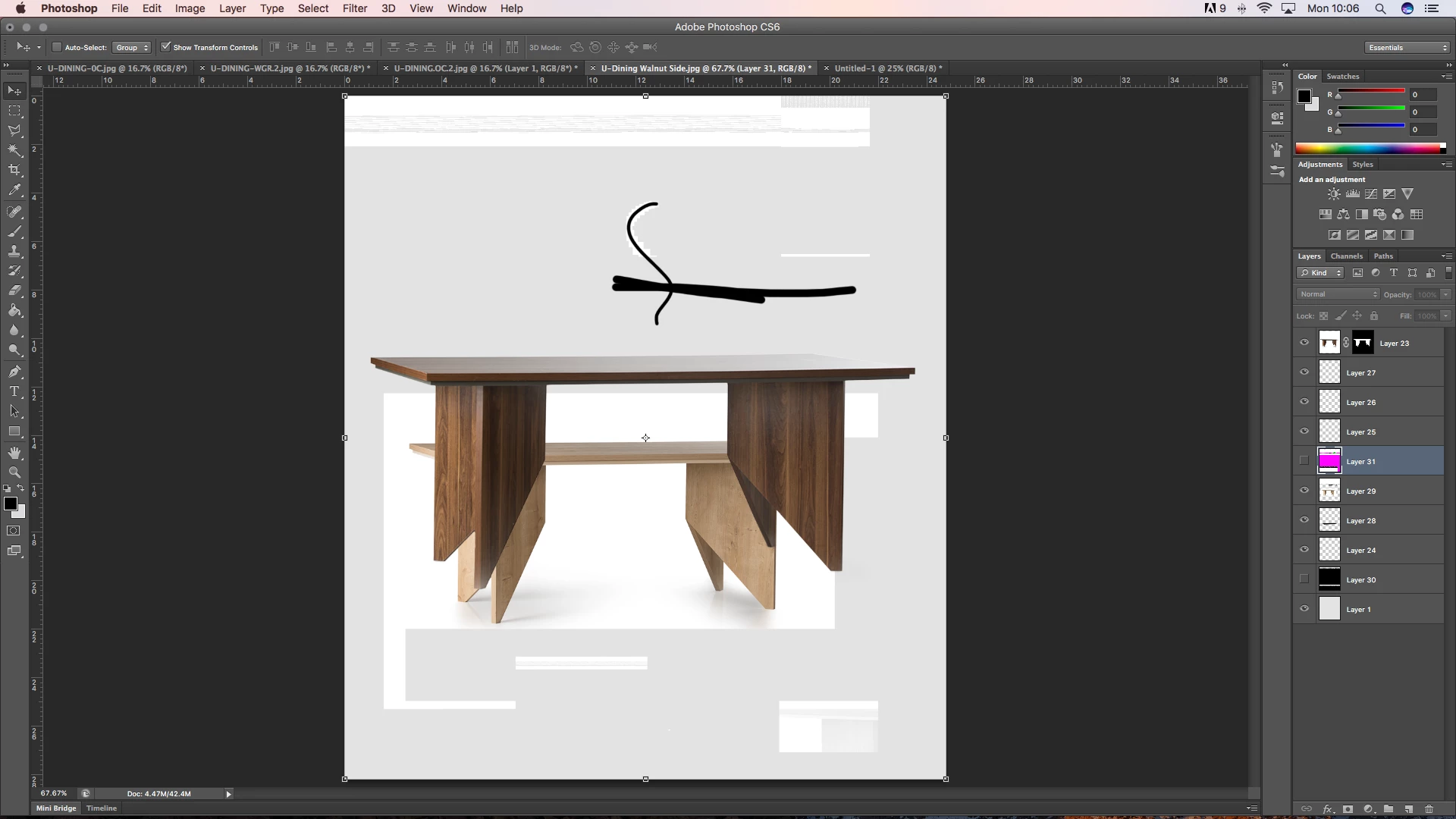
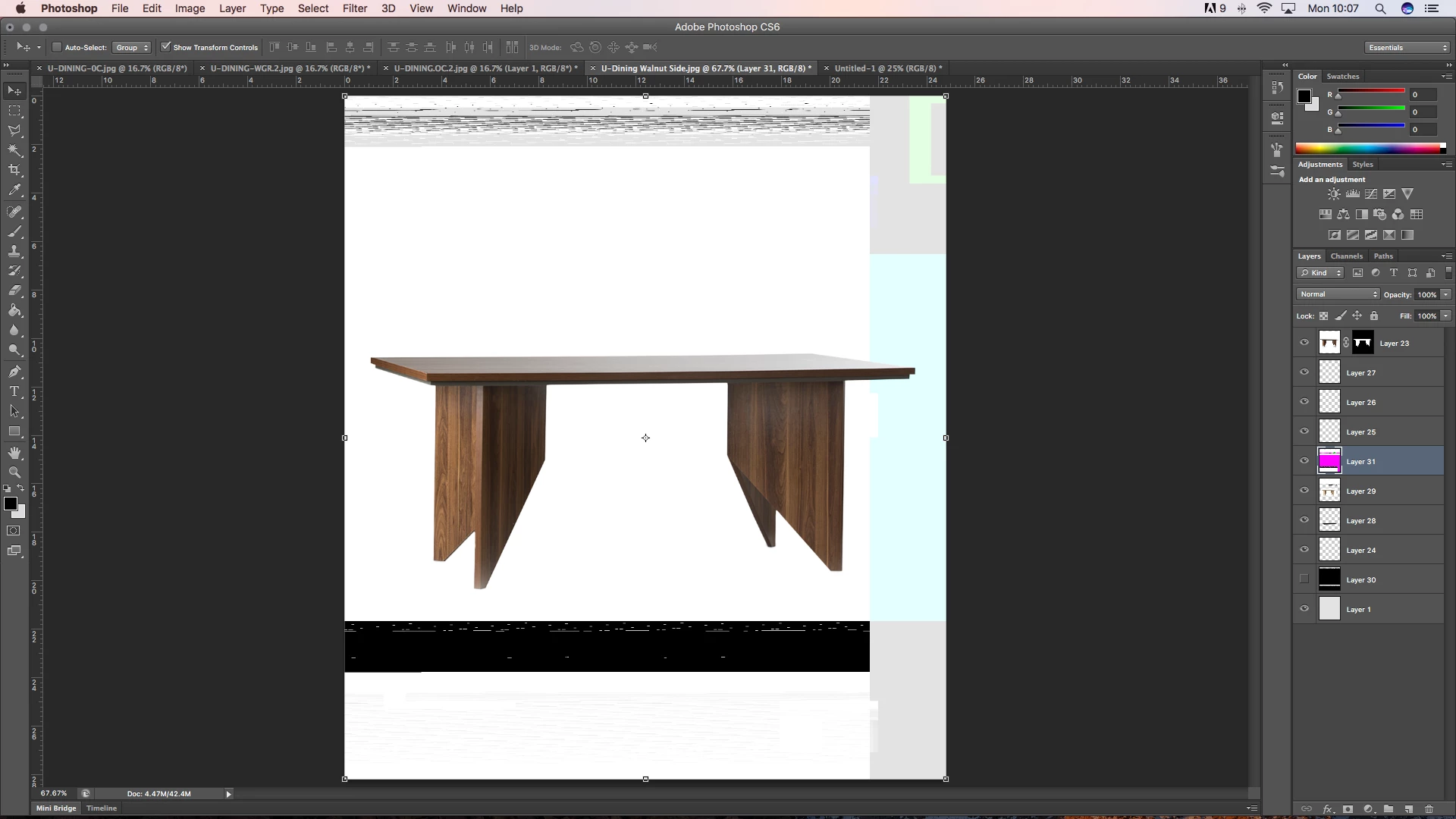
I've only noticed this issue recently and it has only arisen on my Mac at work, but Photoshop CS6 Seems to have begun creating some strange issues such as pixelation of the brush tool, and adding in faulty coloured layers where it would be a black colour fill. I'm unsure of how this begins, but my only correlation is the fact that it is when we plug in a USB to the back of the monitor. Whether this is the reason for this fault I am unsure, but I hope someone could help.

Mac Specs:

macOS Sierra Version 10.12.3

iMac (21.5-inch, Late 2013)

Processor 2.7 GHz Intel Core i5

Memory 8 GB 1600 MHz DDR3

Startup Disk Macintosh HD

Graphics Intel Iris Pro 1536 MB

Adobe Photoshop CS6:

Version 13.0 x64

Screenshots:
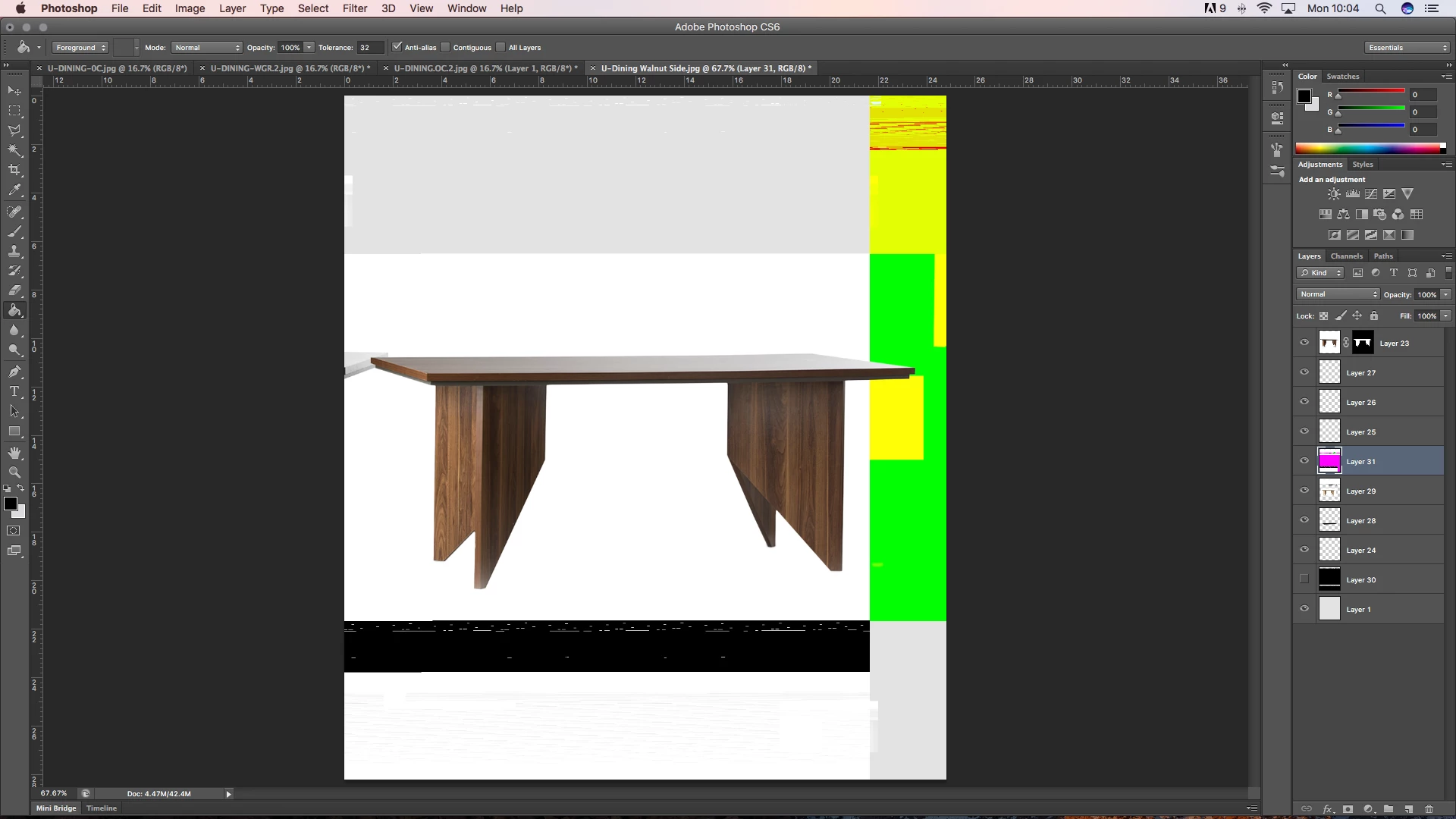
It is very frustrating when I have to reload Photoshop on multiple occasions when this occurs, so I hope someone can help me.

Many thanks,

Alana

This topic has been closed for replies.

1 reply

c.pfaffenbichler
Community Expert
Community Expert
March 1, 2017

Does turning off »Use Graphics Processor« in the Performance Preferences (Photoshop > Preferences > Performance > Graphic Processor Settings) and restarting Photoshop have any bearing on the issue?

What have you done for general trouble-shooting so far?

https://helpx.adobe.com/photoshop/kb/basic-trouble-shooting-steps.html

alanaf41733282
Participating Frequently
March 1, 2017

It has just done the issue again there so I have followed your suggestion and will update you on whether it happens again.

In terms of troubleshooting so far, because I didn't quite know what was going wrong I merely closed and restarted Photoshop each time the issue occurred just in case I fiddled with something I shouldn't have.