

Photoshop CS Hard Brush Is Grainy and Pixelated
I've been using photoshop for over 8 years and for some reason I can't seem to figure this out. I use photoshop and a wacom intuos pro tablet to make illustrations. The tablet is relatively new and has a problem where I have to reinstall the driver every other month, and I recently adopted a cat who likes to walk across my keyboard and step on all my keys. (Maybe she pressed something she shouldn't have?)
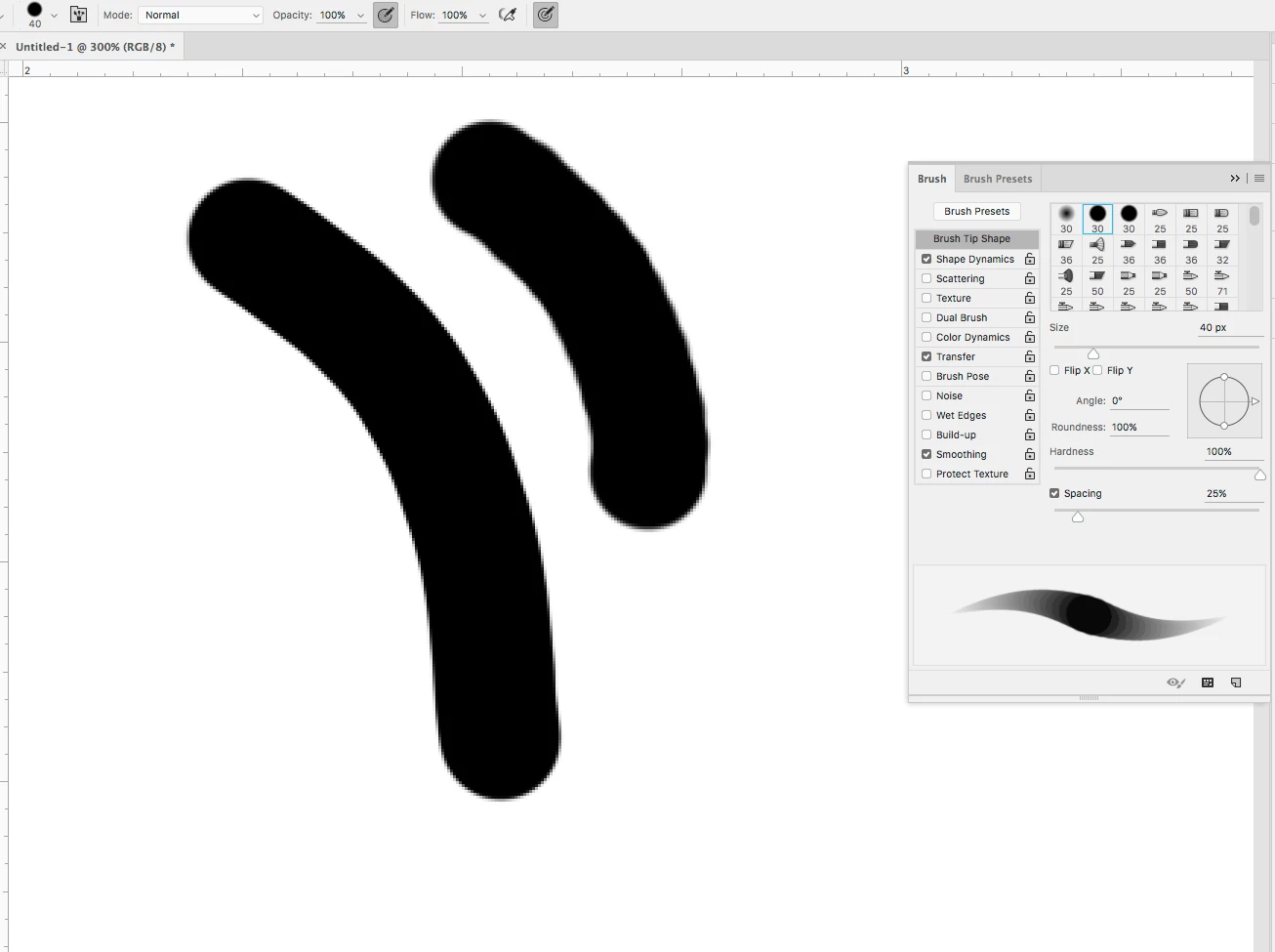
Essentially, my brush strokes using the hard brush in photoshop is giving me a gross, grainy look like this:
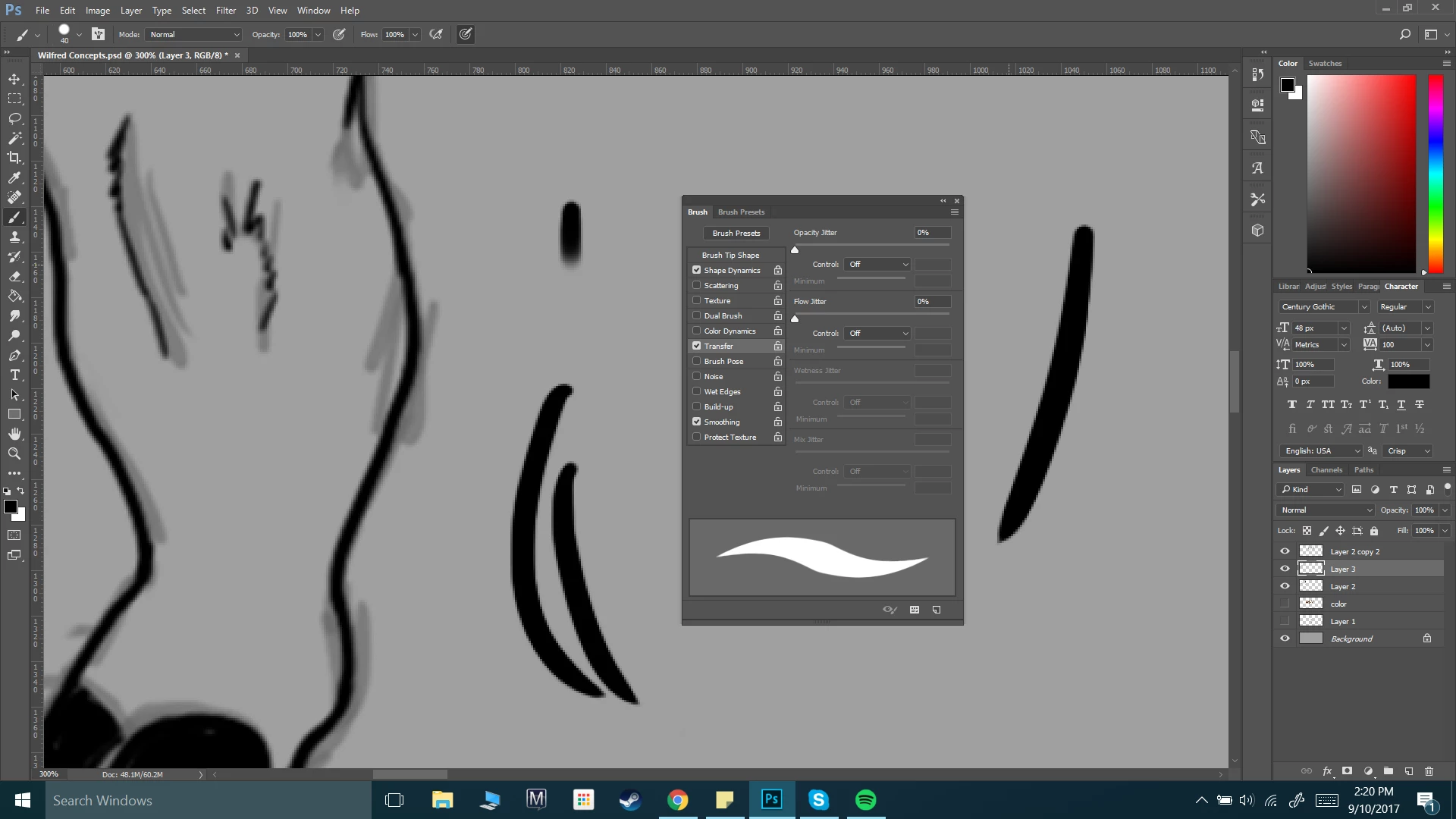
I've been trying to figure this out for hours and apparently no one else online seems to have this problem? I'm working with a 6000x2800px screen at 300dpi. It used to be 3000x1400px (which is the range I typically work in and it's been just fine), but I decided to increase the size of my canvas to see if maybe my brush would look better using larger settings.
But no, the edges of my strokes still look disgusting.
I sometimes do pixel art in photoshop as well, and I checked to make sure all of my settings where on "Bicubic" and not "Nearest Neighbor." What have I missed?
I would really appreciate it if someone could help me... I've never had this problem before, not even working in 72dpi with a 100x100px canvas...
(Ps. The majority of my brush settings are either at zero, or set to "pen pressure")
 AdChoices