This topic has been closed for replies.
Correct answer davescm

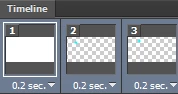
Select all the frames in the timeline (Click on first then Shift Click on last)
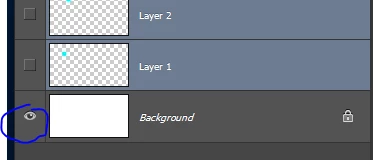
Go to the layers panel and turn the eye symbol for the background layer off then on again
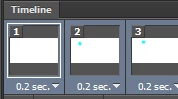
Dave

2 replies

Known Participant
July 2, 2020

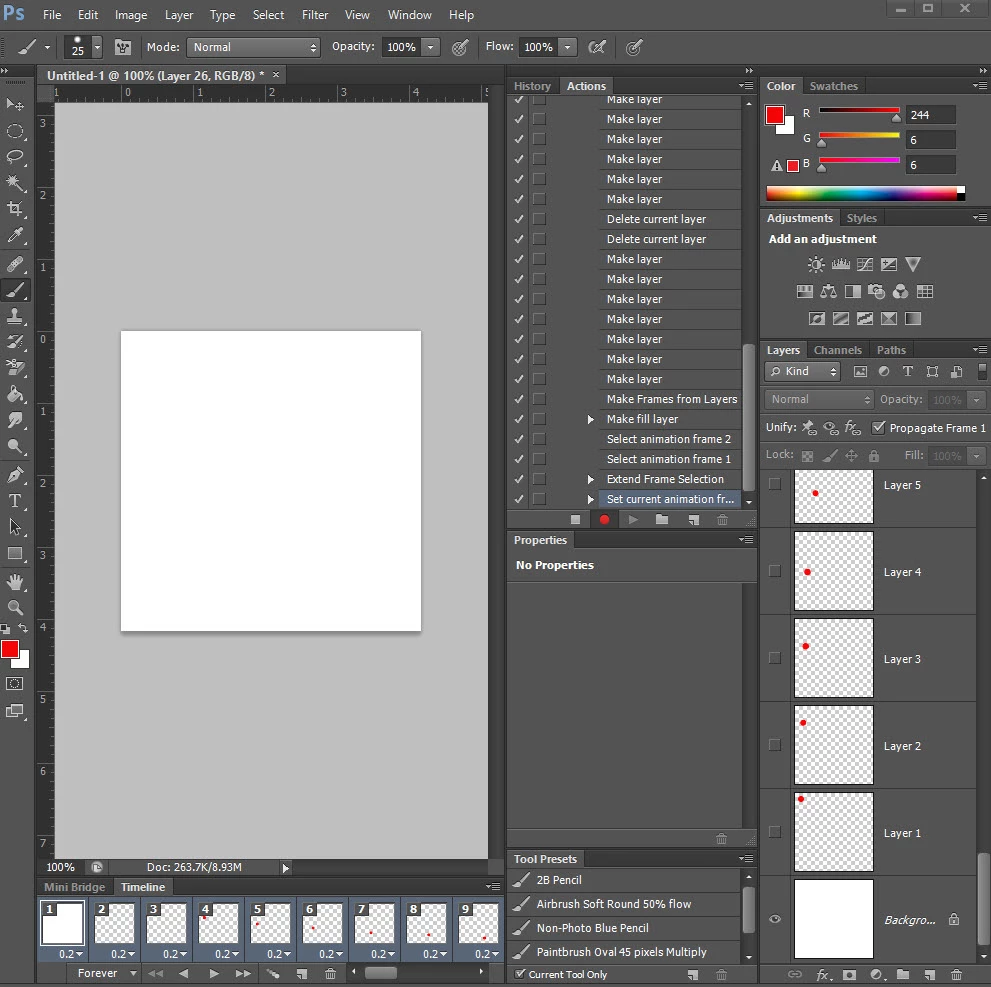
Hi, this isn't working, the match layers across as well as this method isnt working, the only way I can do it is clicking each layer on the timeline and then clicking the eyeball, with 181 layers this is very tedious, is there any way around this, or a fix?

Participant
July 2, 2020

Make sure that the background image in the layers panel is selected as well as the inital frame in the timeline! That fixed my issue. 

davescm
Community Expert
davescmCommunity ExpertCorrect answer
Community Expert
March 6, 2017

Select all the frames in the timeline (Click on first then Shift Click on last)

Go to the layers panel and turn the eye symbol for the background layer off then on again

Dave

Inspiring
March 6, 2017

Worked like a charm. Can't believe I spent over an hour trying New Layer via Background, New Background via Layer, Duplicate Layers, etc...Your answer was sooo soooo simple. Thanks ever so much!

davescm
Community Expert
Community Expert
March 6, 2017

You're welcome

Dave