
Answered
Photoshop CS6 no layer effects in the layers panel
- July 8, 2021
- 2 replies
- 1539 views
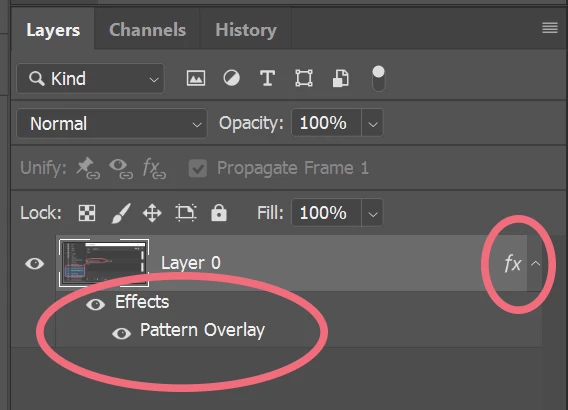
I'm new to Photoshop, I have the CS6 Master Collection extended version, running on Windows 10, and I was following a pop art video tutorial using filters and such when the person demonstrated collapsing the layer effects to make more room in the layers panel. However, I don't have any way to either collapse or expand layers, there's no toggle and no effects or details show at all (see attached screenshot of my layers panel). I've updated, checked that layer style/show all effects is on, tried resetting the preferences per Adobe's instructions (deleting the PS settings folder from appdata), and uninstalling/reinstalling, but nothing helped.
Please help, thank you.
 AdChoices