Participant
February 23, 2022
Question

Photoshop Deleting Pixels

  • February 23, 2022
  • 2 replies
  • 386 views
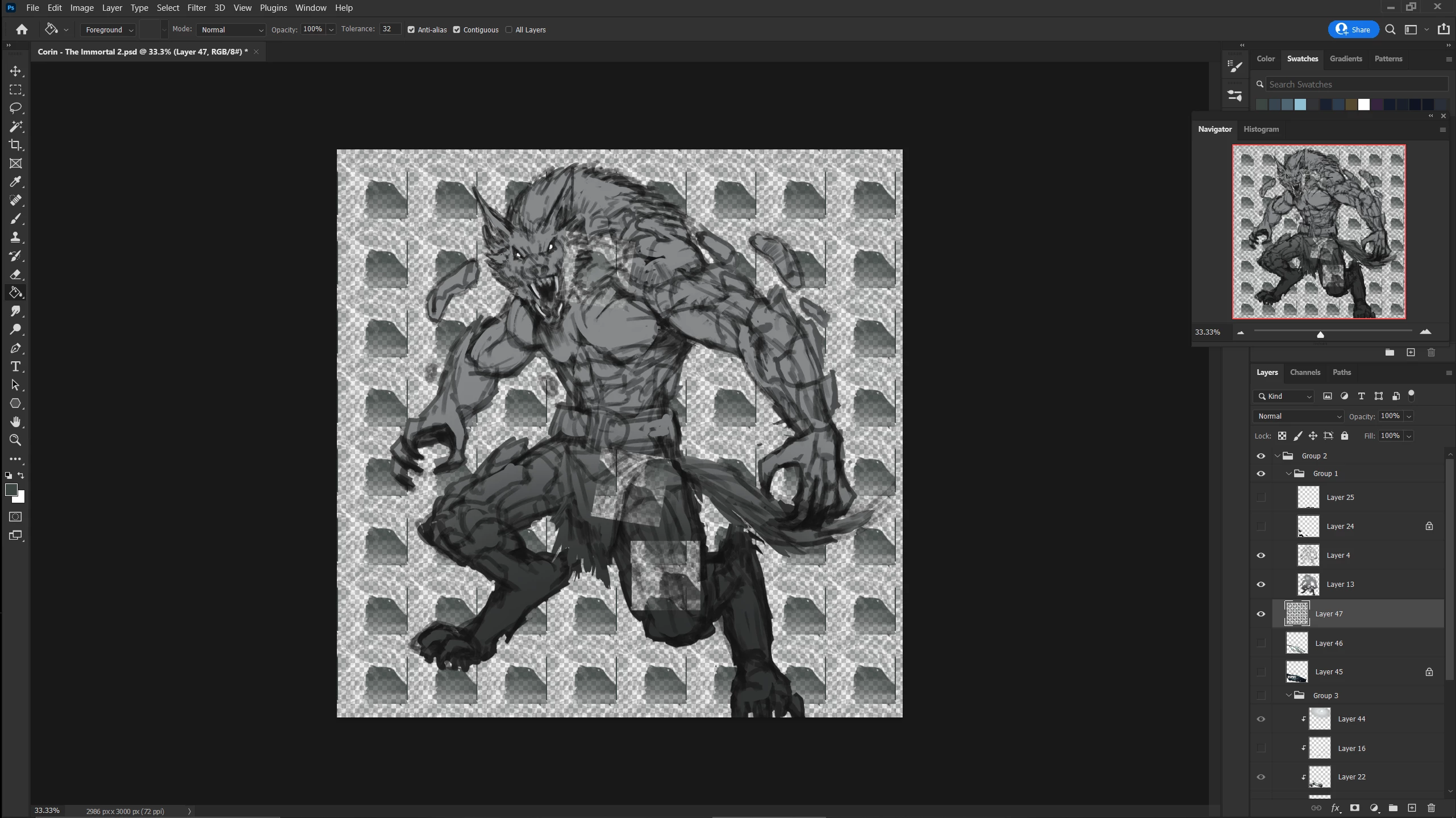
What is going on with Photoshop ?
It keeps bugging out and deleting pixels since the last Update !
Does anyone know how to fix this ?
#Photoshop #Adobe #Art #Bug
This topic has been closed for replies.

2 replies

Participant
February 23, 2022

Thank you so much for getting back to me. I'll try these options and see what works best : )

Participant
February 18, 2023

Did you find any solution to your problem? I have the same problem and it getting problematic for work. 


TheDigitalDog
Inspiring
February 23, 2022

First, try disabling GPU in the preferences (Preformance tab). Any better?
If not, go to Preferences > Technology Previews... and check "Disable Native Canvas" - then restart Photoshop. Better?
If not, recalibrate and build a new ICC display profile, the old one might be corrupted.
If you are using software/hardware for this task, be sure the software is set to build a matrix not LUT profile, Version 2 not Version 4 profile.
If turning OFF GPU works, it's a GPU bug and you need to contact the manufacturer or find out if there's an updated driver for it. 
Also see: https://helpx.adobe.com/photoshop/kb/acr-gpu-faq.html

Author “Color Management for Photographers" & "Photoshop CC Color Management/pluralsight"