
Participant
June 10, 2020
Question

Photoshop destroyed my file after opening it- Please Help!

  • June 10, 2020
  • 3 replies
  • 1513 views

After opening a psd file in Photoshop the picture I was working on was completely distorted and destroyed. All of my layers were gone and nothing was left of my orignal work. When I went to the file directly and opened its properties to see if there was any previous versions of the file there wasn't any. I'm not sure what to do, I have a deadline coming up very soon and was pretty much close to being done with this project and can't afford to start over, hopefully there is a solution.
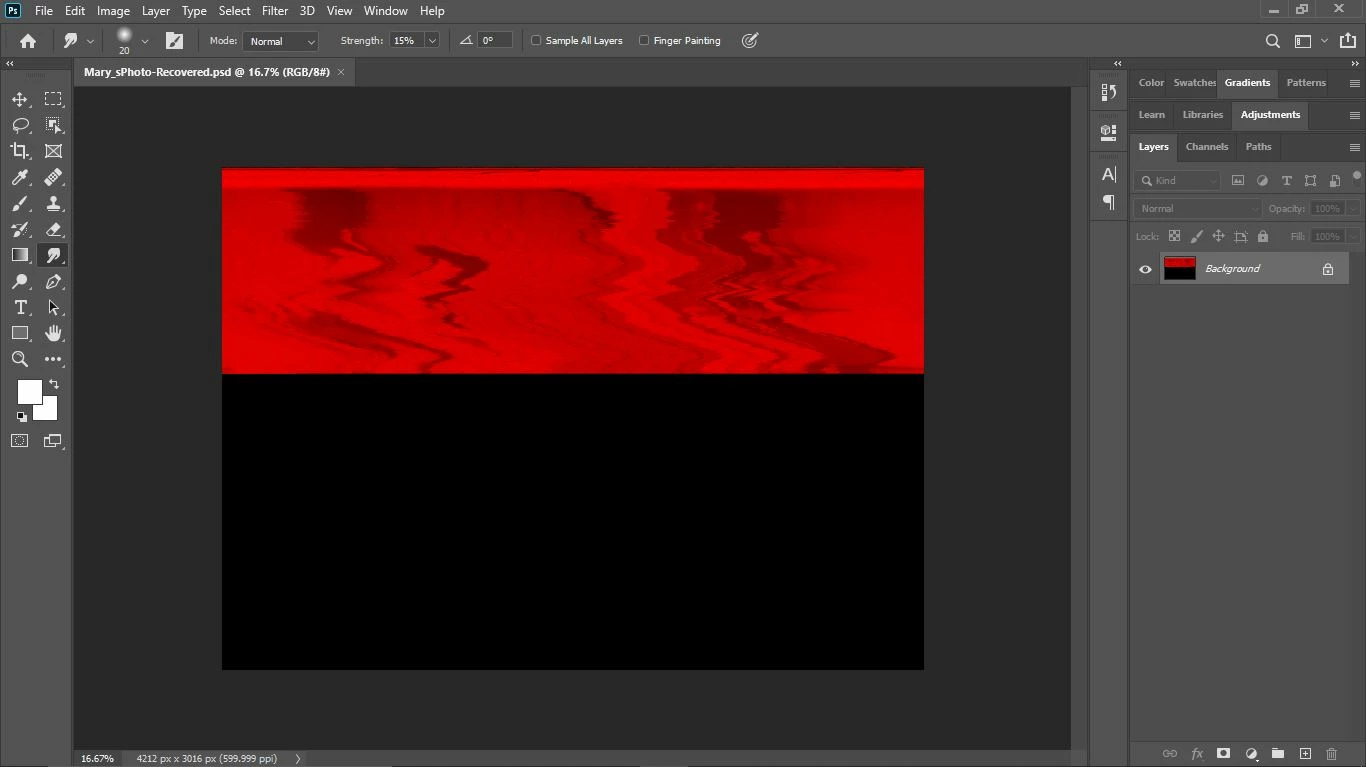
This topic has been closed for replies.

3 replies

davescm
Community Expert
Community Expert
June 10, 2020

It is probably too late for you in this case, but I will add this for the benefit of you and others.


First, when working on large important projects, always save incrementally i.e. filename001.psd, filename002.psd ...etc  That way if you have a corruption or if you just make a bad mistake and save it then you can step back to a previous increment. When your project is complete you can always delete the earlier increments to save space.


Second, if working with external or network drives save a copy locally first then copy it to the network.


Third, always back up your work. Failed drives do happen and you can lose more than just one file.


Fourth, you could try a file recovery programme (do a Google search). It is unlikely that you will get the full file back, but you may get a readable composite layer if you saved the file with maximise compatbility checked.


Dave

Ussnorway7605025
Legend
June 10, 2020

was this photo a Jpeg or is there a Raw copy someplace i.e, still on the camera perhaps?


p.s, no that image is busted

D Fosse
Community Expert
Community Expert
June 10, 2020

File corruption is caused by failing hardware. Usually a failing hard drive or bad RAM. It can also happen if you work directly off an external drive with a loose connector or cable.


I know you want to blame Photoshop, but to prevent further corruption you really need to identify the hardware component that causes this.


Backup everything important ASAP if you haven't already.

Participant
June 10, 2020

Is there anyway I can get back a previous version or somehow restore the file? I don't have anything to backup since when I opened the file there wasn't anything there and I wasn't planning on making a copy beforehand.

D Fosse
Community Expert
Community Expert
June 10, 2020

Windows has a function to restore previous versions. Right click in Explorer. I've never used or needed it, and don't know how it works or what conditions need to be met to have a restore point to go back to.


When I say backup I mean the rest of your important files that have not yet been corrupted! You should always have some sort of backup.