Participant
September 2, 2022
Question

Photoshop Distortion

  • September 2, 2022
  • 1 reply
  • 451 views

Hello, 


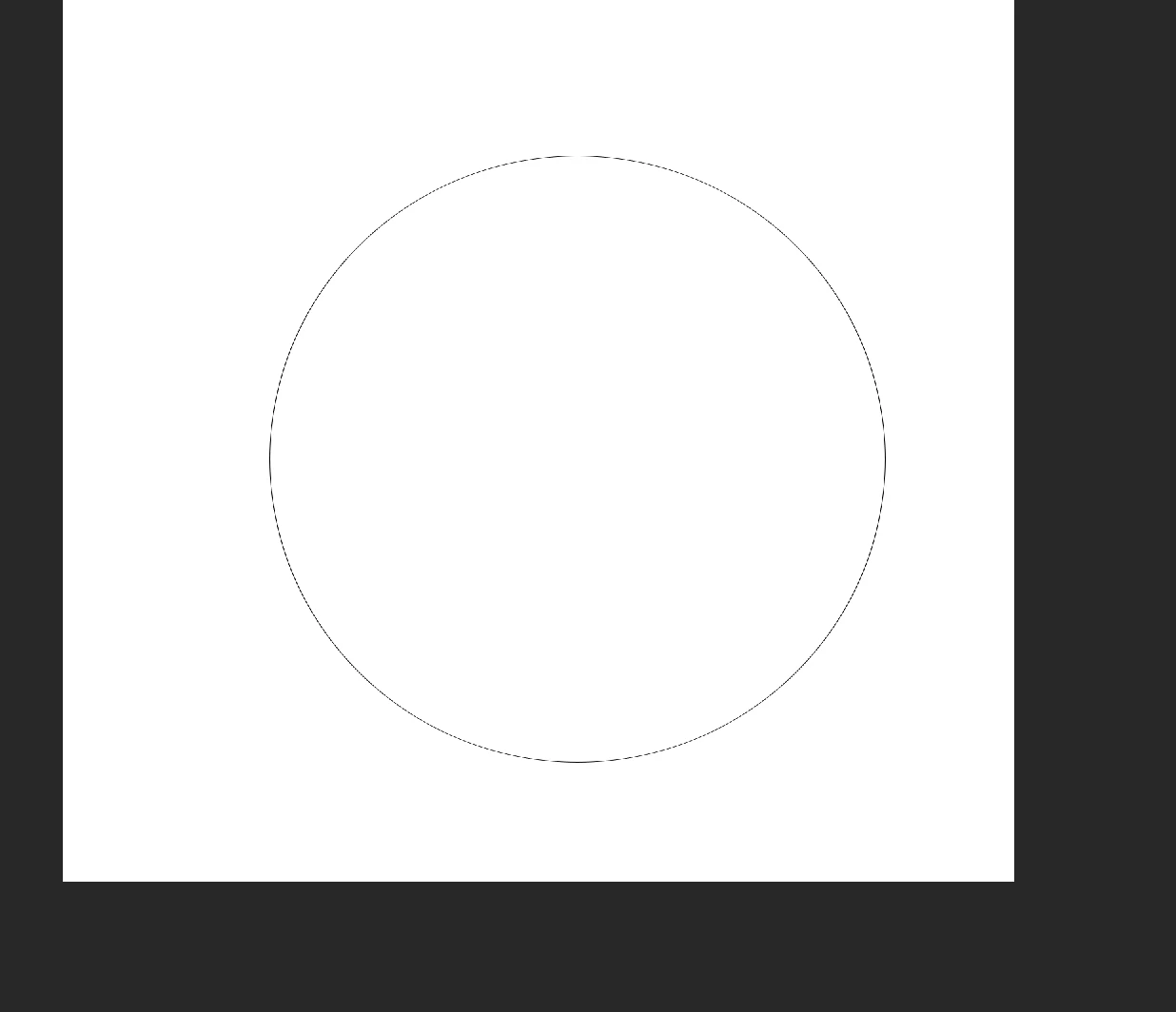
I recently updated my Photoshop to PS 2022 and my shape and text tools are distorted. How do I fix this? See image below: 
This topic has been closed for replies.

1 reply

davescm
Community Expert
Community Expert
September 2, 2022

I'm not sure what that black circle on a white background is supposed to show. Can you explain further and show the entire workspace.

Dave

Participant
September 2, 2022

Yes, this circle is from using the ellipse tool. All of my shapes are
pixelated like this instead of being a full circle. If that makes sense. --
Best,
Alexis Hooper, MPH
Education Coordinator
Society for Maternal-Fetal Medicine
awhographics | Graphic Designer
LinkedIn
(Personal contact information removed by moderator. Please do not post contact details on this public forum)


jane-e
Community Expert
Community Expert
September 3, 2022

@defaultu26i08zn0fpp 


Since you haven't given us the screenshot that was asked for by Dave yet, can you try resetting the Ellipse tool to restore it to its defaults? 

  • Select the Ellipse tool in the Tools panel
  • Right-click the Ellipse tool in the options bar (not Tools panel)
  • Choose Reset Tool

Options for tools keep their settings across time and documents until you change them again or reset the tool.


Jane