daniagon
Participating Frequently
March 16, 2018
Answered

Photoshop distorts images when open

  • March 16, 2018
  • 1 reply
  • 1135 views

When I take a screenshot or save images from the web, click and drag the file to Photoshop, it sometimes opens the file and distorts it. It reminds me of when old tvs wouldn't show the image properly because of bad antenna signal lol. The image looks like this:
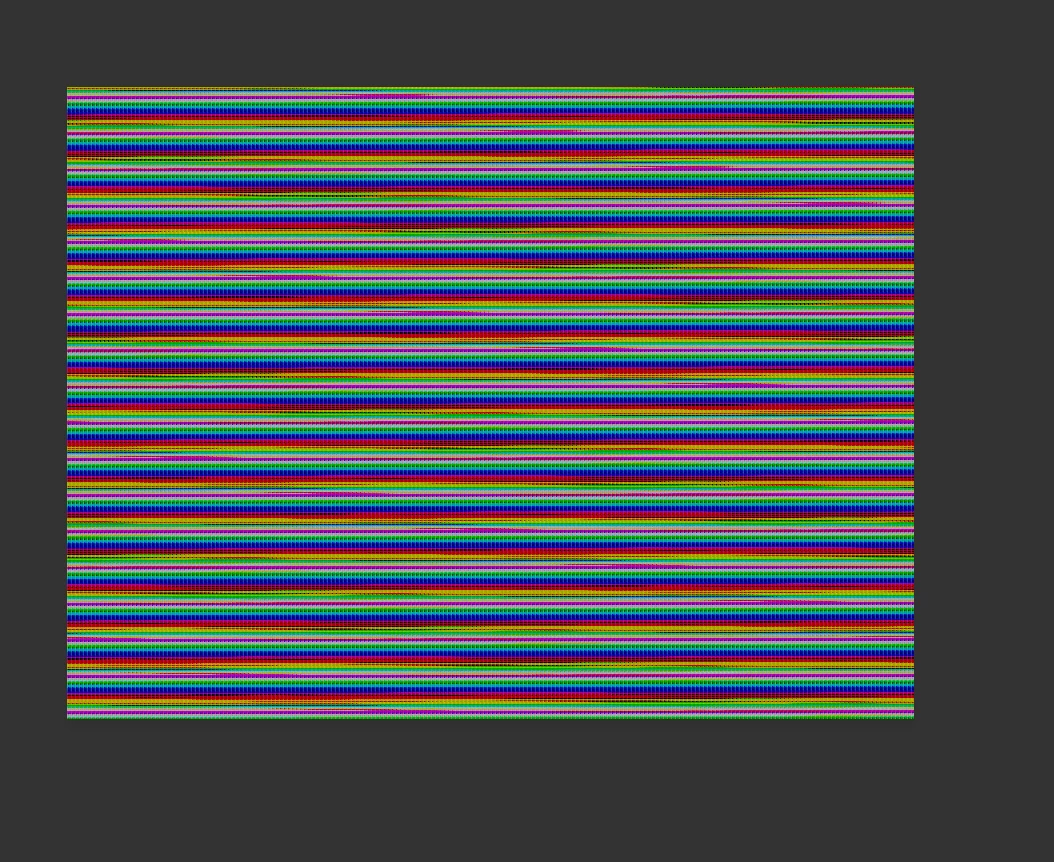
I have to close Photoshop and re-open it to see the image displayed correctly, so that's a clue that image is not corrupted. I'm not sure why Photoshop randomly reads my images this way and it becomes very annoying to have to quit and re-open the program.

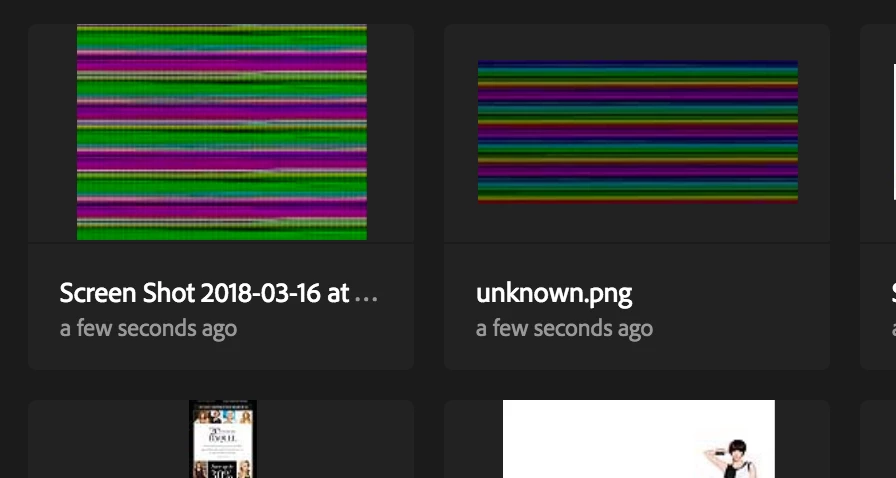
Even the thumbnail appears distorted:
I'd appreciate any help on what to do to fix this. Thank you!

This topic has been closed for replies.
Correct answer davescm

You have not given any system info, however if you are on a Mac and using Photoshop CC2018  then update to version 19.1.2 which fixed an issue displaying PNGs

Dave

1 reply

davescm
Community Expert
davescmCommunity ExpertCorrect answer
Community Expert
March 16, 2018

You have not given any system info, however if you are on a Mac and using Photoshop CC2018  then update to version 19.1.2 which fixed an issue displaying PNGs

Dave

daniagon
daniagonAuthor
Participating Frequently
March 16, 2018

Apologies! I do have a Mac and I'm using Photoshop CC2018. I see the update so I'm going to update the app now I appreciate your response. Fingers crossed!

davescm
Community Expert
Community Expert
March 16, 2018

No need for apologies - glad to help

Dave