Participant
February 14, 2020
Question

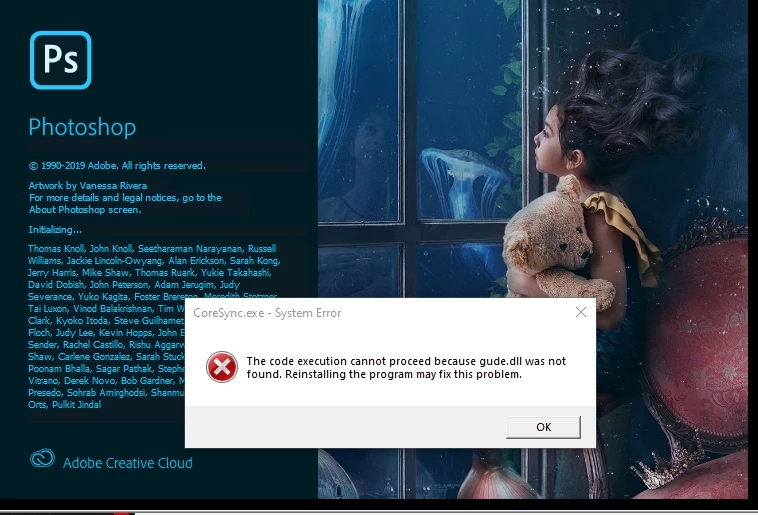
Photoshop DLL Error

  • February 14, 2020
  • 2 replies
  • 215 views

I just run Photoshop but show me the error. I also reinstall but still same.
This topic has been closed for replies.

2 replies

davescm
Community Expert
Community Expert
February 14, 2020

That is an Adobe dll

Try uninstalling using the CC application , running the Adobe Creative Cloud  cleaner  tool then reinstall from the CC application

https://helpx.adobe.com/uk/creative-cloud/kb/cc-cleaner-tool-installation-problems.html 


Dave

John T Smith
Community Expert
Community Expert
February 14, 2020

If that is a Windows DLL, go to the Search bar at the top of http://www.microsoft.com/en-us/default.aspx to find and re-install the C runtime, or for ALL Windows help