Answered
photoshop does not load the workspace and files
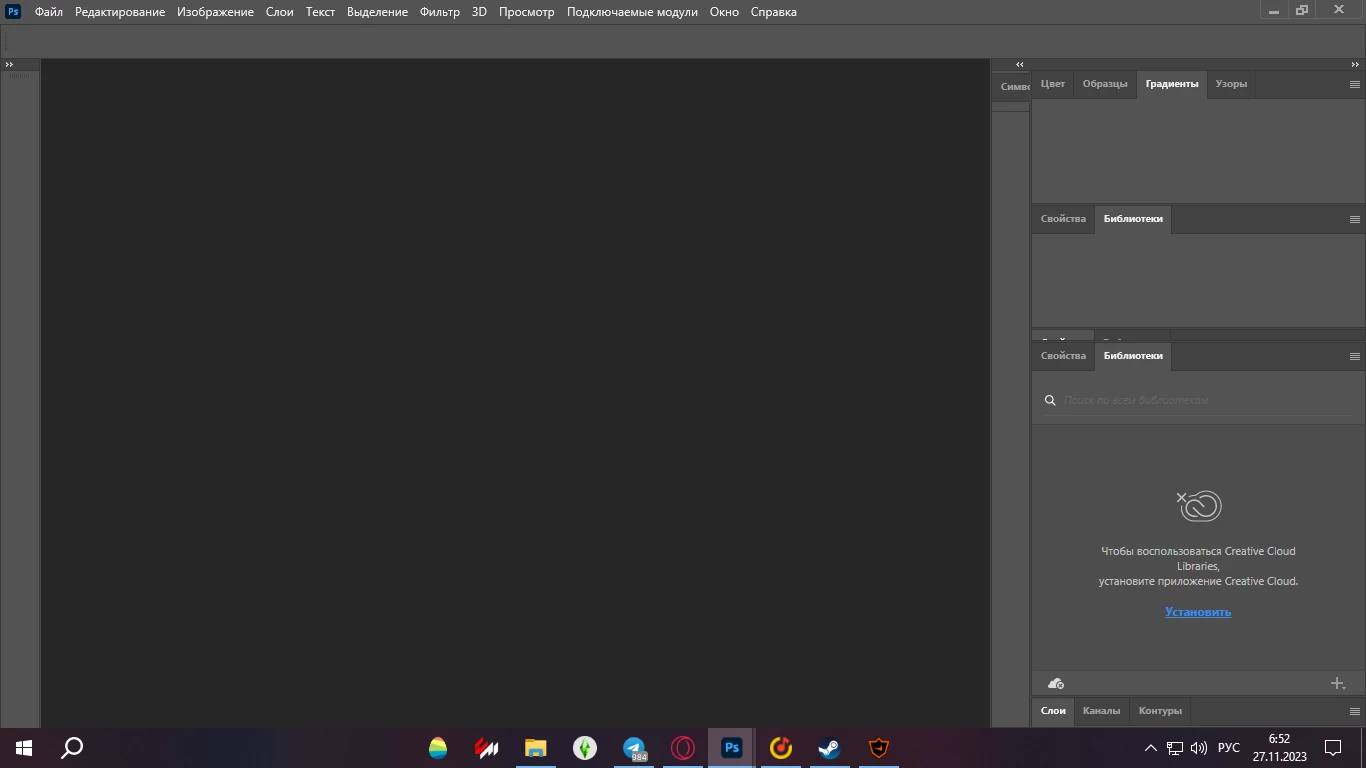
I think there was a similar post earlier today, so there could be something going on. Definitely try resetting Preferences as suggested, and to be totally sure, use the manual method.
https://helpx.adobe.com/ie/photoshop/using/preferences.html#Manually
If that does not fix, come back and we can try other approaches.
Already have an account? Login
Enter your E-mail address. We'll send you an e-mail with instructions to reset your password.
 AdChoices