
Participating Frequently
January 4, 2018
Answered

Photoshop does not start

  • January 4, 2018
  • 1 reply
  • 875 views

Please help. I had to do a system restore, but from this moment, photoshop cc does not start. I also have a problem with the cloud

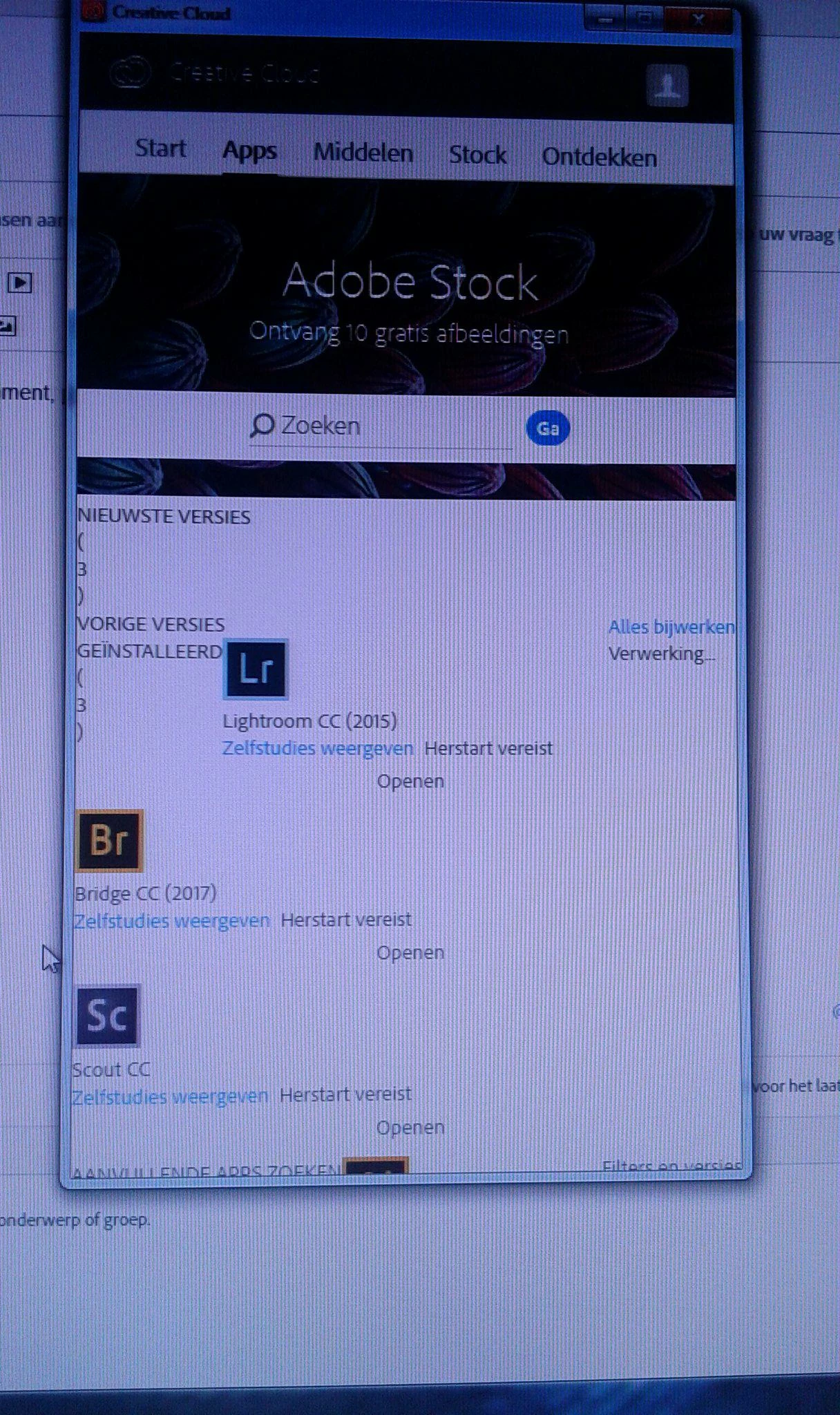
I do not think it should look like that. I wanted to contact the service for help, but I could not ...... this option should be simpler 🙂

Greet and wait for a reply
Anett
    This topic has been closed for replies.
    Correct answer

    Cloud is already working :-) thx :-)
    I have uninstalled CC, but I do not have the possibility to install it. He makes me pay, but I have already paid. I do not understand what happened to this program.


    Did you clean up with the cleaner tool?

    Why can't you install the apps?

    Are there error messages?

    Show a screenshot of the desktop app where the apps page is visible.

    Here are direct download links, but follow the instructions minutely! http://prodesigntools.com/adobe-cc-2018-direct-download-links.html

    Fenja

    1 reply

    January 4, 2018

    In the CC desktop app, sometimes it helps to logout and then to login again.

    Fenja

    Participating Frequently
    January 4, 2018

    I click the photoshop icon and there is no reaction, the bridge also does not open. As for the cloud .... i logged out .... i logged in again ... it made a white background ... i closed the cluod and now i can not open it.

    Participating Frequently
    January 4, 2018

    If anyone reads this with customer service, help me because I can not contact you.

    Thank you