Loomax
Participant
March 19, 2021
Answered

Photoshop doesn't display 16 bits color correctly

  • March 19, 2021
  • 1 reply
  • 541 views

Hello there.
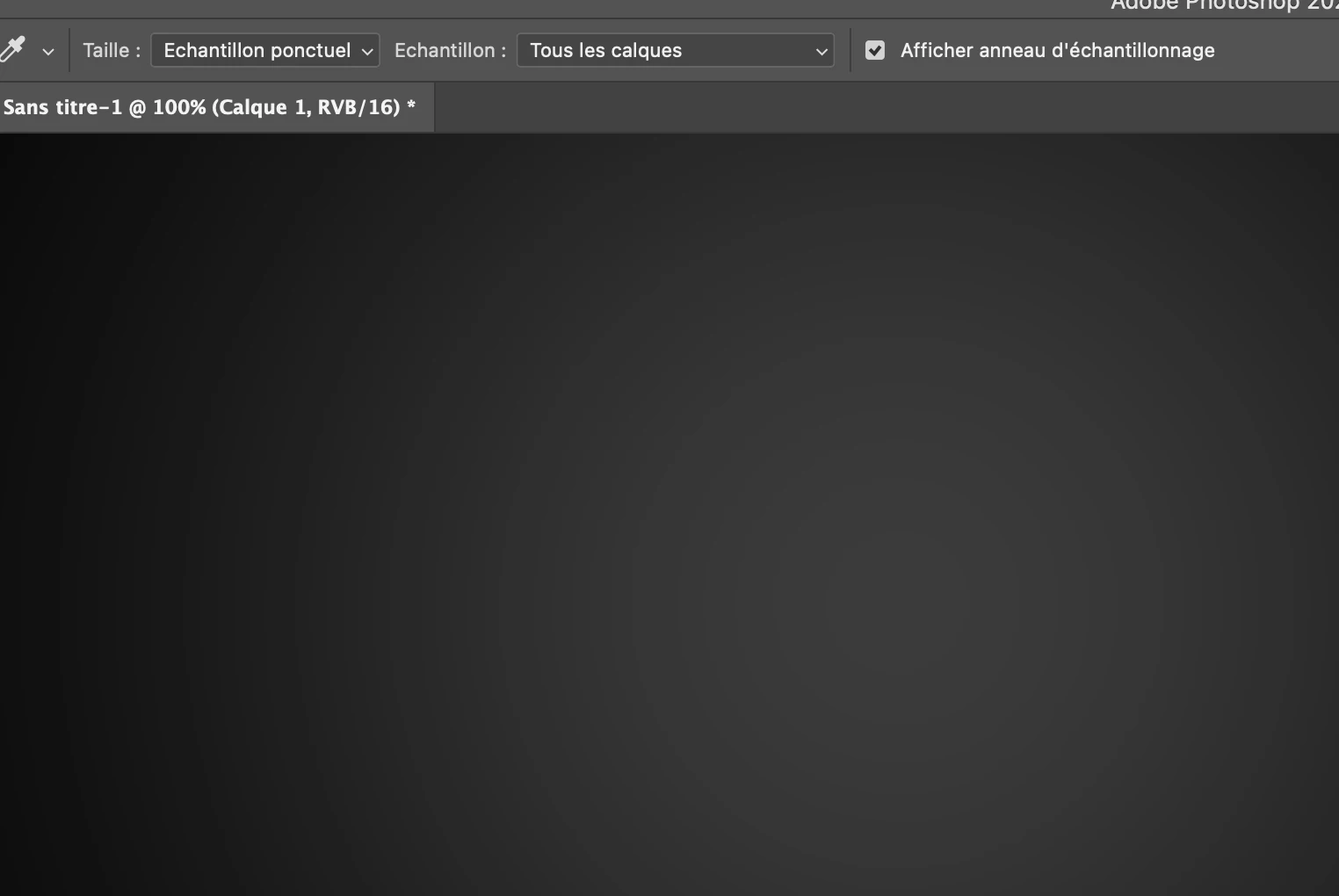
I don't get it, it's like Photoshop 16bits stoped working. I used to work on 16bits files to have nice smooth gradings. But here's what happen now. Quitte the same as 8bits.
Anyone know how to fix it ? I'm on Mac.
Thank you !
This topic has been closed for replies.
Correct answer davescm

If your monitor and GPU support 30 bit then , you could have the same issue I had on Windows with 22.3 and for which I had to revert to 22.2


https://feedback.photoshop.com/conversations/photoshop/photoshop-223-30-bit-display-and-advanced-drawing-mode-issues/604a93a71a1dea4abc48d0ad


Dave

1 reply

davescm
Community Expert
Community Expert
March 19, 2021

Are you using a 10 bit/channel monitor and if so do you have 30 bits/channel checked in Preferences and set up in your GPU?

If not, then regardless of your document bit depth you will be displaying using an 8 bits/channel display system (and some displays are actually only 6 bit+dither) and will see banding on undithered gradients.


Dave

Loomax
LoomaxAuthor
Participant
March 19, 2021

Thank you for the answer.

I Have a 2020 iMac / 5700 XT.
The 30 bits channel ils checked but greyed out 😕😕