Participant
March 16, 2018
Question

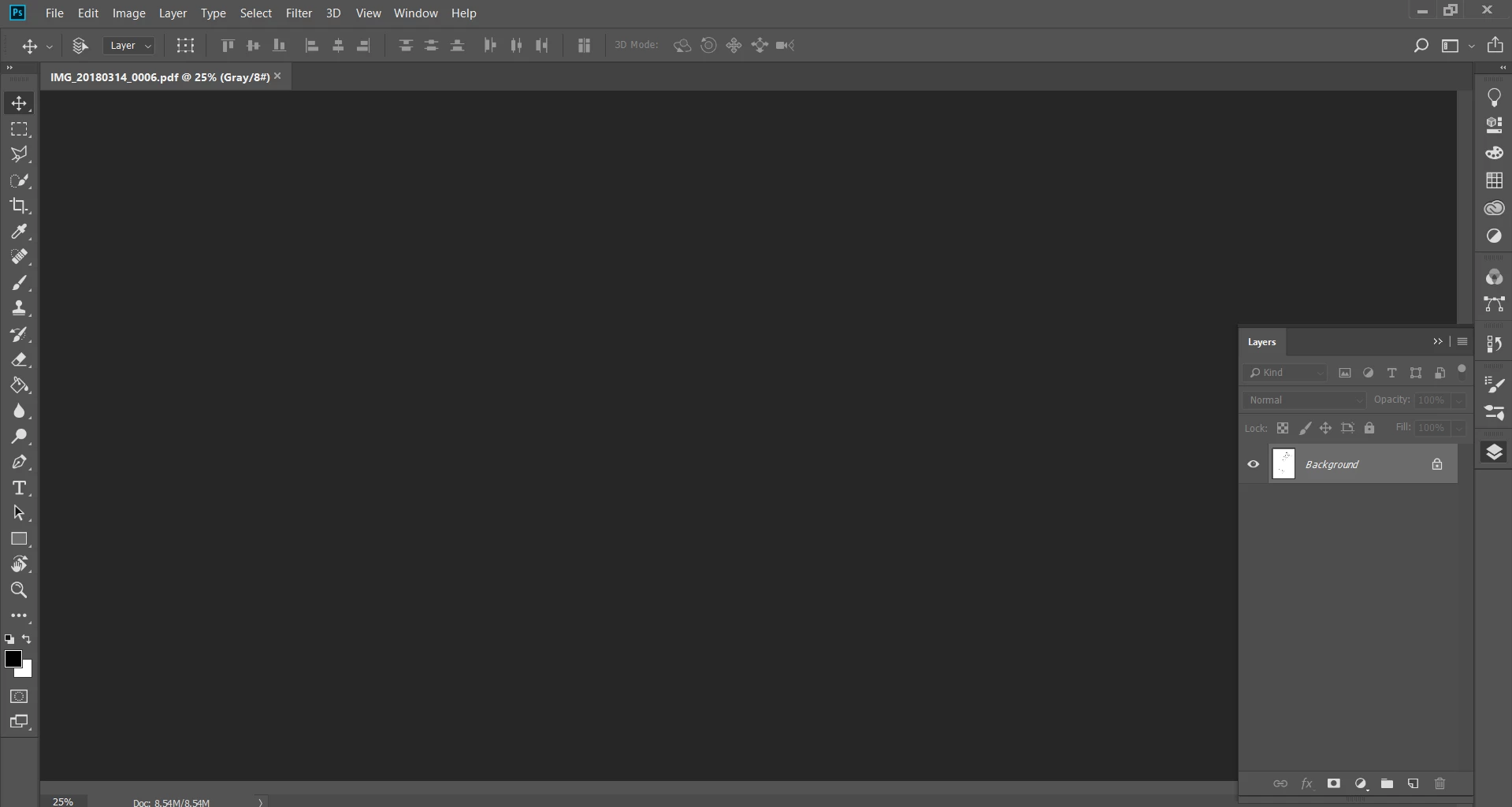
Photoshop doesn't show image

  • March 16, 2018
  • 2 replies
  • 675 views

Hi there,

My photoshop CSS is not showing any images/pdfs after I open them. However, the image shows up when I go into fullscreen mode (not fullscreen mode with menu bar). This has occurred once recently but was fixed after I updated the NVIDIA driver. Now it says graphics driver is up to date yet its still not showing the image. I have tried turning off OpenGL under Performances, and also reinstalling. Does anyone have any ideas?

Thanks

Daisy

This topic has been closed for replies.

2 replies

Participating Frequently
March 16, 2018
March 16, 2018

Hi Daisy

Try downloading the latest driver again and then try doing a custom install and select Perform a clean installation

ZhoiraaAuthor
Participant
April 7, 2018

Hi Ged,

I have performed a clean install twice (two new nvidia driver updates) and found that neither of them helped. I have tried changing all the options under preferences>performance>graphics processor settings and found that the only thing that works is turning 'Using Graphics Processor' off altogether. This is obviously a graphics card issue and I have tried most of the options in the FAQ troubleshooting graphics driver issues but nothing works. Do you have any other ideas?

Thanks

Daisy