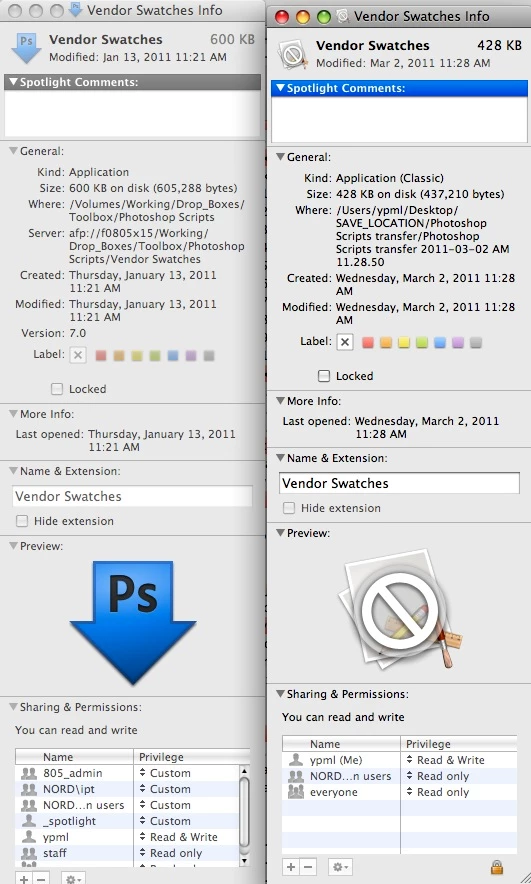
I don't use File.copy() myself it creates a 'NEW' file which makes it pretty useless to me. My Retrospect back-ups would be never ending.  It looks like form your images you are making a copy across from mounted server? From a personal point of view I would have the system do the copy/moving of files… Here are a few functions that may be of use to you… Copying files/folders you could do this with the shells 'cp' or 'ditto'
Using cp…
#target photoshop

var source = Folder.selectDialog('Select a Folder to Copy from?');
var dest = Folder.selectDialog('Select a Folder to Copy to?');

if (source != null && dest != null) {
     var res = cpFiles(source, dest);
     alert(res);
}

function cpFiles(sf,df) {

     var comm = 'cp ';
     var optns = '-R ';
     var sPath = "'" + sf.fsName + "/' ";
     var dPath = "'" + df.fsName + "'";

     var sh = comm + optns + sPath + dPath;
     var res = undefined;
     var sh = app.system(sh);
     !sh ? res = true : res = false;
     return res;

}
And much the same using ditto…
#target photoshop

var source = Folder.selectDialog('Select a Folder to Copy from?');
var dest = Folder.selectDialog('Select a Folder to Copy to?');

if (source != null && dest != null) {
     var res = dittoFiles(source, dest);
     alert(res);
}

function dittoFiles(sf,df) {

     var comm = 'ditto ';
     var optns = '';
     var sPath = "'" + sf.fsName + "/' ";
     var dPath = "'" + df.fsName + "'";

     var sh = comm + optns + sPath + dPath;
     var res = undefined;
     var sh = app.system(sh);
     !sh ? res = true : res = false;
     return res;

}
And as you mentioned back-up… here are a few things you could use before/after your process to store/back-up whichever…
ZIP a folder…
#target photoshop

var source = Folder.selectDialog('Select a Folder to create ZIP From?');

if (source != null) {
     var res = makeZIP(source);
     alert(res);
}

function makeZIP(sf) {

     var comm = '/usr/bin/ditto ';
     // These should be default after 10.4 Tiger?
     var optns = '-c -k -rsrc --keepParent ';
     var sPath = "'" + sf.fsName + "' ";
     var dPath = "'" + sf.fsName + '.zip' + "'";

     var sh = comm + optns + sPath + dPath;
     var res = undefined;
     var sh = app.system(sh);
     !sh ? res = true : res = false;
     return res;

}
Disk Image a folder…
#target photoshop

var source = Folder.selectDialog('Select a Folder to create Disk Image From?');

if (source != null) {
     var res = makeDiskImage(source);
     alert(res);
}

function makeDiskImage(sf) {

     var comm = 'hdiutil create ';
     var optns = '-srcfolder ';
     var sPath = "'" + sf.fsName + "' ";
     var dPath = "'" + sf.fsName + '.dmg' + "'";

     var sh = comm + optns + sPath + dPath;
     var res = undefined;
     var sh = app.system(sh);
     !sh ? res = true : res = false;
     return res;

}
And lastly TAR Archive a folder…
#target photoshop

var source = Folder.selectDialog('Select a Folder to create TAR Archive From?');

if (source != null) {
     var res = makeTAR(source);
     alert(res);
}

function makeTAR(sf) {

     var comm = '/usr/bin/tar ';
     var optns = 'cjvf ';
     var dPath = "'" + sf.fsName + '.tbz' + "' ";
     var sPath = "'" + sf.fsName + "'";

     var sh = comm + optns + dPath + sPath;
     var res = undefined;
     var sh = app.system(sh);
     !sh ? res = true : res = false;
     return res;

}
They are for 'mac' and all expect a folder object or two…
 AdChoices