Question
Photoshop Elements 12 doesn't scale to the screen.
I have encountered an issue with trying to install Photoshop Elements 12 on the new computer with Windows 10.
The program got installed but appears to be in a miniaturized version - not scaling properly to the screen.
Please see the screenshots below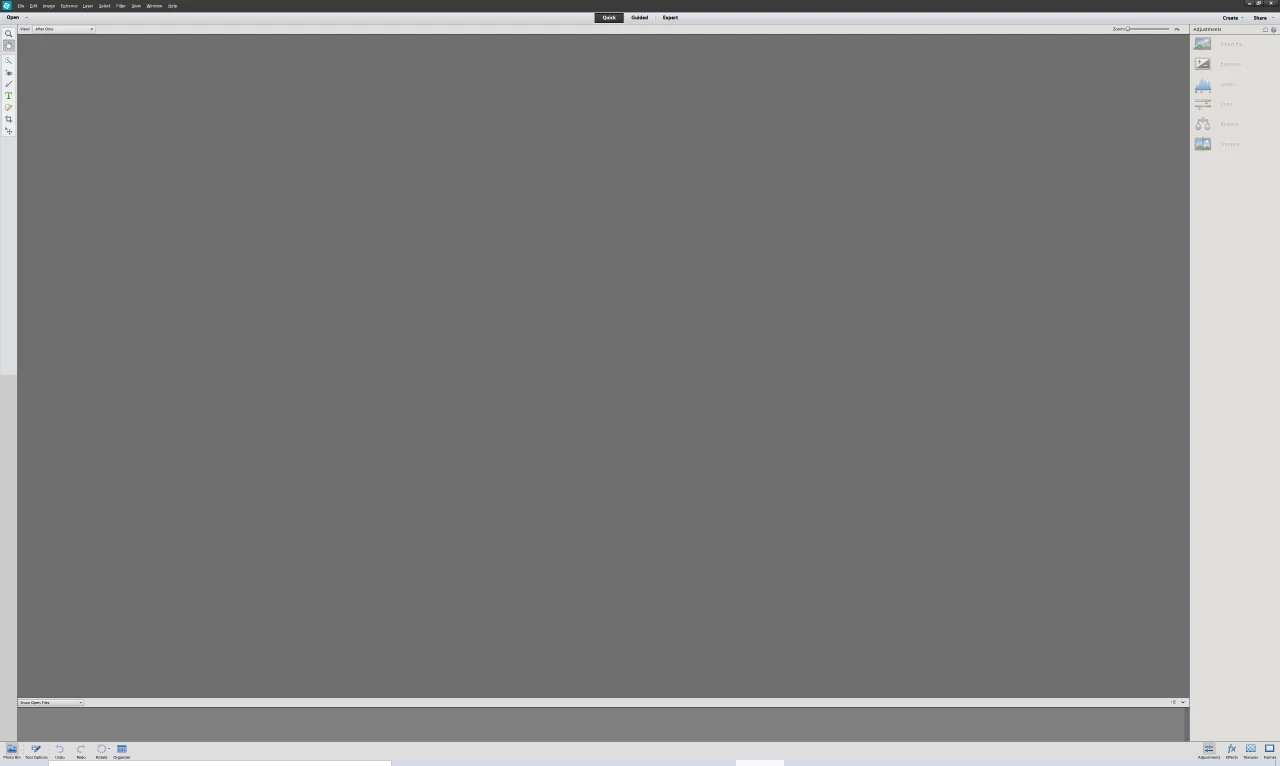
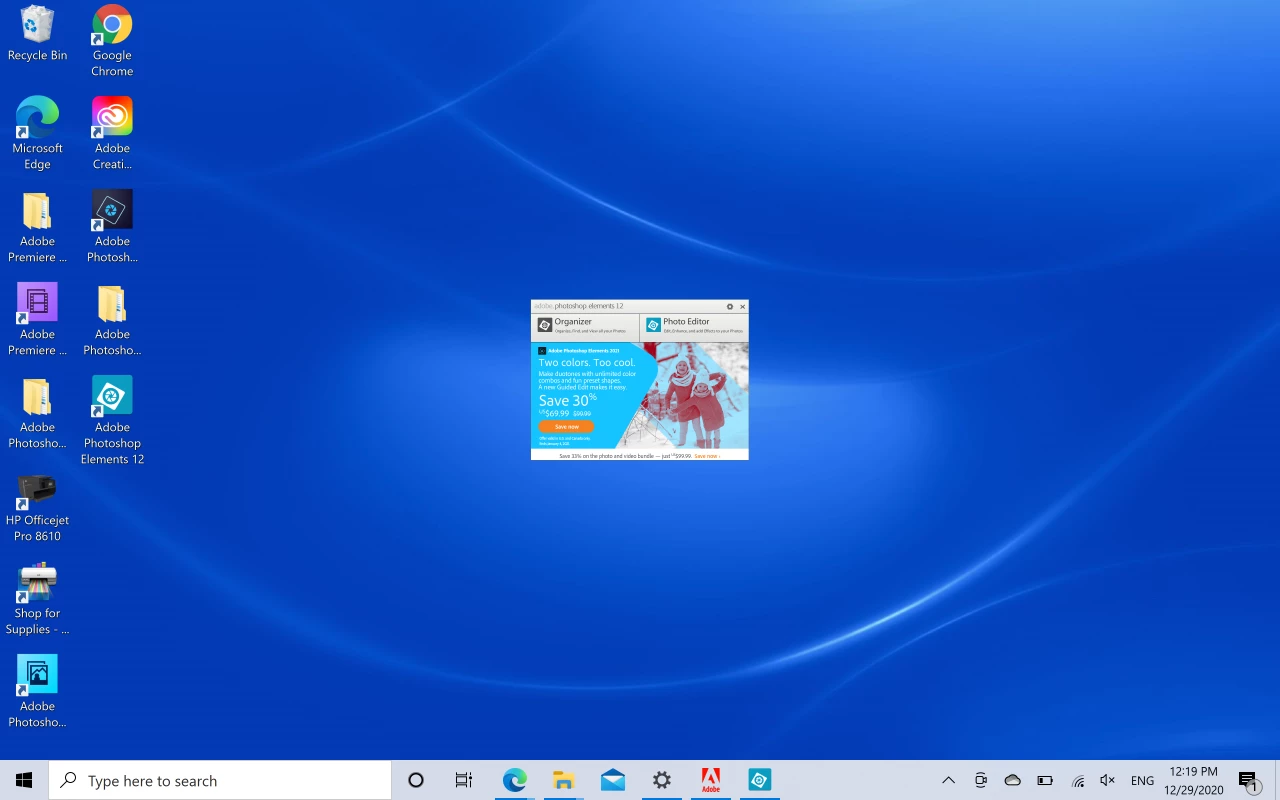
My display resolution is 3840x2400.
The Photoshop Elements settings in Display & Cursors don't have option to change to the high resolution display settings.
Is there any way to make this work?
I would appreciate if one can suggest a way to fix it without just going for the newer version of the software.
Thank you and kind regards
 AdChoices