Question
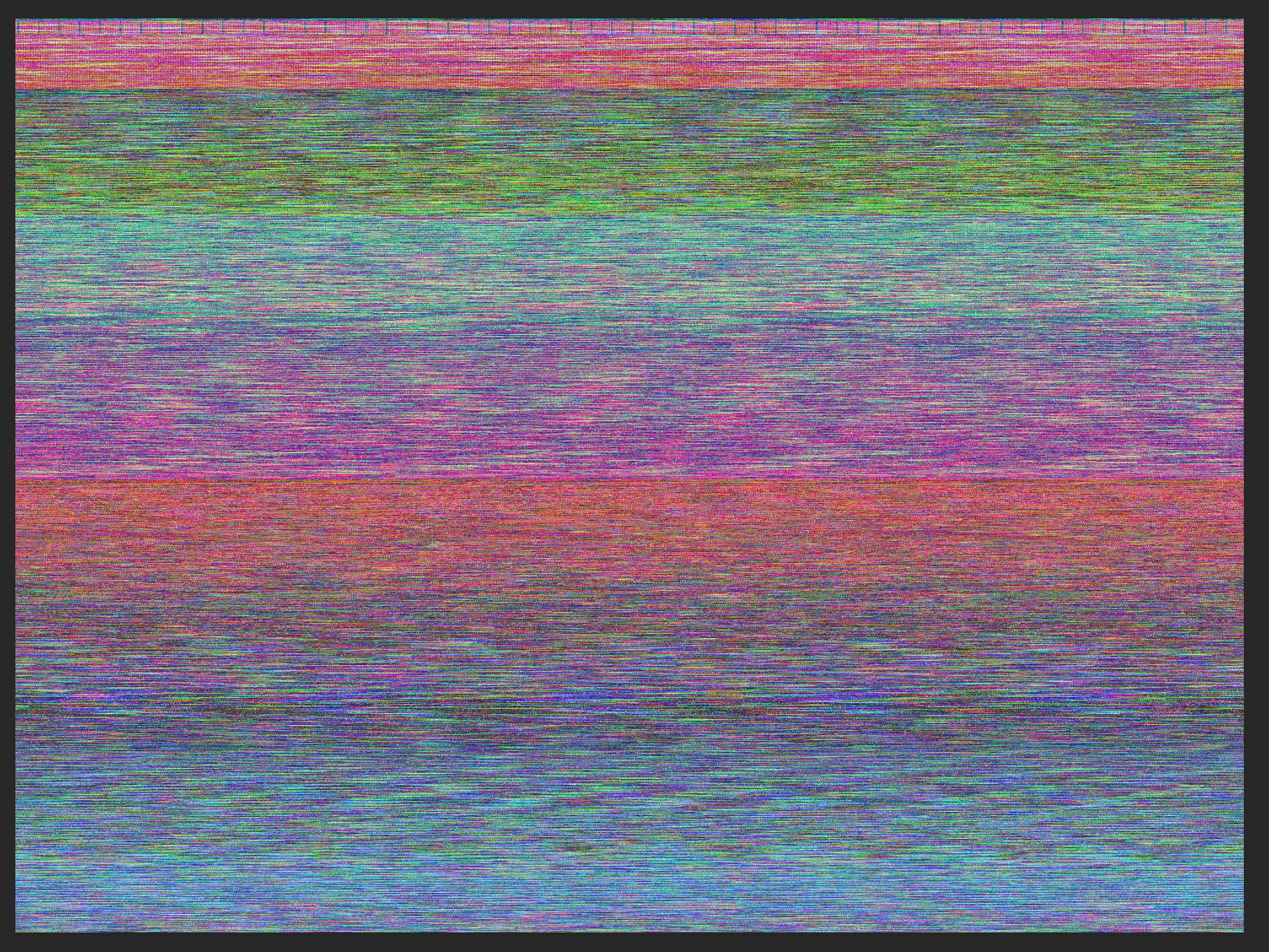
Photoshop file corrupted shortly after creating
Hi! I've been editing some old family photos, nothing crazy complicated, and recently after finishing one it somehow got corrupted and now looks like this. No layer information, no nothing. I tried searching in the AutoSave and Temp folders to see if I could find a non-corrupted version, but those folders are empty. Any idea on how I can recover this file, or is it just bad luck and it's gone? Why did this happen in the first place?
System info:
Photoshop 2020 v 21.2.0
Mac OS Catalina v10.15.7, on iMac (late 2015 model)
File size: 31.2mb
 AdChoices