Known Participant
May 1, 2022
Question

Photoshop freeze after opening more than 2 psd files

  • May 1, 2022
  • 2 replies
  • 202 views

I have all the updated drives and updated versions but still couldn't solve the freezing issue.
please advise
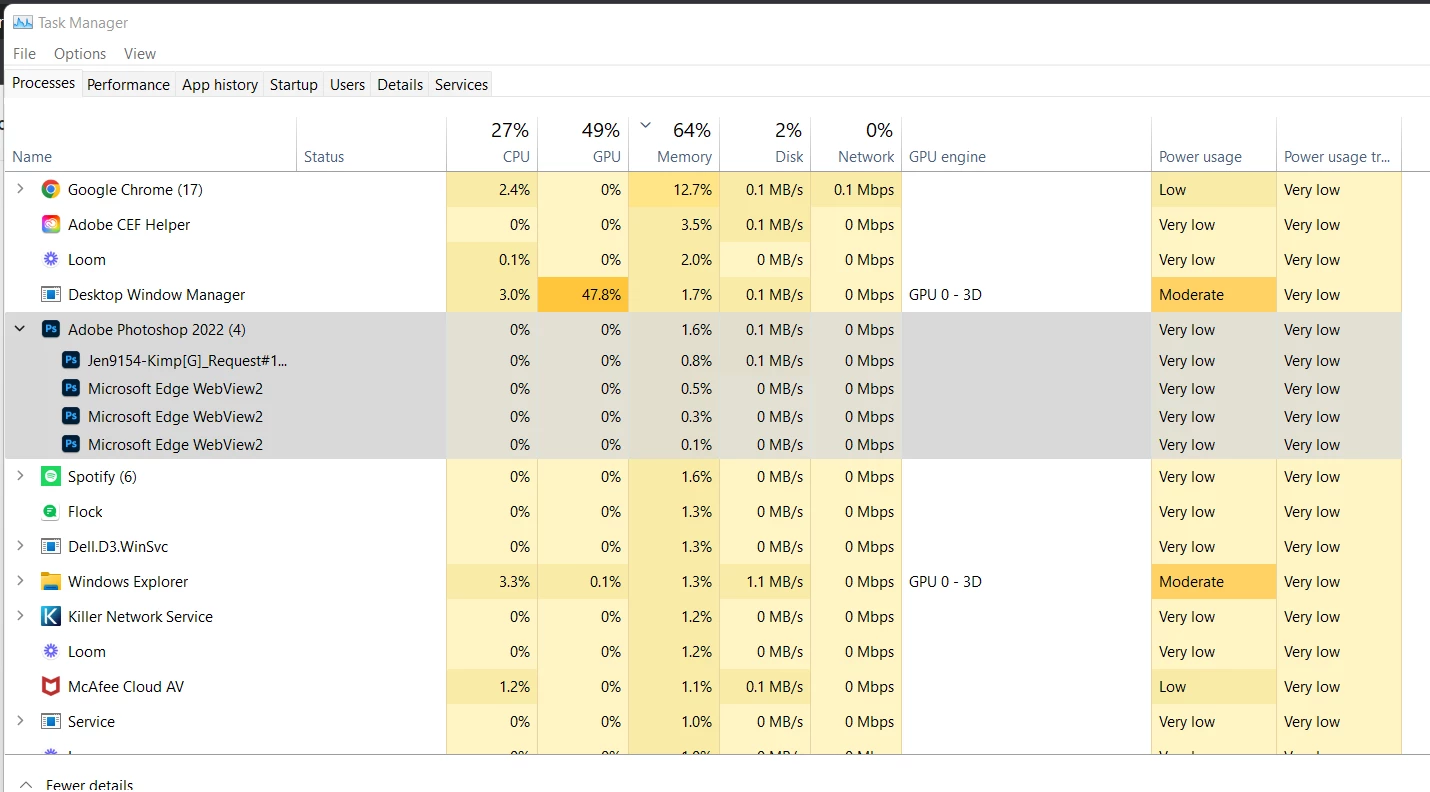
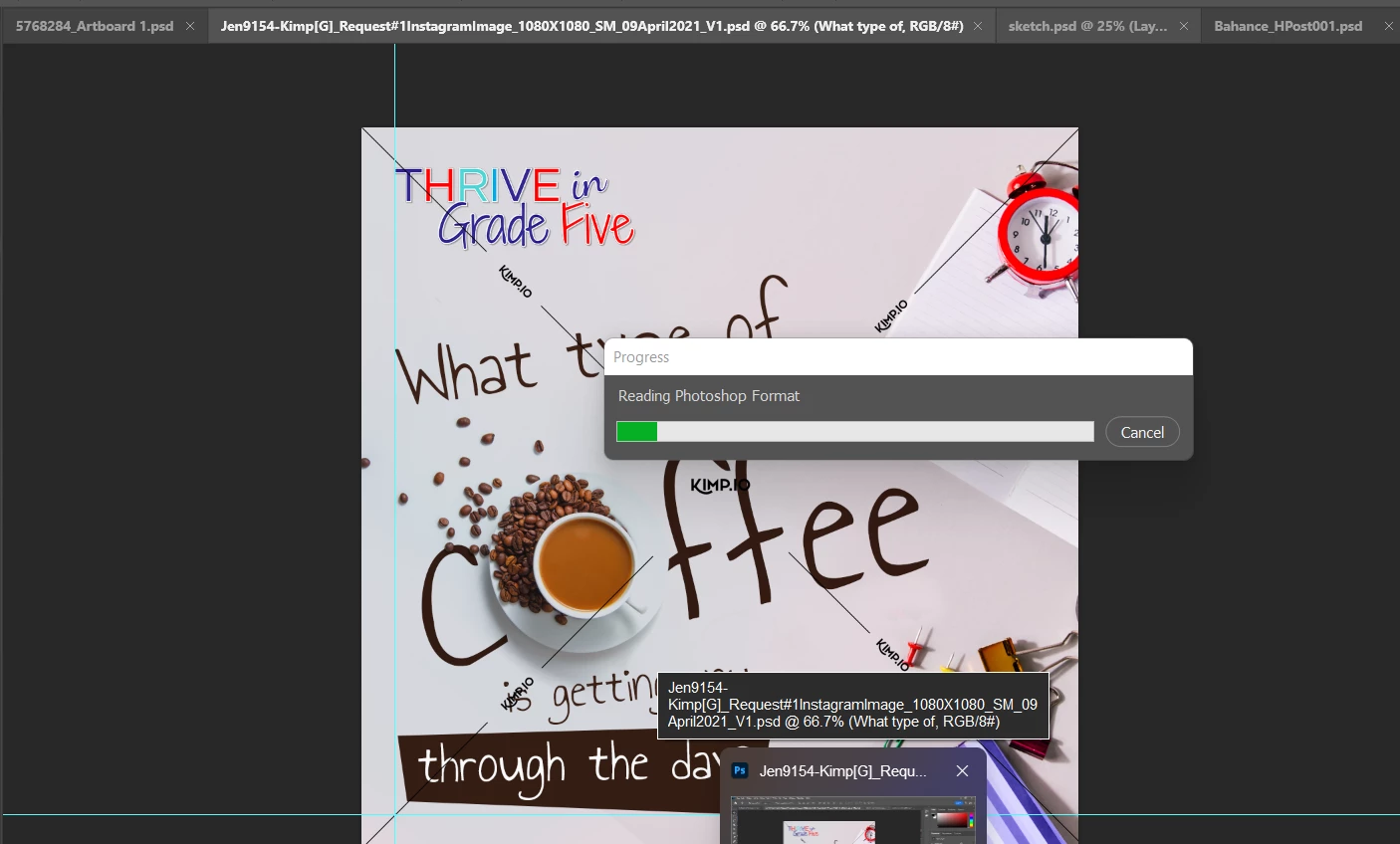
 

Its like this for last 10  -15 mins


This topic has been closed for replies.

2 replies

TheDigitalDog
Inspiring
May 1, 2022

When Photoshop crashes or freezes, this is the first thing to do, try resetting your Photoshop preferences. Press and hold Alt+Control+Shift (Windows) or Option+Command+Shift (Mac OS) immediately after launching Photoshop. You will be prompted to delete the current settings. You can also reset preferences upon a quit if Photoshop is running by going into General Preferences>General>Reset on Quit.


If that doesn't work, a few other areas to try: Go to Preferences > Performance... and uncheck Multithreaded Compositing - and restart Photoshop. Better? 

If that doesn't work, Go back into Preferences > Performance... click Advanced Settings... and uncheck "GPU Compositing" - then restart Photoshop. Better? 

Author “Color Management for Photographers" & "Photoshop CC Color Management/pluralsight"
kathrinn81084596
Participant
May 1, 2022

Same here. The latest version of PS seems to be crating all kinds of problems. Some of us need to make money with this program and if it's not working, I don't know why I'm even paying for it! And there seems to be no solution from Adobe even though I've read a bunch of threads with sveral issues on here. This is just annoying.

Derek Cross
Community Expert
Community Expert
May 1, 2022

Which (exact) version of Photoshop and OS?

How much RAM and spare hard disk capacity do you have?

Have you tried resetting the Photoshop preferences?

What kind of problems – please describe, we're not mindreaders!