Question
Photoshop frozen
I have opened up my Photoshop to process a raw file from my Nikon 7200 and the application has frozen.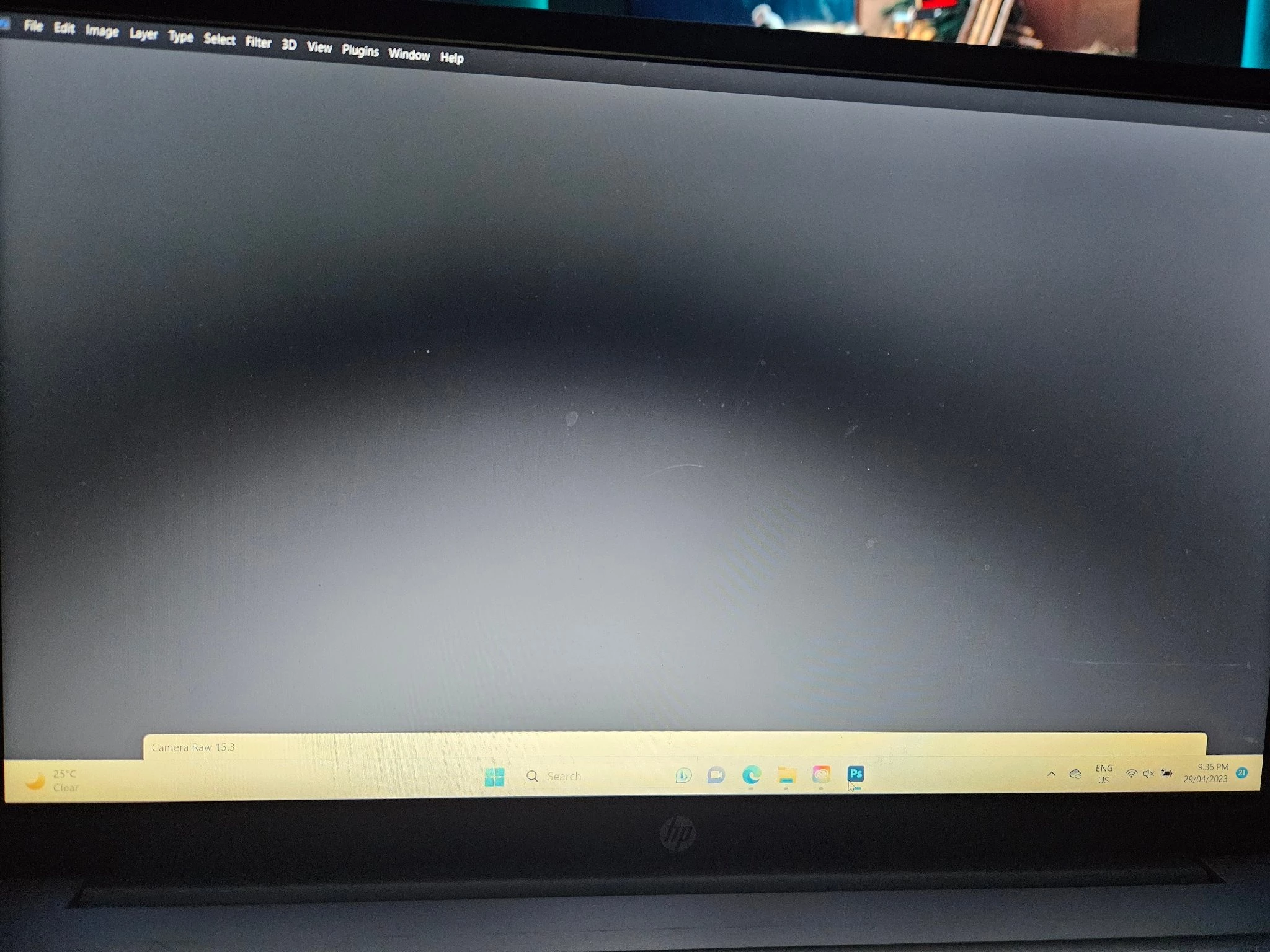
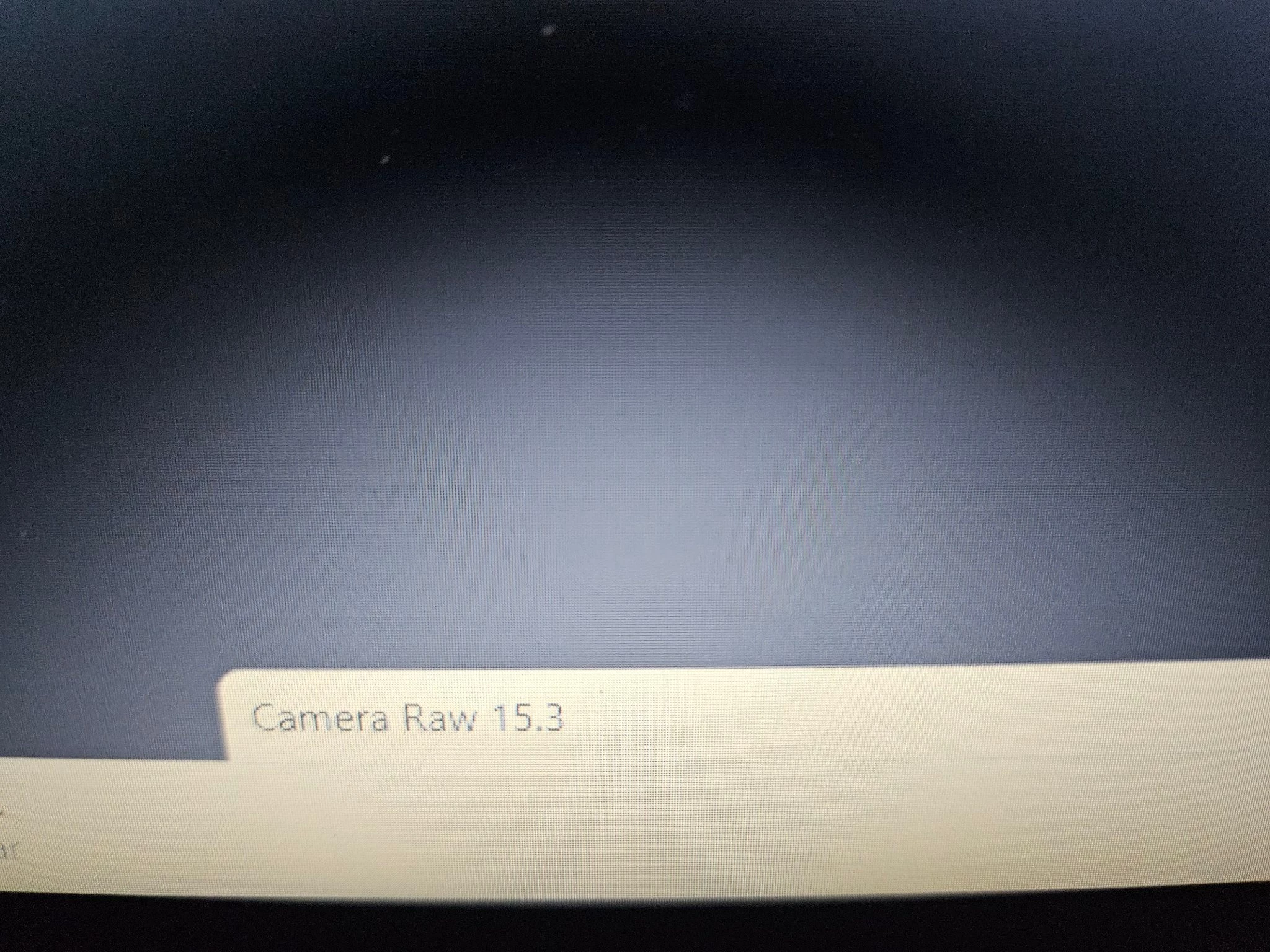
I have uninstalled and reinstalled photoshop and still get the above error. Any ideas what I am doing wrong

I have opened up my Photoshop to process a raw file from my Nikon 7200 and the application has frozen.
I have uninstalled and reinstalled photoshop and still get the above error. Any ideas what I am doing wrong
Already have an account? Login
Enter your E-mail address. We'll send you an e-mail with instructions to reset your password.
 AdChoices