Participant
January 21, 2019
Question

Photoshop Generate Assets changing colours

  • January 21, 2019
  • 2 replies
  • 3119 views

Hi there,

In photoshop I used "generate assets".. in the past i've had no issues with the colours of the assets it generates. However using it lately it seems to be changing the colours of what is generating.

For example, when I export this out the normal way - File, Export etc

It produces this export, which is the correct colour.
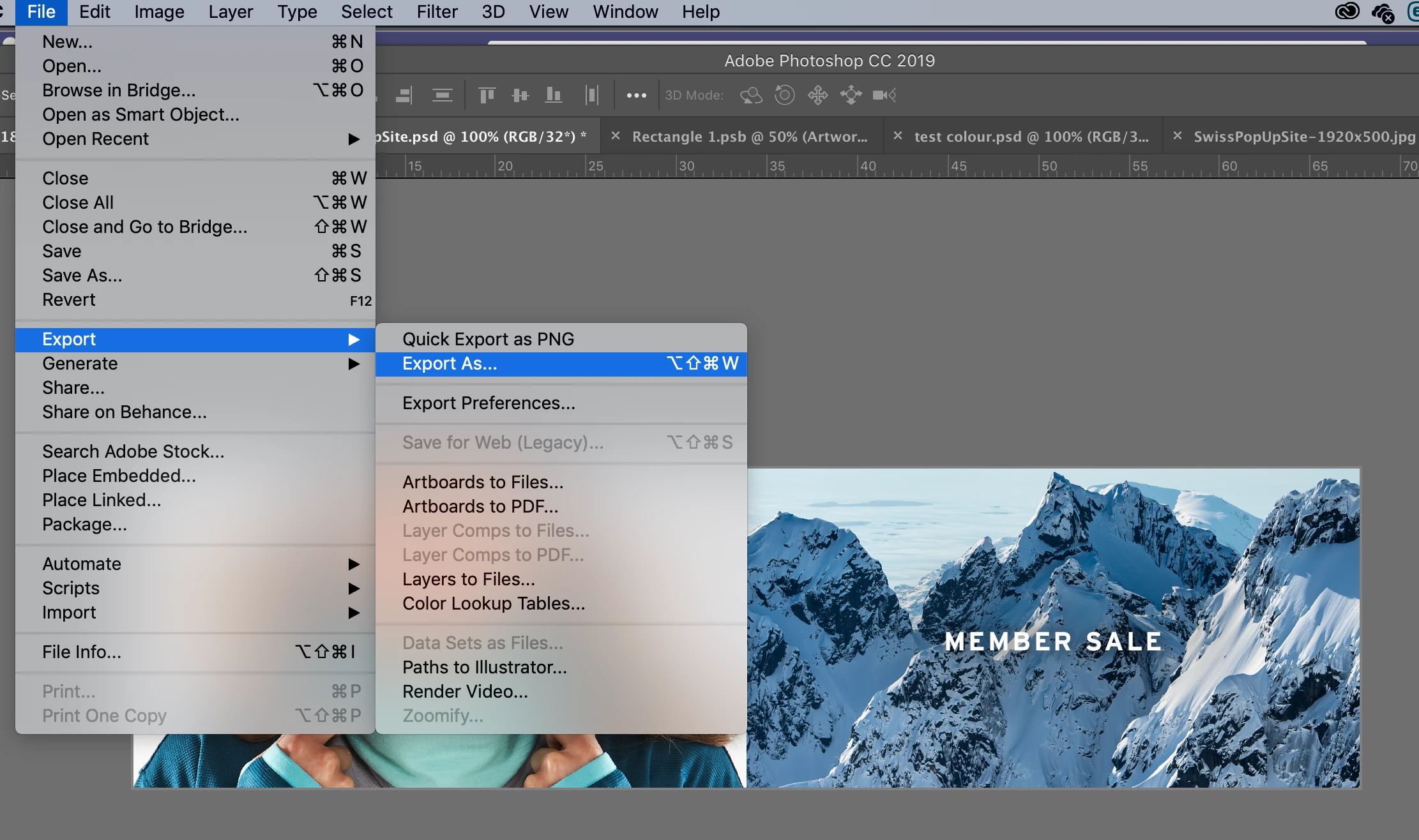
But when I use "Generate Assets" it producing this color output. Which is wrong.

Can anyone help me? I have checked the colour profiles on bridge and photoshop and they are all correct. The images are RGB not CMYK, I have tried doing the same thing with another file and it's done the same thing? Any suggestions are welcome, I use generate assets alot and I'm really hoping this isn't a bug in the new Photoshop version?

This topic has been closed for replies.

2 replies

Participating Frequently
August 17, 2020

Thanks for posting.

Participant
August 4, 2022

This method flattens any and all layers in my file. Is there another solution?

Community Expert
January 21, 2019

Hey, you wrote you're working in RGB, but, are you also sure you're working in the sRGB-mode? I ask this because the Generate function doesn't convert color profiles. The Export function does.

Maybe you're problem is solved when you first try to do this:

Go to Edit > Convert to profile and choose: sRGB IEC61966...

Generate your assets again.

I hope this helps :-D

Participant
February 21, 2019

I've noticed that if you have a hidden folder in your layers with a color filter, the color filter is still applied when generating assets. I create multiple versions in one document and when I look at the generated assets, the color filters are still applied even though they are turned off.

Participant
October 17, 2020

Thank you, OMG I was going insane looking for an answer