Participant
August 9, 2018
Answered

Photoshop glow around mask selection

  • August 9, 2018
  • 1 reply
  • 2481 views

Dear Readers,

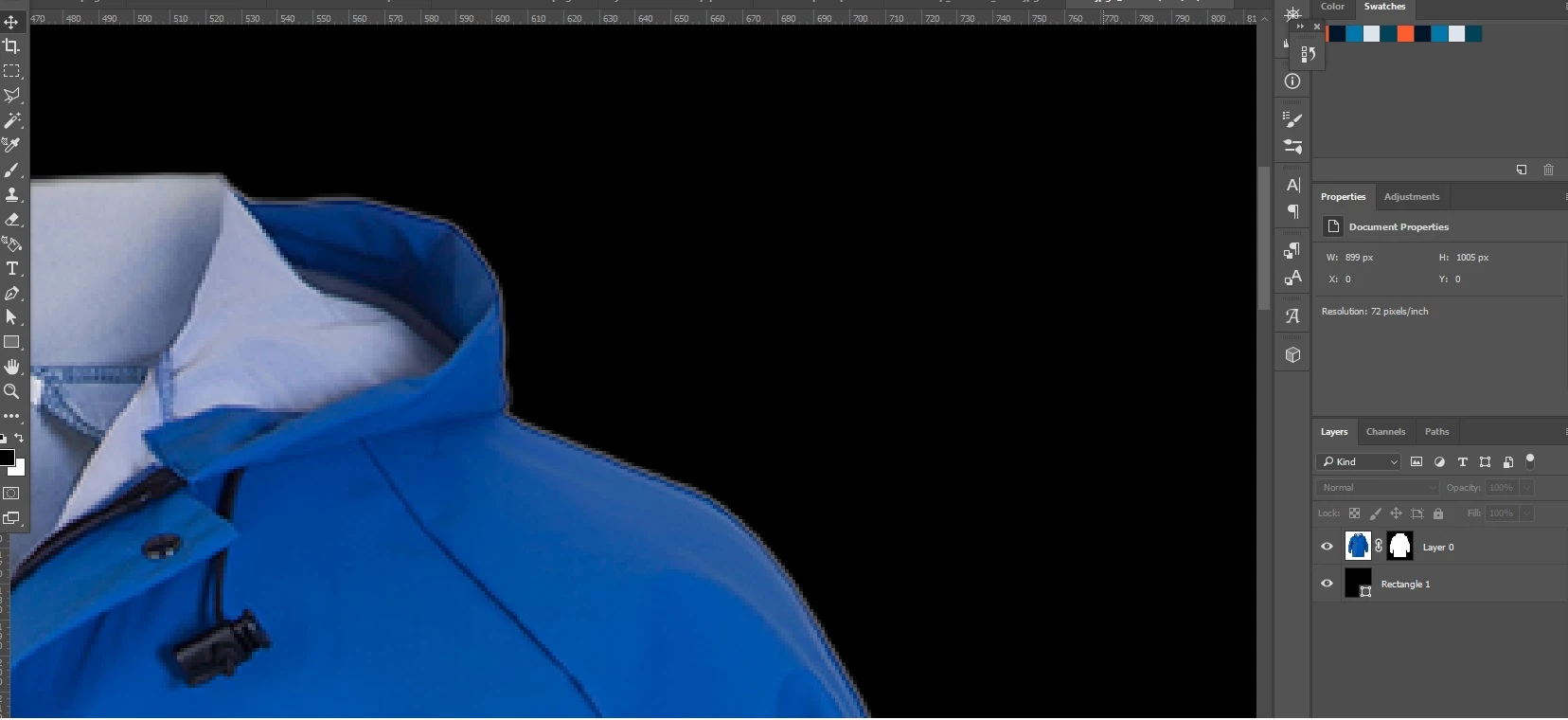
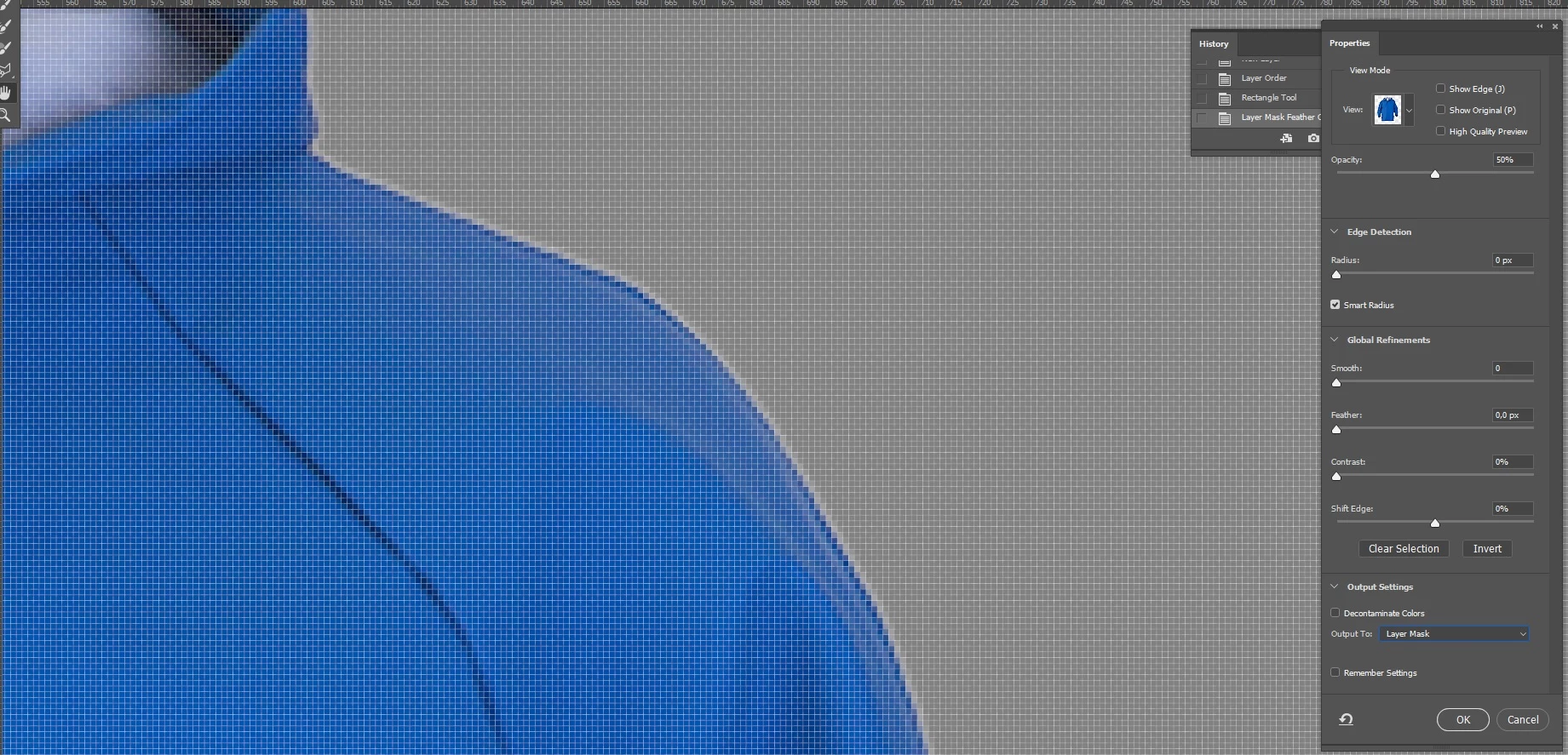
I'm using the cool "Select and mask tool" alot. Recently i have a strange glow around all my selection.

Can anyone please tell me what i'm doing wrong, and how to fix this issue:D

Its looks like a need a negatieve feathering?

    This topic has been closed for replies.
    Correct answer davescm


    Hi

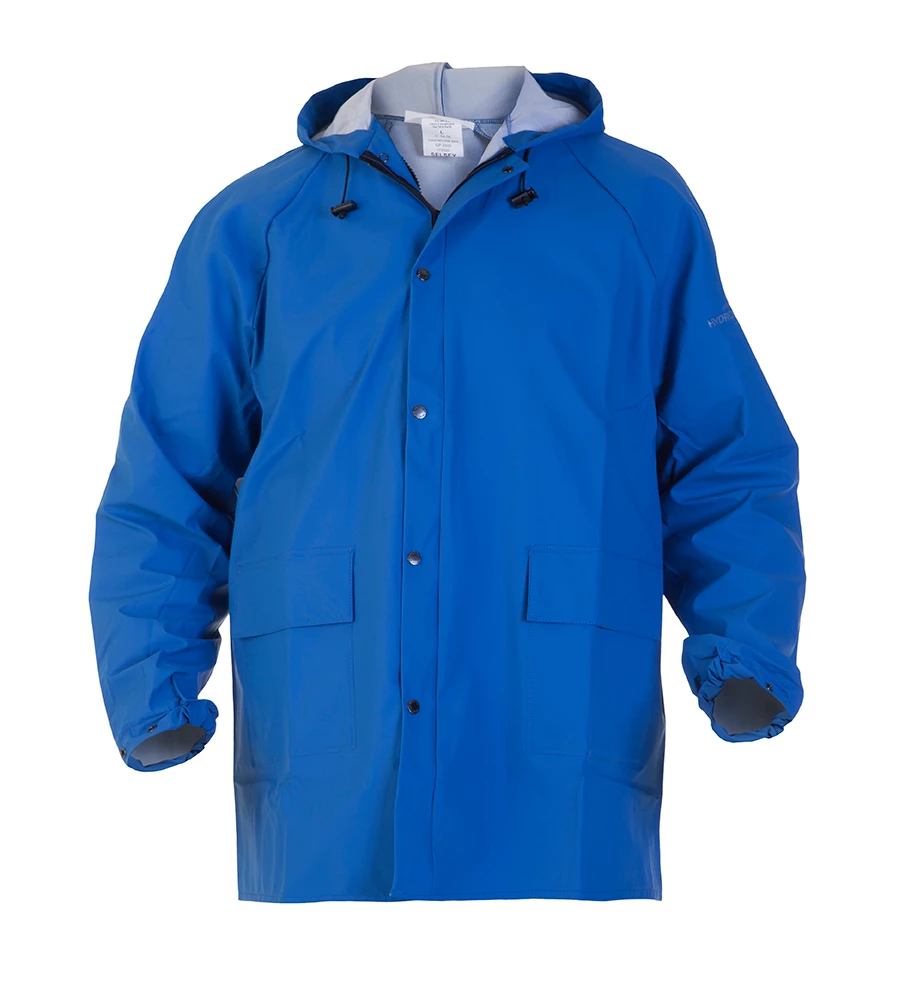
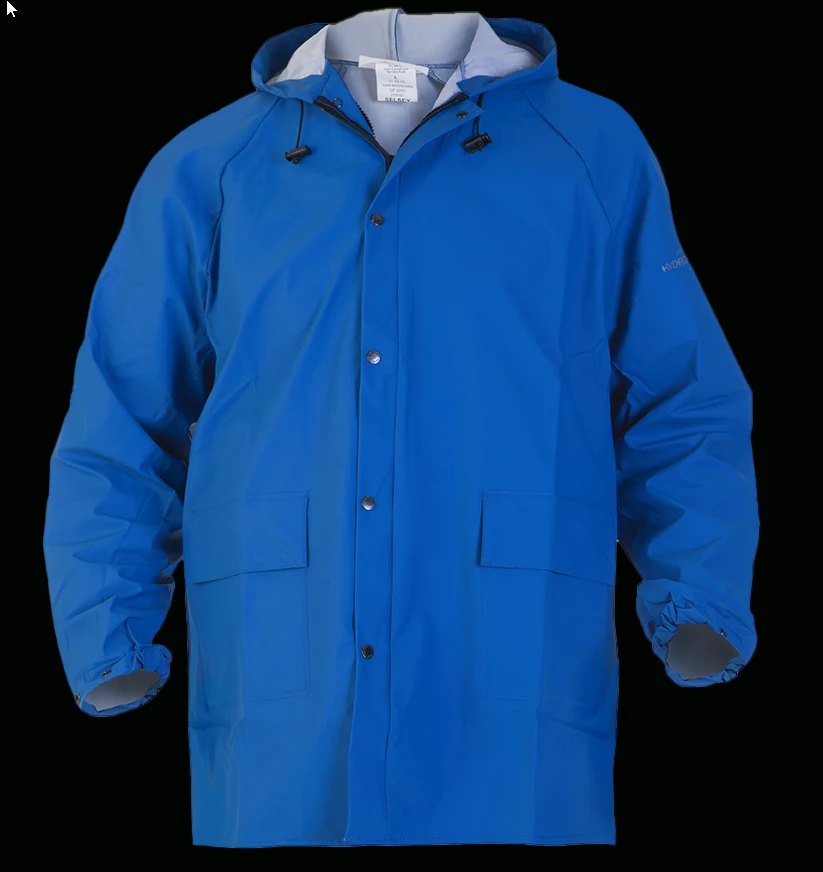
    The effect that you are seeing against the black mask is there in the original image so is not really a shortcoming of the mask.

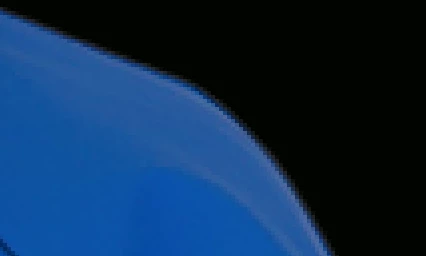
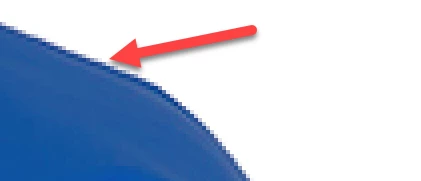
    Your original at 100% zoom shows these very light grey edge pixels
    Using "Select Subject" is including those pixels in the "wanted" area
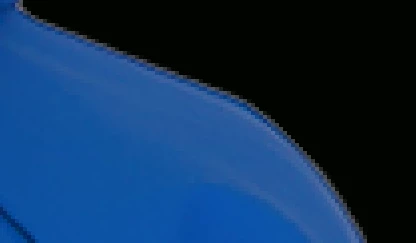
    Using Shift edge takes them out
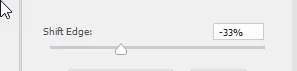
    At 100% zoom, after shifting the edge:
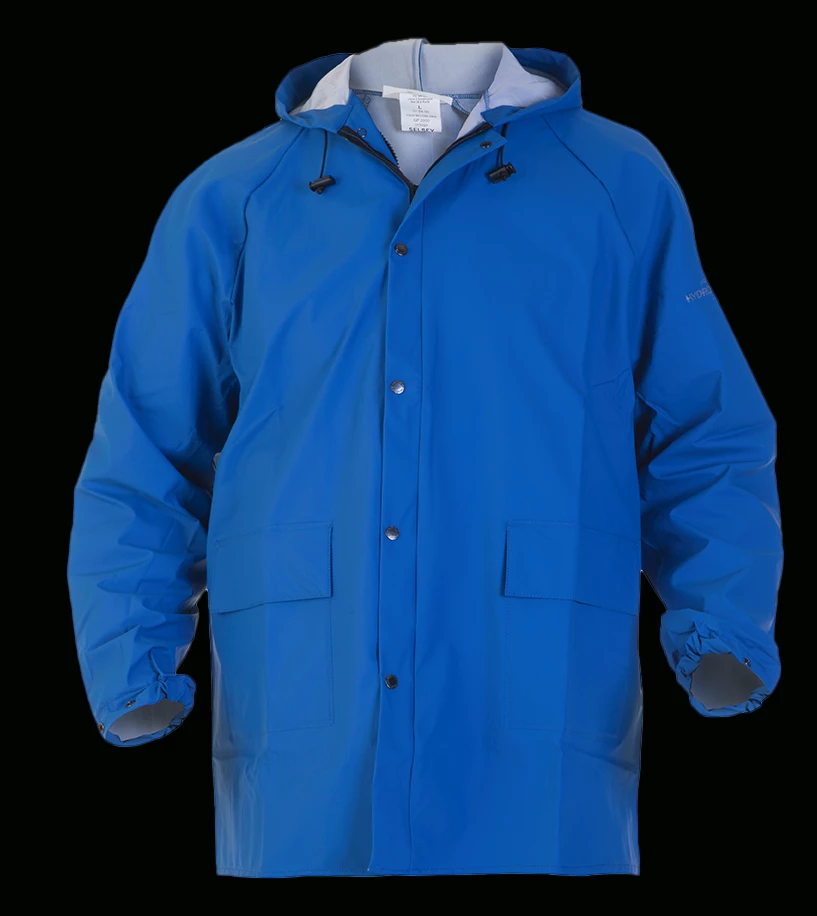
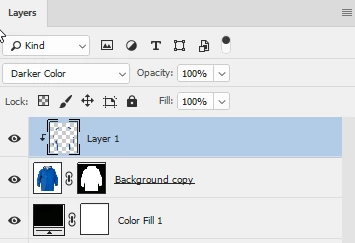
    If you want to continue and take out the reflection from the white background on the surface of the material, add a new layer and clip it to the masked coat layer (Alt-Click on border netween the two in the layers panel). Set the blending mode to Darker Colour and use a soft brush to pick up colour from the coat and brush over those light reflections.
    Dave

    1 reply

    davescm
    Community Expert
    Community Expert
    August 9, 2018

    Hi

    It looks like you have some semi transparent pixels around the edge which is not unusual when you are zoomed in that far (you are showing the pixel grid, so are zoomed in to at least 400%).

    If it is causing problems in real life at 100% zoom the try Shift Edge to bring the mask in slightly

    Dave

    Participant
    August 9, 2018

    Hi Dave,

    Thanks for the fast reply. Its also shows up at < 100%. Before the mask tool works great.

    Is there anything else you would recommend to change, without shifting the egde?

    davescm
    Community Expert
    Community Expert
    August 9, 2018

    Hi

    Without seeing the original (before masking) it is hard to advise on the best way to mask it. Can you post the original (or a section of it) at 100%.

    Dave