
Photoshop Gradient issues
Hello All,
I've seen this in a few other forum posts but couldn't really figure it out. And instead of commenting on something a couple of years old I figured I'd start my own forum thread.
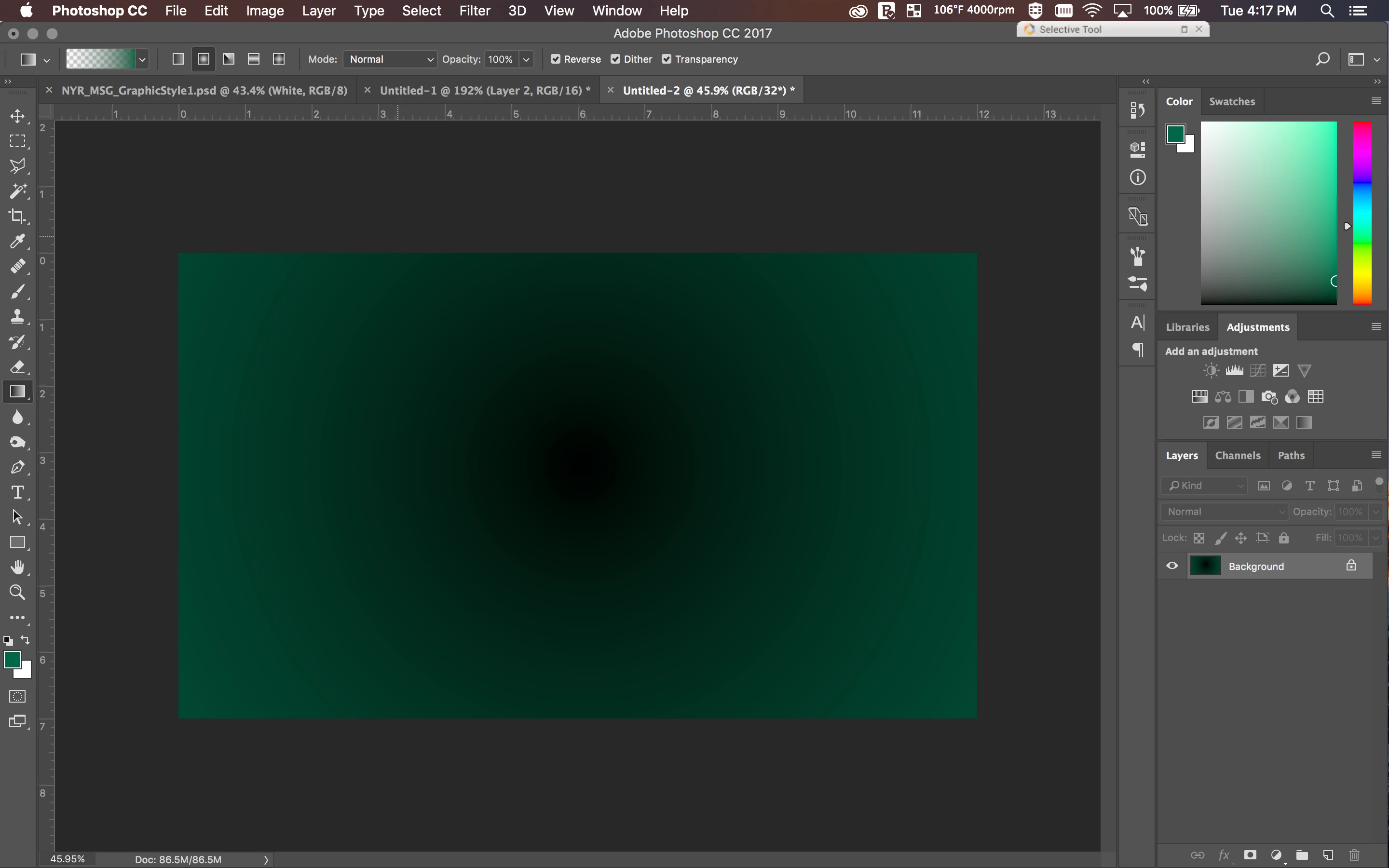
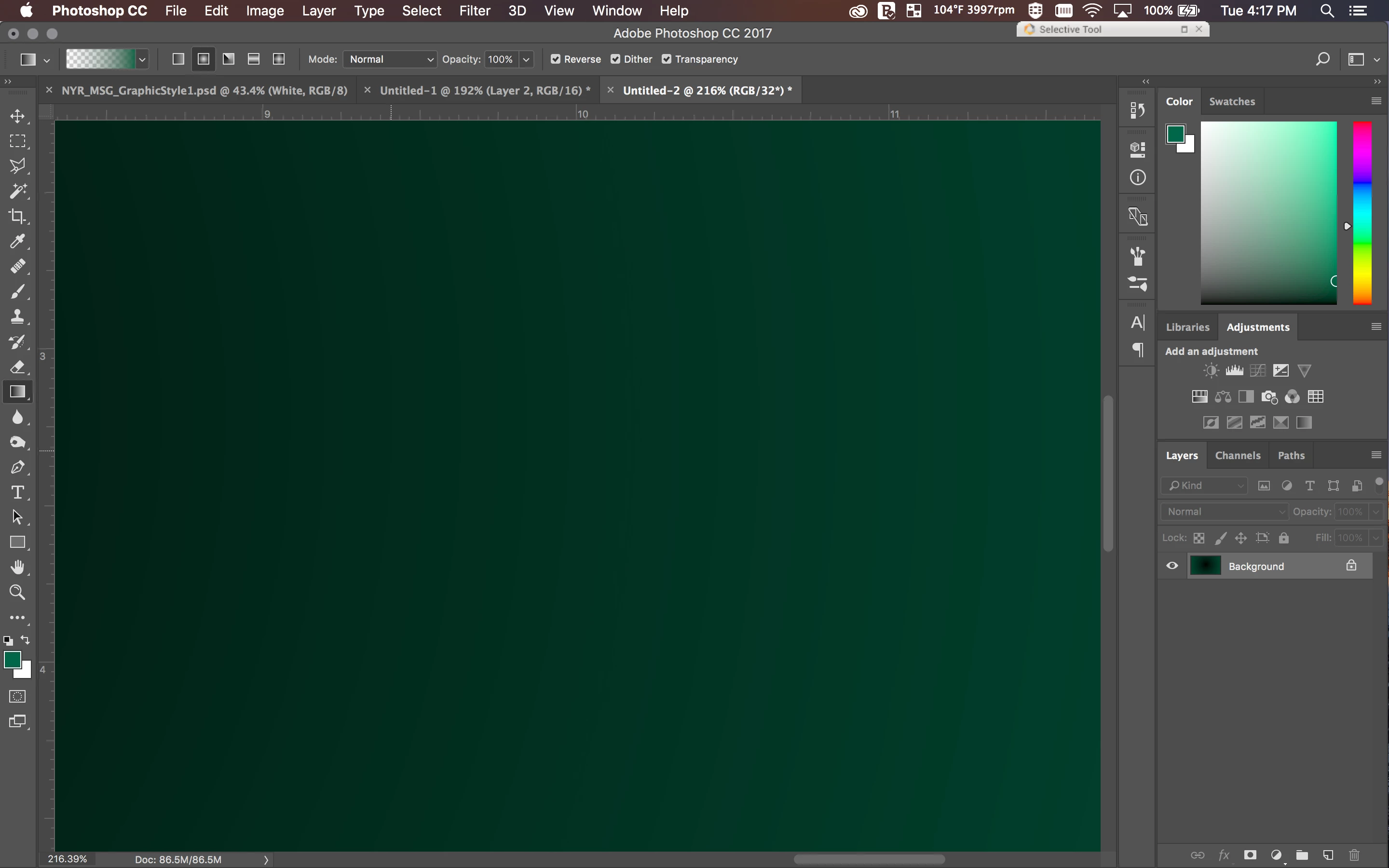
I'm running into this gradient issue. I figured it could be the 8-bit vs 16 vs 32-bit stuff but that doesn't really fix it. I'm on a Mid-2014 Macbook Pro Retina that's provided through work. It has a GT 750M gpu with the 2.5 Ghz intel i7. I'm guessing it could be a graphics issue but I have no idea why it's doing this.
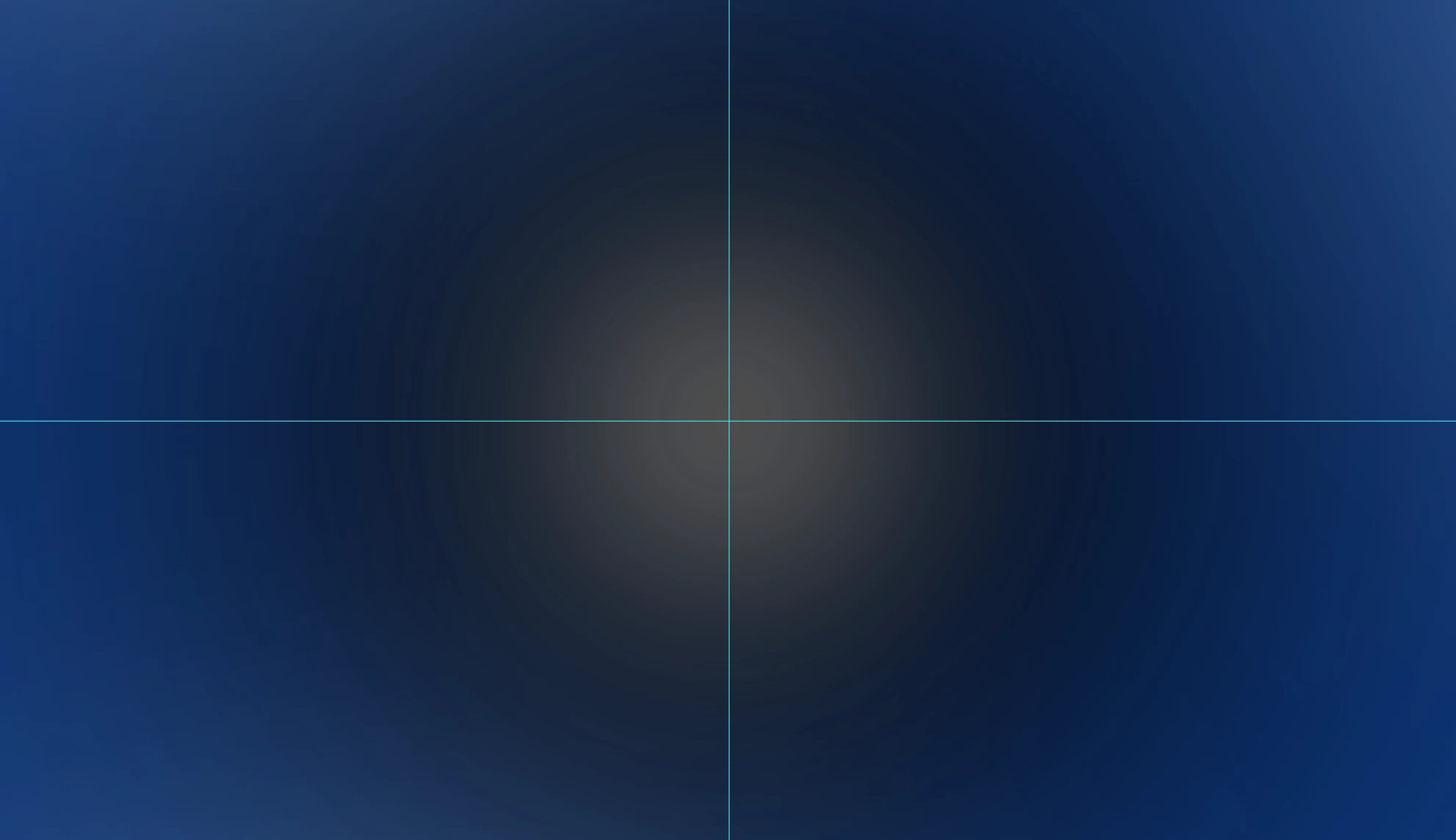
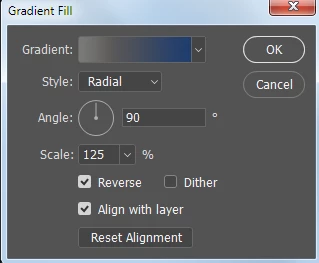
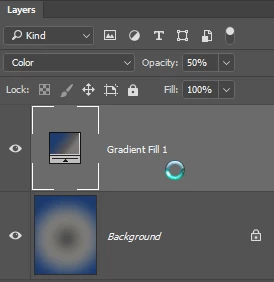
I'm running into the issue of having a gradient create rings within the gradient. I read through some of the other forum posts and tried switching between 8-bit, 16-bit, and 32-bit to see if that fixed it but, with new files, it's still occuring. Any advice? This occurs with both very wide gradients and large brushes with 0% hardness. It's extremely noticeable in the second image - with multiple layers of overlapping color.
Thanks,
T.


 AdChoices