
Photoshop - Help with Automatic Batch Cropping
Hey Guys,
I am attempting to crop a large amount of photos for my organisation but am running into some issues using the Automatic > Batch function.
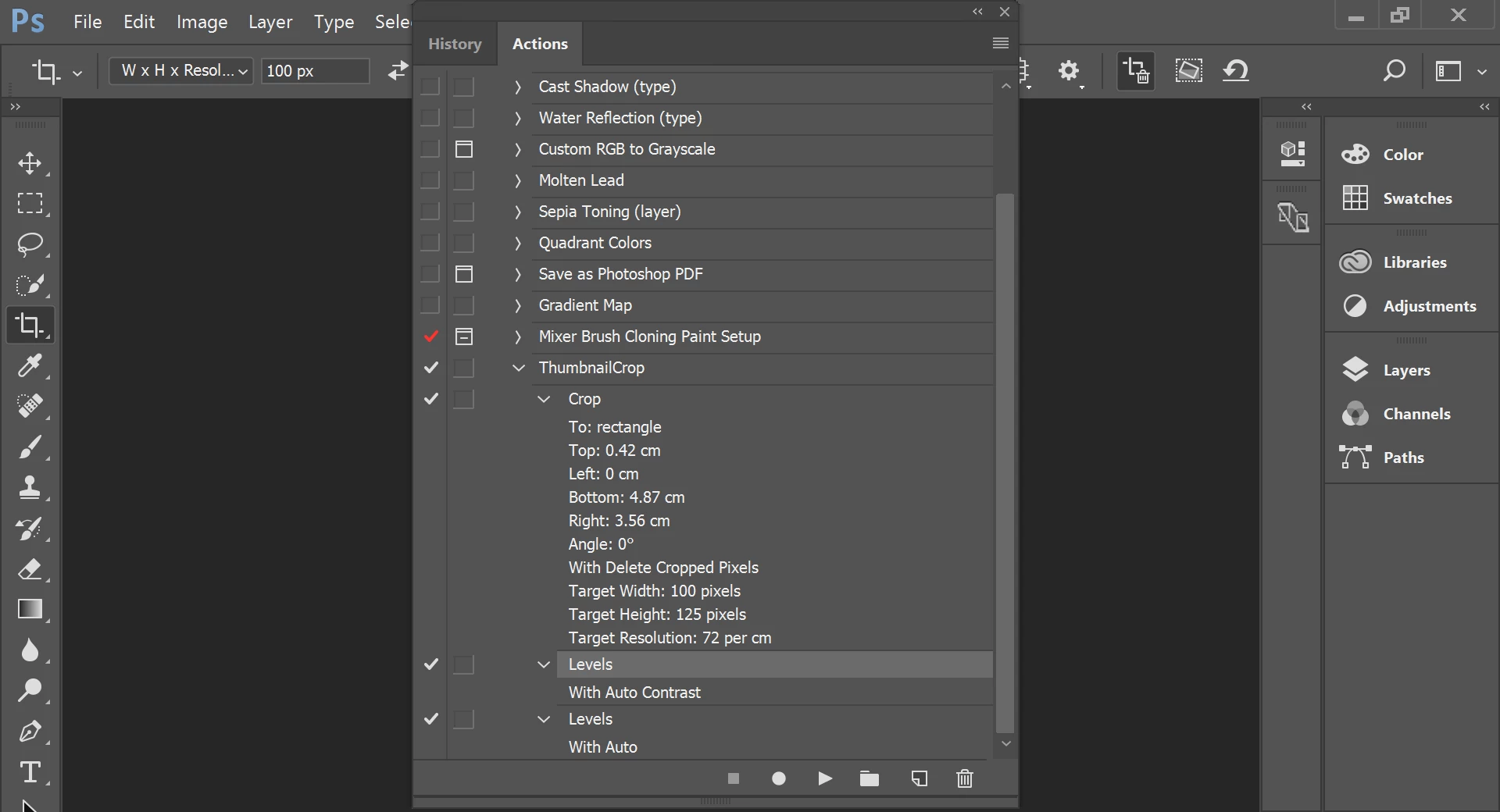
Currently, I have a list of photos that are 420px by 625px and I have set up an Action to Crop them to 120px by 125px. The action then automatically adjusts contrast/tone.
When running the Automatic > Batch function, some of the photos save perfectly at the correct size. However, some of them crop to the correct size but only capture the person's upper left forehead. I am unsure why they are doing this.
Things I have tried:
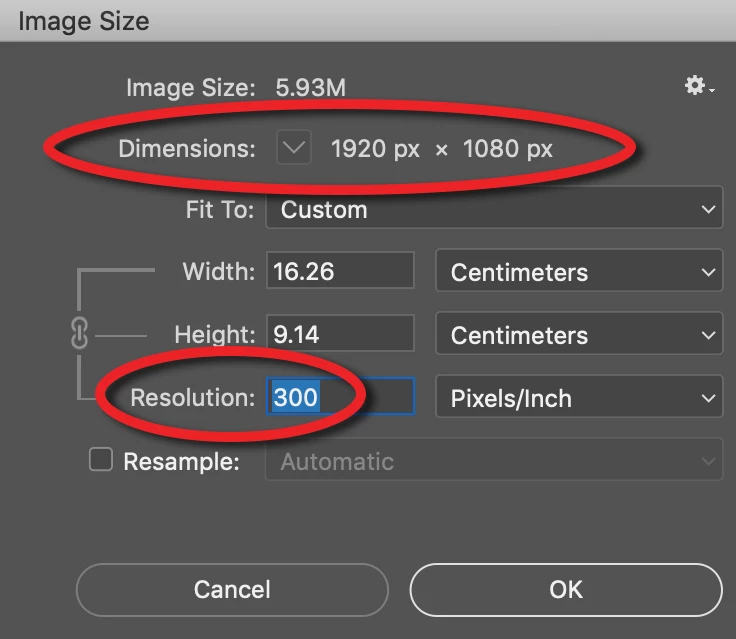
- Double checked all images are same size/resolution.
- Double checked all images are saved in the same format.
- Cropping a few at a time.
- Removing the adjust contrast/tone part of the action.
- Tried both just having a Crop step in the action and Crop > Save As steps.
- Adjusting brightness levels on the problem images before using the Automatic > Batch function.
- Adjusting brightness levels, saving file as a new file and running Automatic > Batch function on both files.
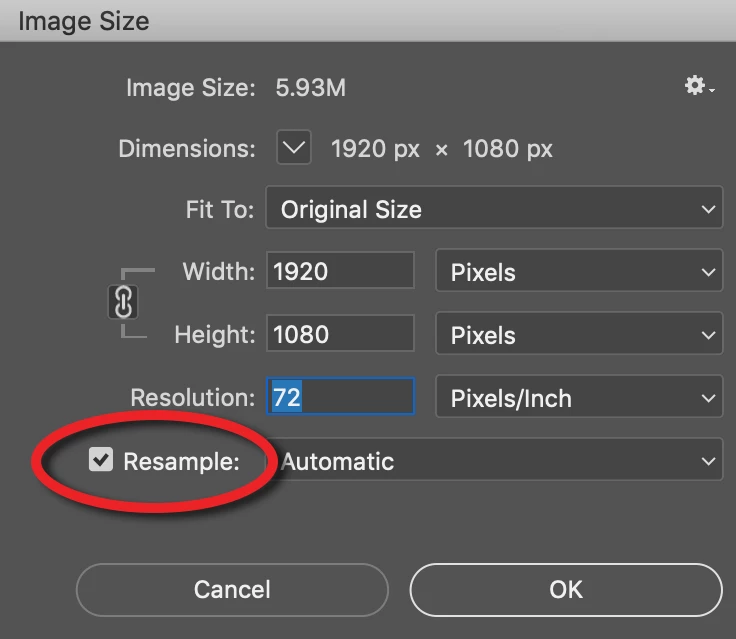
- Different methods of cropping (such as adjusting canvas size, and the image resize function, but these functions do not output a suitable result).
- Copying the problem images and saving them as a new file.
I've identified that the affected issues are all from one particular campus - I've tried images they have taken both outside and inside, but both sets of images experience the same issue.
I've searched high and low on the web for other methods of resolving these but I haven't had any luck. Can anyone provide any insight as to what the root cause of this problem is?
 AdChoices