
m90583877
Known Participant
November 29, 2018
Question

PhotoShop Image Processor Pro distorting images

  • November 29, 2018
  • 4 replies
  • 4864 views

H I am using Image Processor Pro in Photoshop20.0.1, MacOs Mojave.

I am converting a folder of pdf files into jpg.

For some reason image processor completely distorts the images I am trying to convert.  This is the original image:
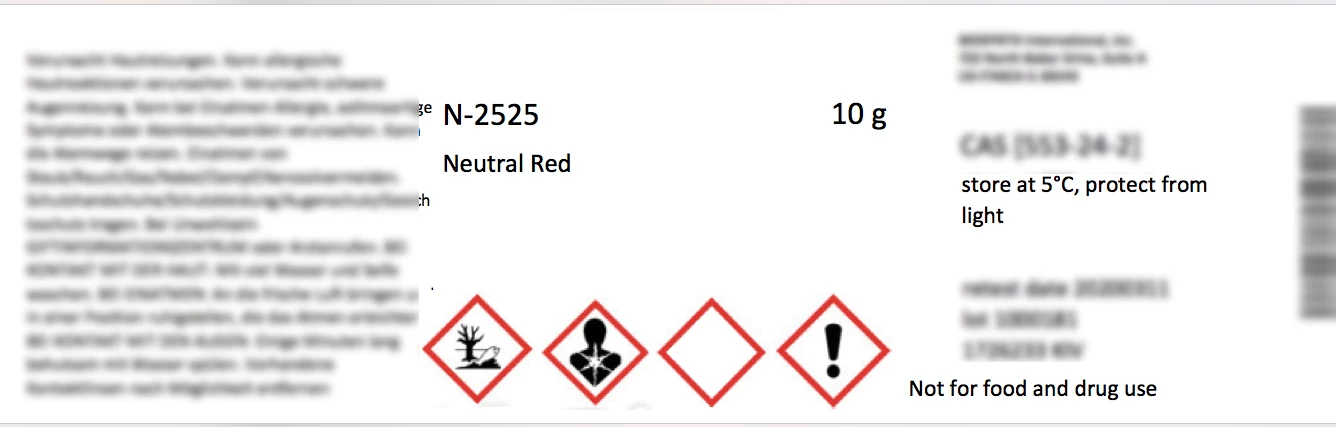
Whether or not I click onto resize image, it keeps converting them into this super weird shape (isn't it not supposed to distort the proportions anyway?):
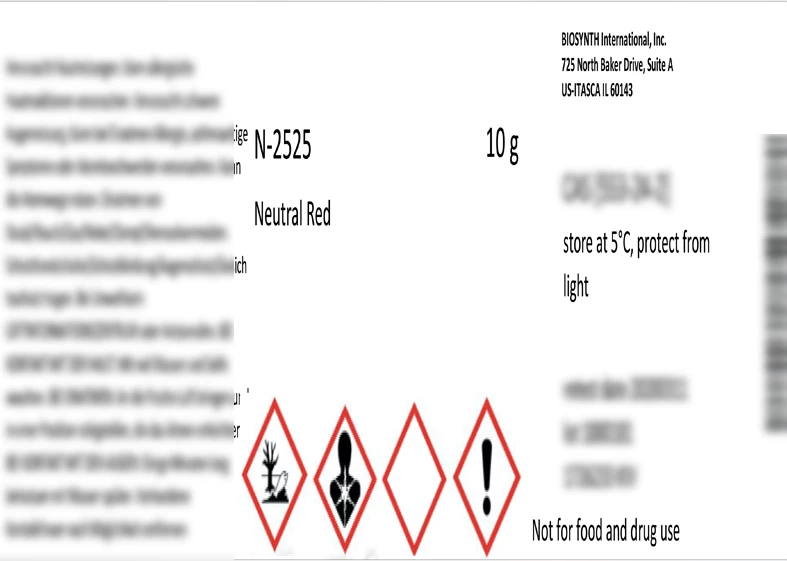
I have tried different pdf files from different sources and this happens to all of them. Why is this happening and how can I fix it?

Thank you!

This topic has been closed for replies.

4 replies

Stephen Marsh
Community Expert
Community Expert
November 11, 2022

Also, beware of the undocumented issue of rasterizing greater than 32000 pixels wide or high will distort the result.

devinl7
Participant
June 13, 2019

I found a solution that works for me. When you Open a PDF in Photoshop, you will have an options menu pop-up. Make sure that you have the check-box filled in next to "Constrain Proportions". This will then change the default for each PDF opened by Image Processor. Leaving this check-box empty will cause Image Processor to resize every PDF in the designated folder to match the resolution of the first PDF that it opens.

I hope this helps anyone else having this problem

This solution was for Photoshop CC 2019 (v20.0.4)

PECourtejoie
Community Expert
Community Expert
June 26, 2019

Thank you for the tip, can anyone affected provide feedback in this thread?

Stephen Marsh
Community Expert
Community Expert
November 30, 2018
m90583877
m90583877Author
Known Participant
December 3, 2018

Thank you for the tip! I installed it and tried processing my files with it but it works really inconsistently. I tried processing the same folder several times and first it stopped after eight files ignoring all the rest in the folder, then when I split it into smaller sub-folders it was sometimes going through all of them but sometimes randomly stopping in the middle.

JJMack
Community Expert
Community Expert
November 29, 2018

Are you including any Actions in you Image Processor Pro runs?  I never Process PDF files with  Photoshop, Does the same distortion happen with Jpeg files?  It look like the image is being resized in an unconstrained way and is enlarged in height but not the width.  As far as I know  Image processors resize is constrained  the image width and height will both be resized the same percentage,

JJMack
m90583877
m90583877Author
Known Participant
November 30, 2018

No, that's the thing - I am not including any actions. I just tried running a jpg into a psd and it works ok, so thin only happens to all my pdf files.

Also if I do include any actions, the whole thing stops working and give me the following message:

If I first process the files, save them and then do the action separately - it works, but if I include the same action into the image processor everything breaks.

PECourtejoie
Community Expert
Community Expert
November 30, 2018

HEllo, as said in your other discussion, we can't tell until we know the steps applied in the action.

Is it a single-page PDF, do you have the fonts of said PDF in your computer, etc.