Participant
November 25, 2021
Question

Photoshop image sequence issues

  • November 25, 2021
  • 2 replies
  • 896 views

Hello, 

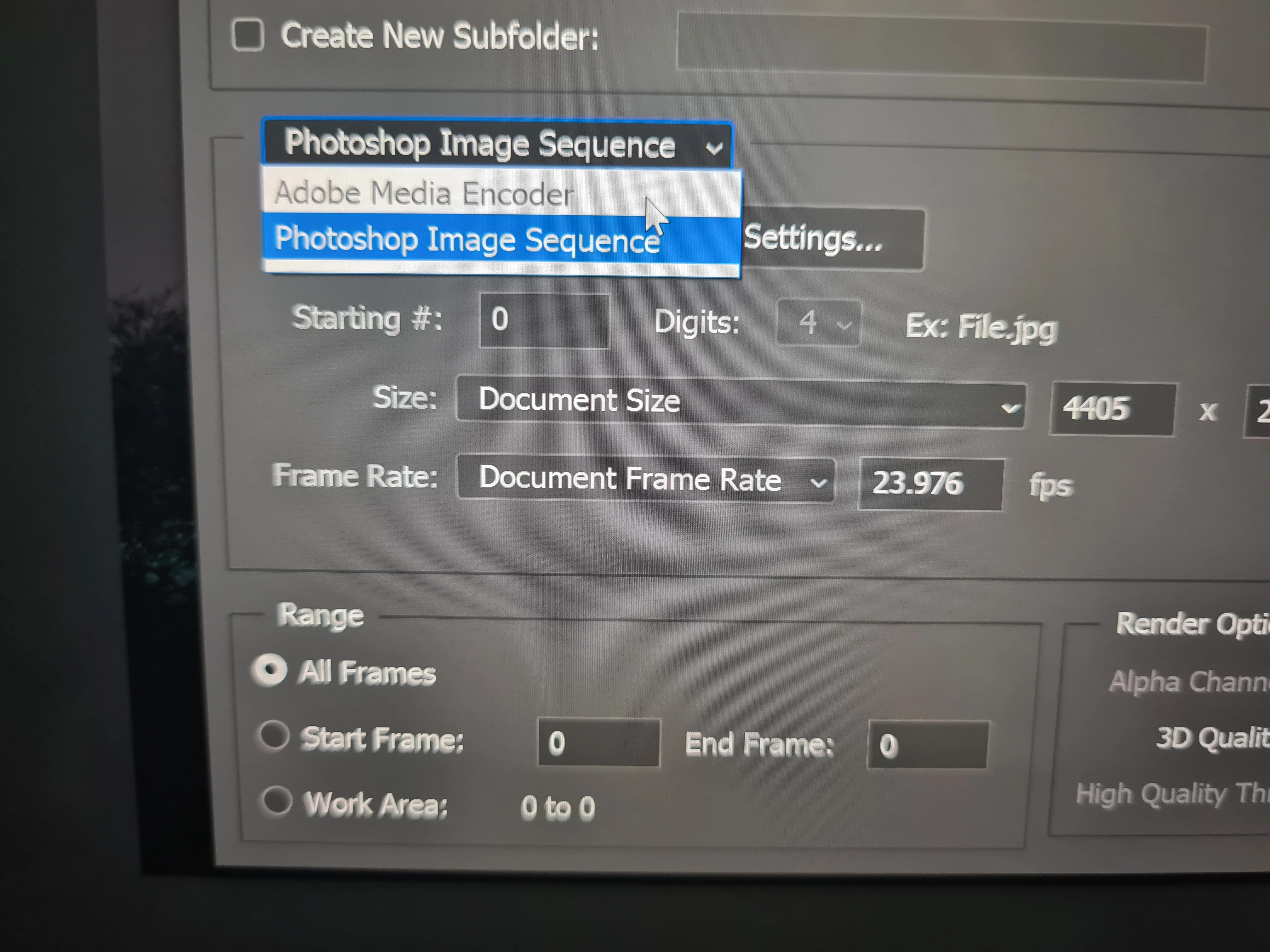
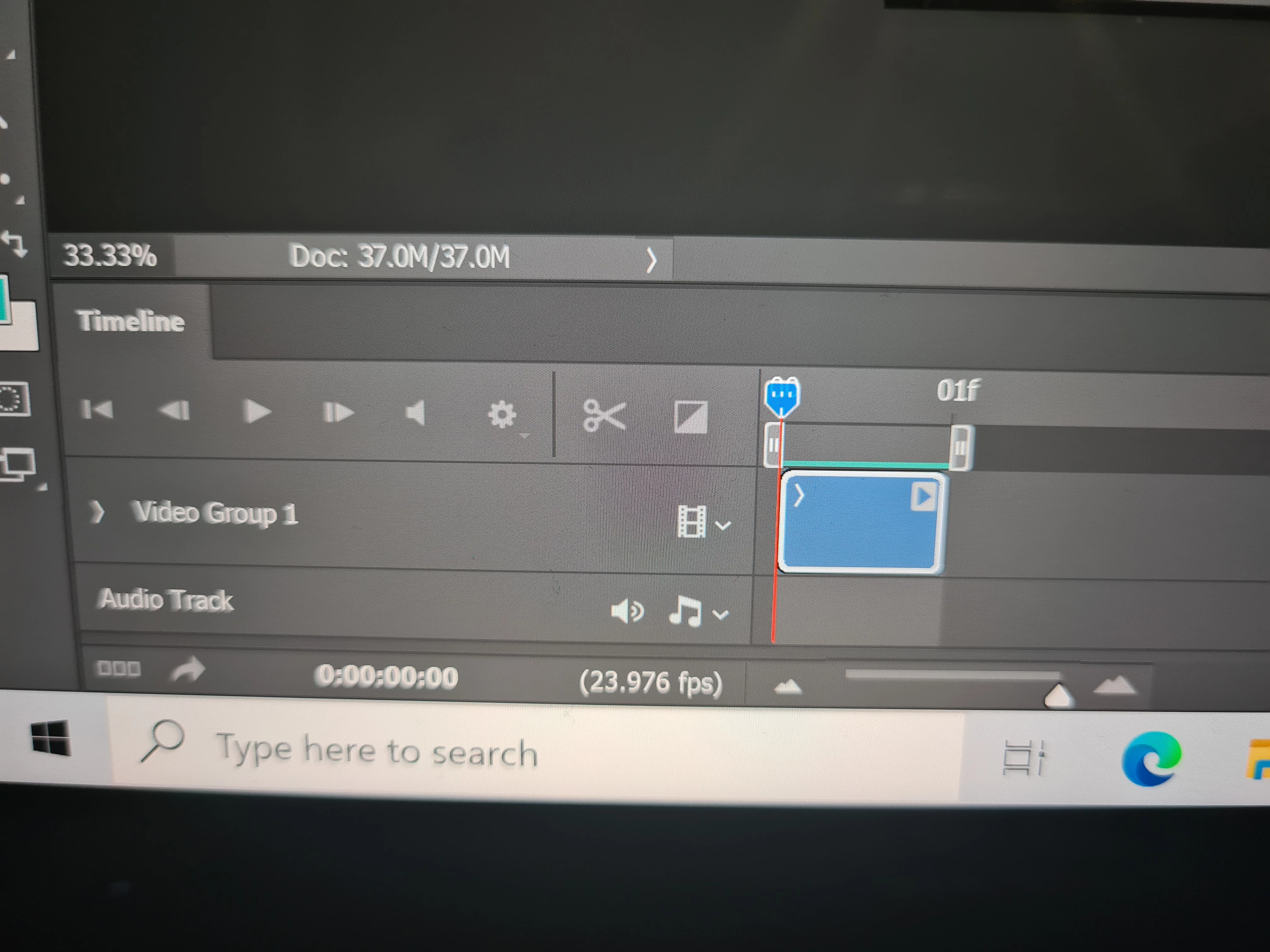
I've exported my time-lapse images to a jpeg sequence via Lightroom. After selecting open in Photoshop, select the first image and click image sequence and open. I only have 1 frame when the video timeline opens and cannot play anything. I've gone to render video to have a look and I can only select photoshop image sequence. Why aren't all my images loading to create video? 

Thanks in advance,

Richard 
    This topic has been closed for replies.

    2 replies

    Legend
    November 25, 2021

    Have you tried restarting the system? Photoshop requires a separate process for dealing with video. It sounds like that processes hasn't launched or is wedged. Restart should reset it.

    Chuck Uebele
    Community Expert
    Community Expert
    November 25, 2021

    Try creating it just in PS. Size your images for the video size you want. Number them all sequentially. Select Open in PS and click the image sequence check box, and only select the first image in the folder. Then you should be able to select frame rate in the next dialog box.