
Question
Photoshop Image sequence render issue
[a re-post as I didn't get an answer and now can post more specifically]
I have a series of 93 PNG files. I loaded them into Photoshop. Later I wanted to render them out. As shown, I chose the 24fps option, as that was the frame rate of the 93 files previously and what I need.
However, only 73 PNGs are output, not 93. Interestingly 73 / 93=80%, which also equals 24fps/30fps. Seems more than a coincidence.
I tried again with another series, and again, only 80% of the total number of PNGs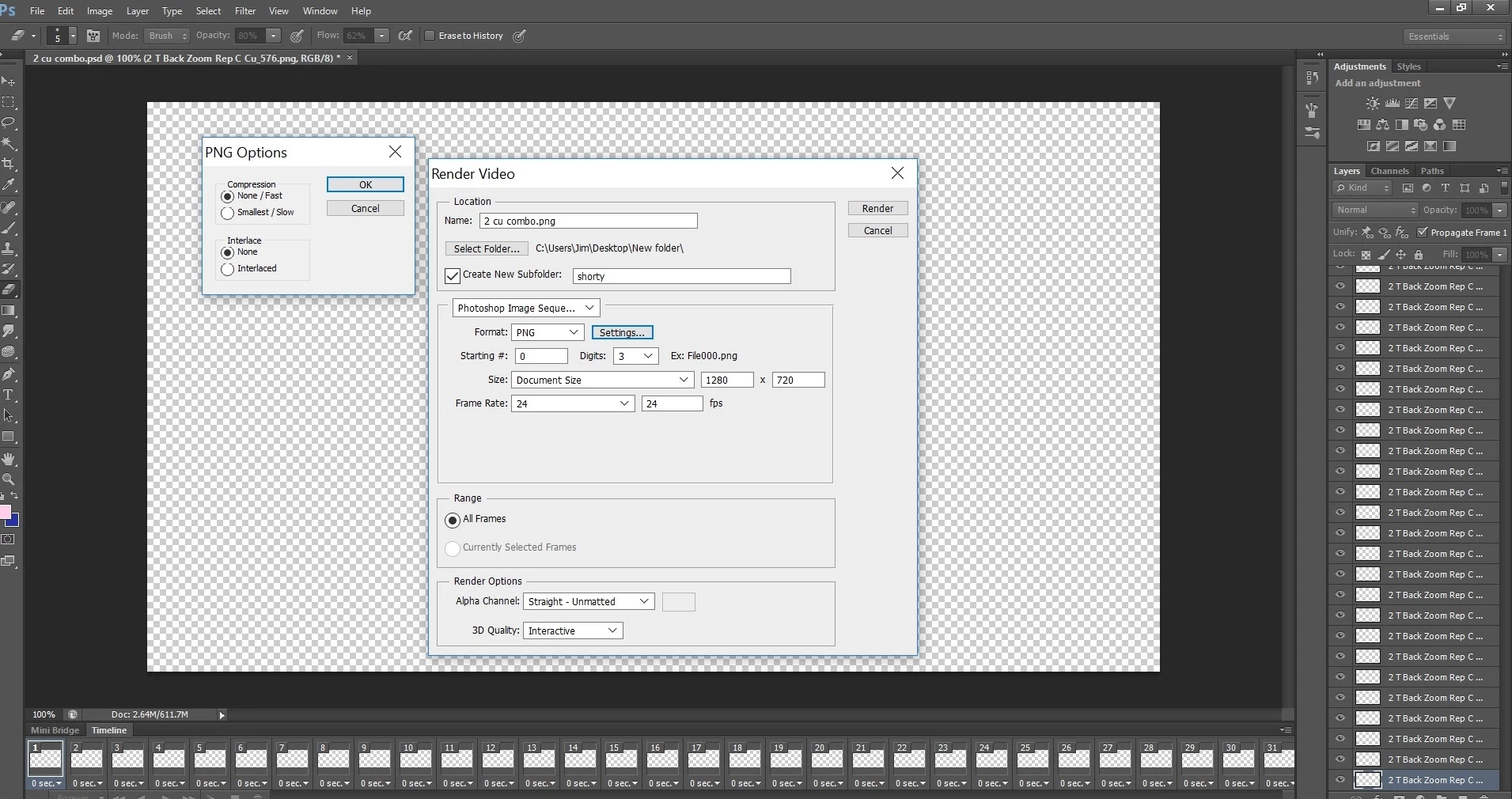 were output.
If I output using the Export Layers to Files (under Scripts) all PNGs are output. That process tho takes 45 minutes for 93 files.
Any idea why PS is not rendering all my layer/PNGs?
Thanks.
{Thread renamed by moderator}
 AdChoices