
bkorb
Inspiring
November 5, 2018
Answered

Photoshop in a merge-layers-always-fails state

  • November 5, 2018
  • 2 replies
  • 1672 views

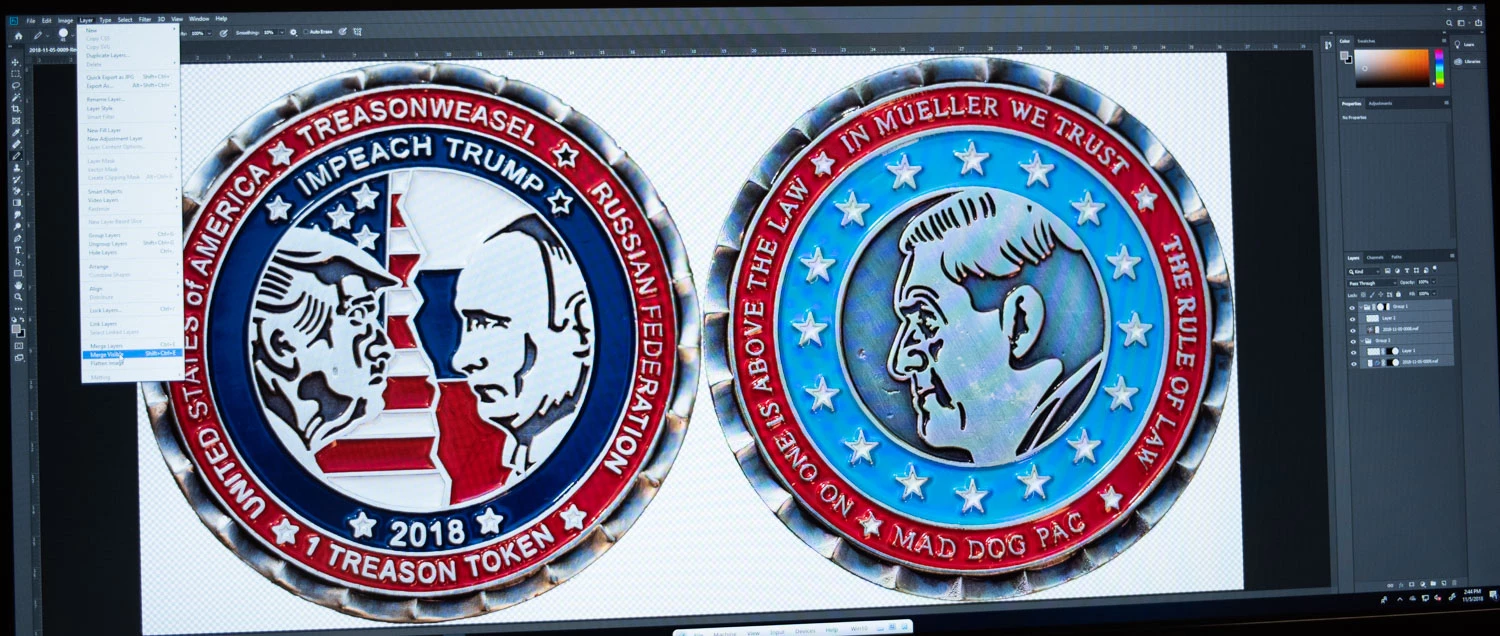
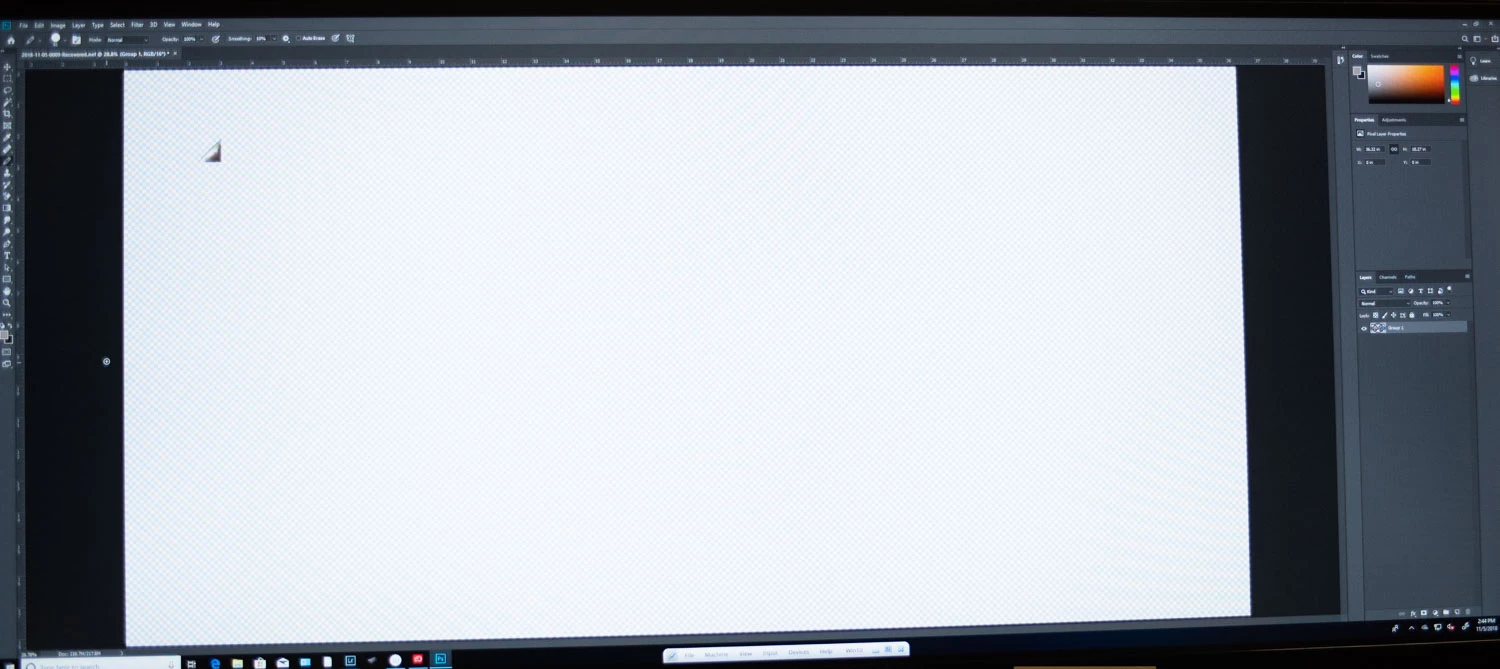
The only way I am able to merge layers is to "flatten". Since what I wanted to do was merge a layer group, this did not work well. The result, after the merge (either "visible" or all layers) was a corner slice of the entire image. This was true with any of several images I was working with. Attached are two photos: just before clicking "merge" and then the results.
    This topic has been closed for replies.
    Correct answer bkorb

    The workaround is to change opacity instead of zooming.

    The invisibility of the bottom half and right 3/4 of the image seems to be some opacity glitch that gets rectified with that maneuver. The best solution would be to be able to add a debug add-on that would allow folks to query Photoshop about its internal state and report the real cause to Adobe.

    2 replies

    bkorb
    bkorbAuthorCorrect answer
    Inspiring
    November 13, 2018

    The workaround is to change opacity instead of zooming.

    The invisibility of the bottom half and right 3/4 of the image seems to be some opacity glitch that gets rectified with that maneuver. The best solution would be to be able to add a debug add-on that would allow folks to query Photoshop about its internal state and report the real cause to Adobe.

    Theresa J
    Community Expert
    Community Expert
    November 6, 2018

    This looks like a display issue. The thumbnail in the layer shows all of the content. Have you tried different zoom factors? Is your GPU turned on?

    bkorb
    bkorbAuthor
    Inspiring
    November 7, 2018

    Q: Is my GPU turned on?

    A: How would I know? I'd guess so, since everything else renders fine. I'd expect more across the board issues than simply problems with layer merges.

    Q: zoom factors?

    A: yes. And turning on and off it and other residual layers. In this example, I merged it to one layer, but on other occasions, I merged 3 of 6 layers and turning on and off the other 3 did not change the rendering.

    So even if the data are still there, if it doesn't render, it's hard to work with and export for printing and display.

    Theresa J
    Community Expert
    Community Expert
    November 8, 2018

    The data is there because we see it in the layers panel preview. That's why I think it is a problem with your graphics card. Open your preferences and see what is says for the Graphics Processor Settings. I've attached a screen capture of mine.

    I don't understand your answer to my second question. Did you zoom in say to 200%, and then back out to full picture? What happens when you do this?