Participant
October 31, 2017
Answered

Photoshop - incorrect dimensions?

  • October 31, 2017
  • 2 replies
  • 1699 views

Hi there,

I'm currently using:

OS X EL CAPITAN

V. 10.11.6

iMac (Retina 5K, 27-inch, Late 2015)

Photoshop CC 2018 - 19.0 Release

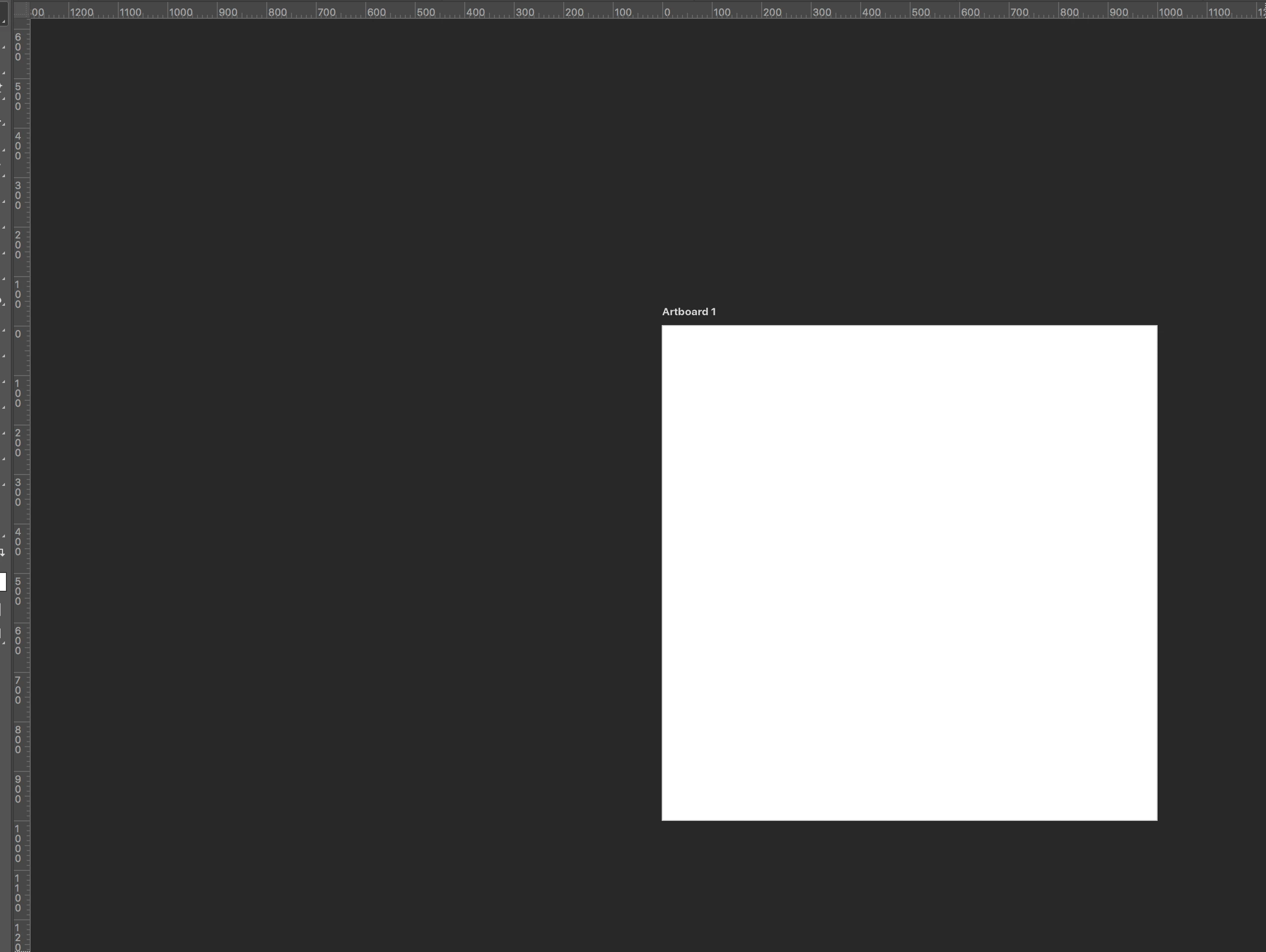
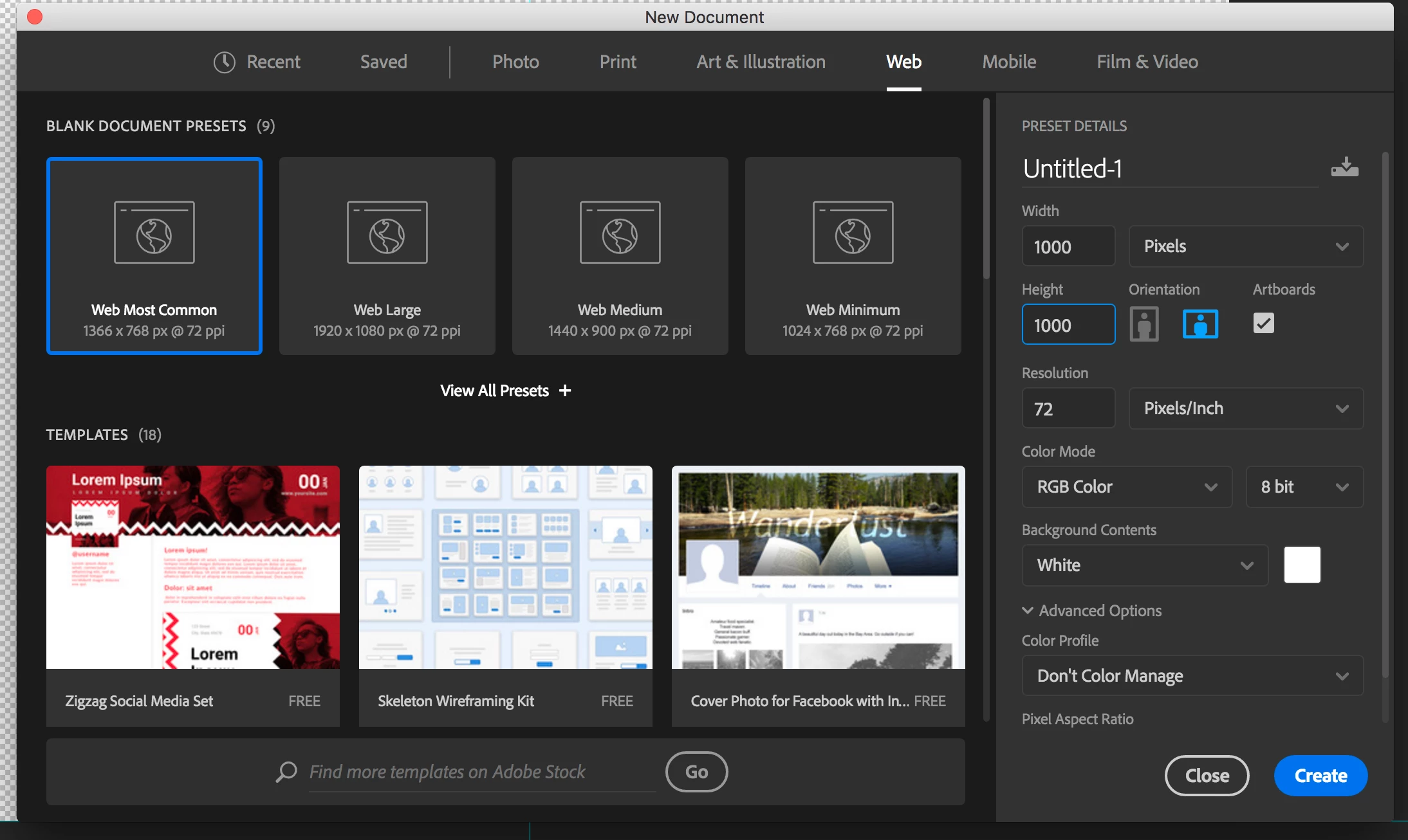
The issue I'm having is that whenever I try to open a new document for web, the dimensions I use appear to be smaller than they should be.

Eg. 1000x1000px square looks like a 300x300px square.

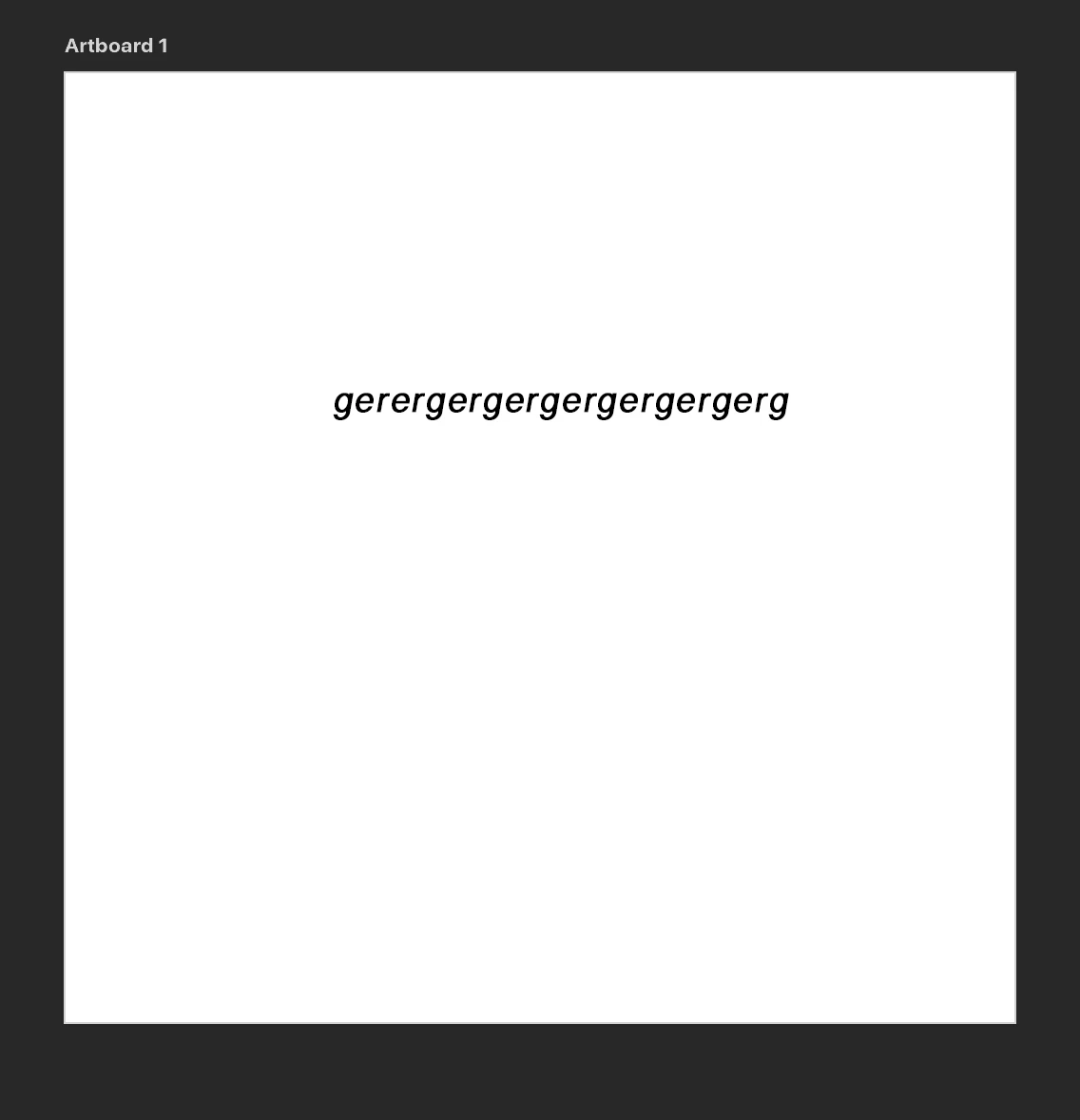
When I export the image to jpg or png. it saves at the right dimension size but all of the content is pixelated and I've never encountered this before in the past.

If I try to save it as a PDF, the file becomes corrupt, but this problem doesn't happen when I work with print.

Hopefully I've explained this clearly enough!
This is a jpeg at 100% quality!

The pixelation isn't obvious because the screenshot has been scaled down but trust me, it's happening!

If anyone can help me, that'd be amazing because I feel like I've taken crazy pills!

[Here is the list of all Adobe forums... https://forums.adobe.com/welcome]

[Moved from non-Cloud forum to Program forum... Mod]

This topic has been closed for replies.
Correct answer @mj

It's because you're running a Retina display.

You can double check the resolution of your images by choosing Image menu > Image Size.

Check out file formats here: File formats in Adobe Photoshop

Jpg is good for contone images like photographs (no transparency)

Gif is good for solid color and animations (transparency)

PNG has an 8 bit option for solid flat colors like your example or photos with transparency (24 bit)

HTH

2 replies

@mj
Community Expert
@mjCommunity ExpertCorrect answer
Community Expert
November 1, 2017

It's because you're running a Retina display.

You can double check the resolution of your images by choosing Image menu > Image Size.

Check out file formats here: File formats in Adobe Photoshop

Jpg is good for contone images like photographs (no transparency)

Gif is good for solid color and animations (transparency)

PNG has an 8 bit option for solid flat colors like your example or photos with transparency (24 bit)

HTH

Derek Cross
Community Expert
Community Expert
November 1, 2017

And don't forget the native PSD format - excellent for placing images in InDesign.

D Fosse
Community Expert
Community Expert
November 1, 2017