
Photoshop is driving me insane!
I state that all my softwares are up to date, that i don't have faulty drivers in my monitor or what ever before i start getting the tip of unistalling my drivers and reinstall.
right now photoshop is getting worst by the minute, i normally used to export directly from lightroom with the edit in photoshop function, i posted some time ago the issue, which is not fixed, but as gone worst.
now not just that, but now even the grain effect from lightroom gets exported incorrectly.
i here here the lightroom photo
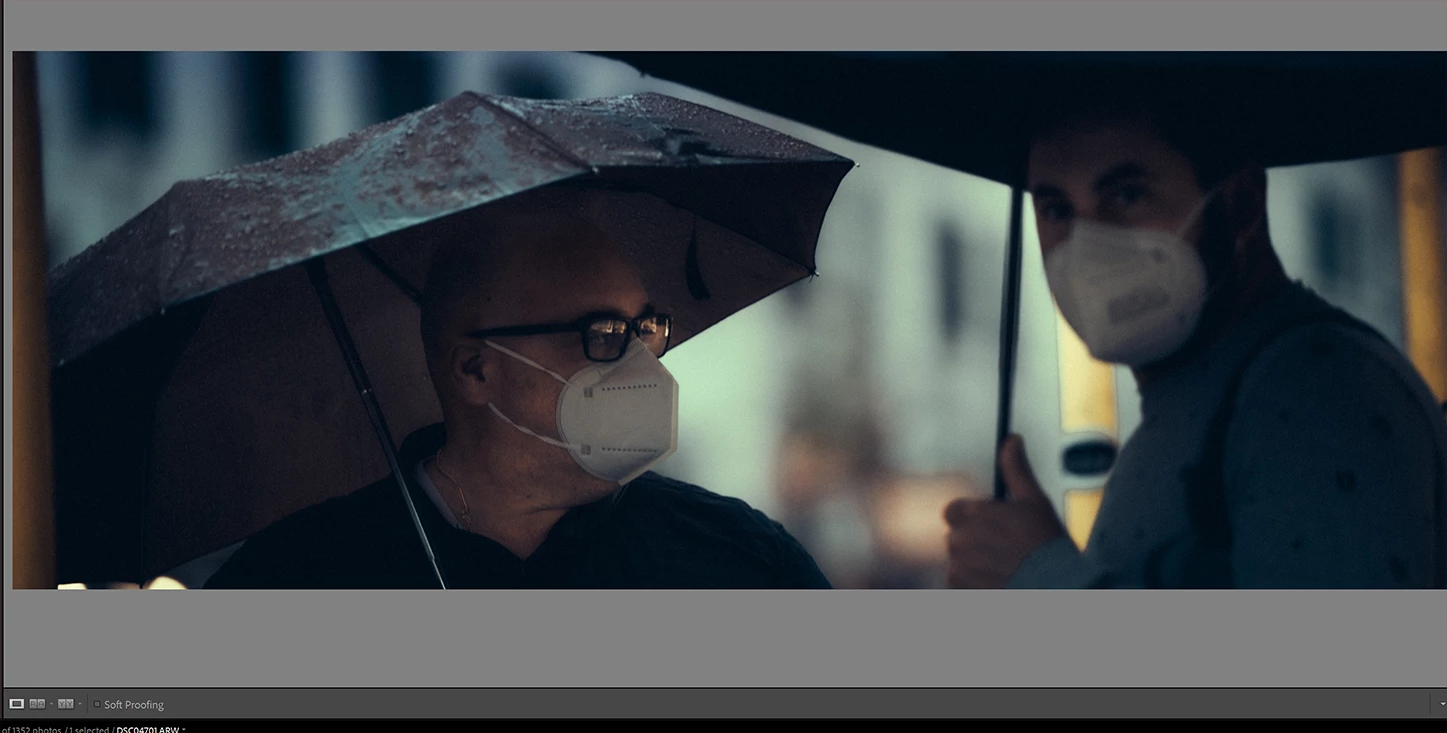
then here is the exported version from lightroom in dng (if i import in photoshop i get everything blue)
in the raw import panel which look correct:
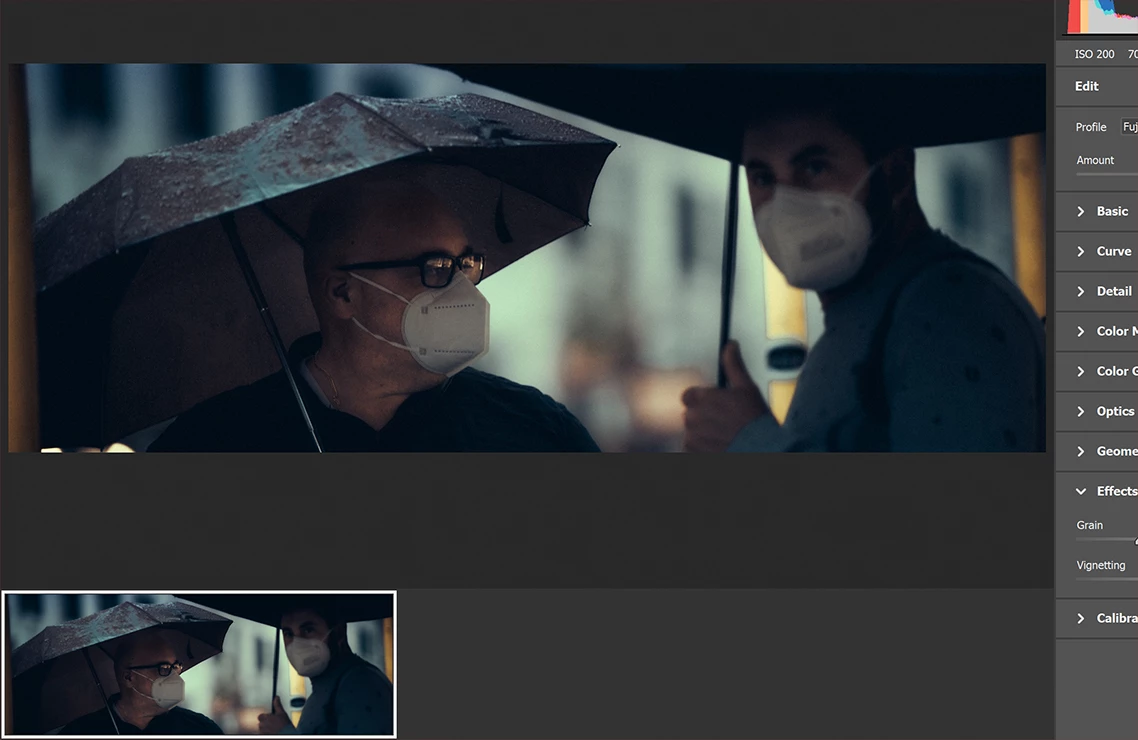
now this is the result in photoshop after importing:
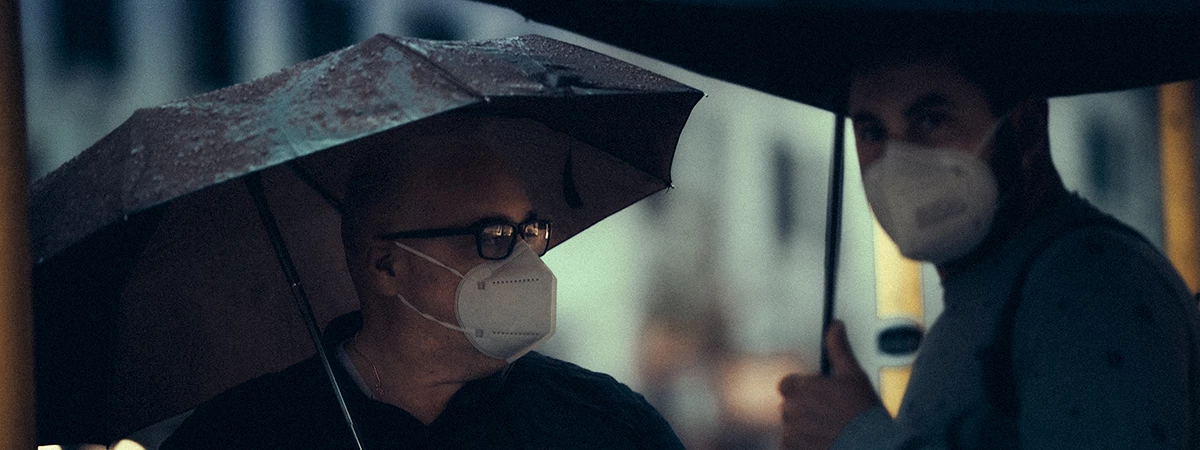
NOISY as i have taken it with a 2 euro camera!
Anyone has any idea why??
 AdChoices