
Known Participant
June 30, 2021
Question

Photoshop is screwing up my image placement

  • June 30, 2021
  • 1 reply
  • 270 views

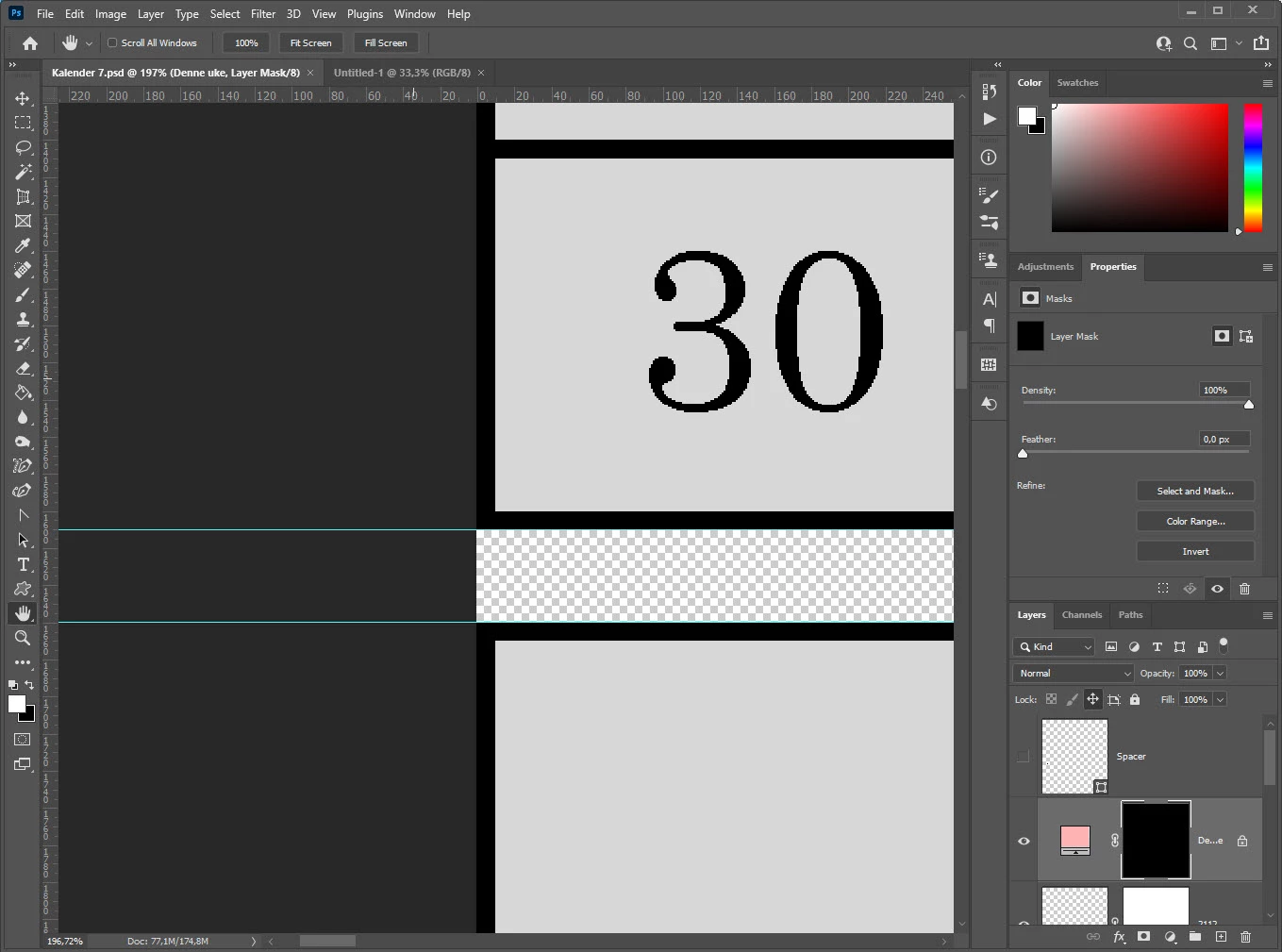
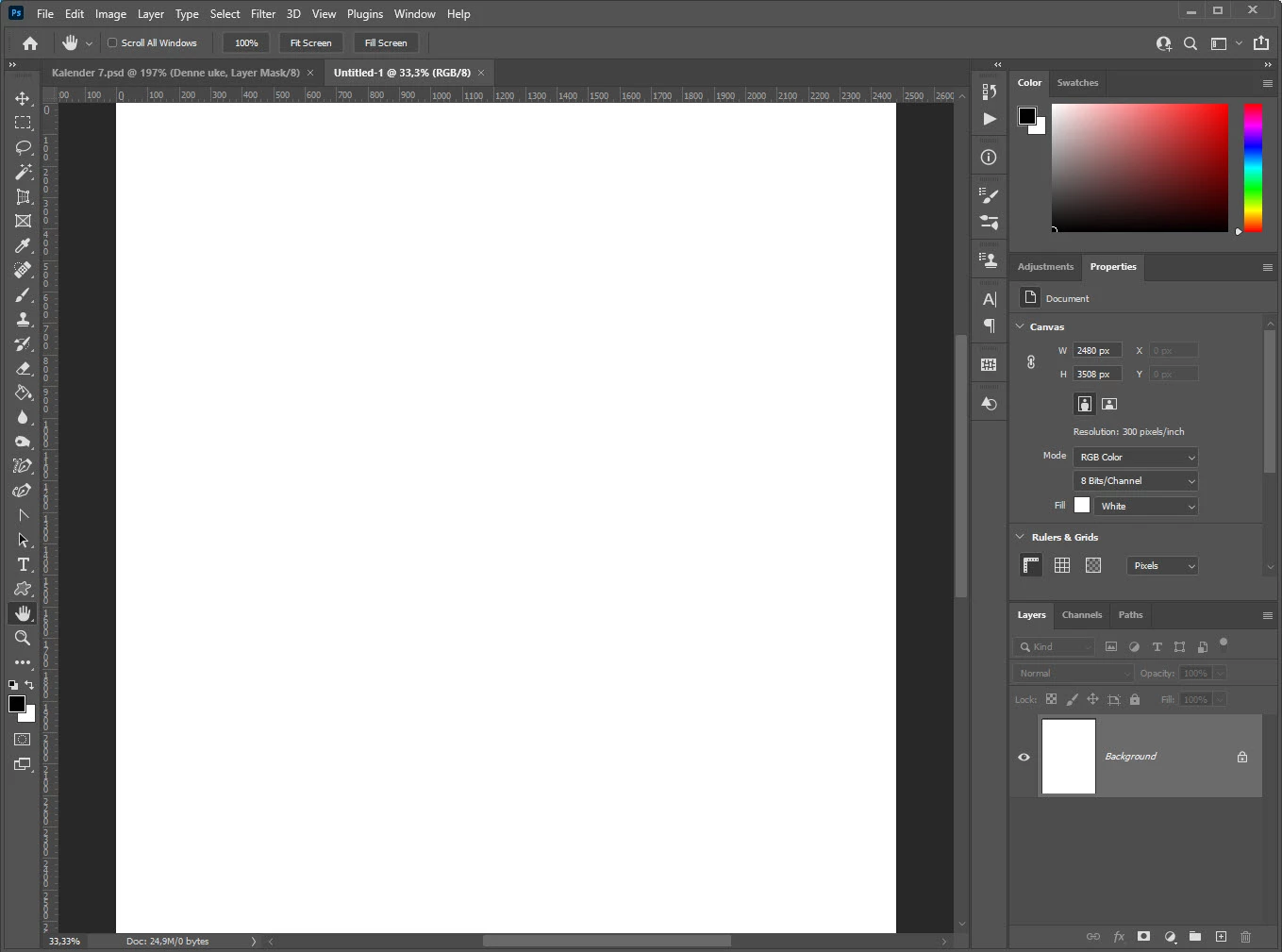
When I switch between images Photoshop is moving my viewpoint.

Before, the way I want it.
Switch to other image.
Switch back.
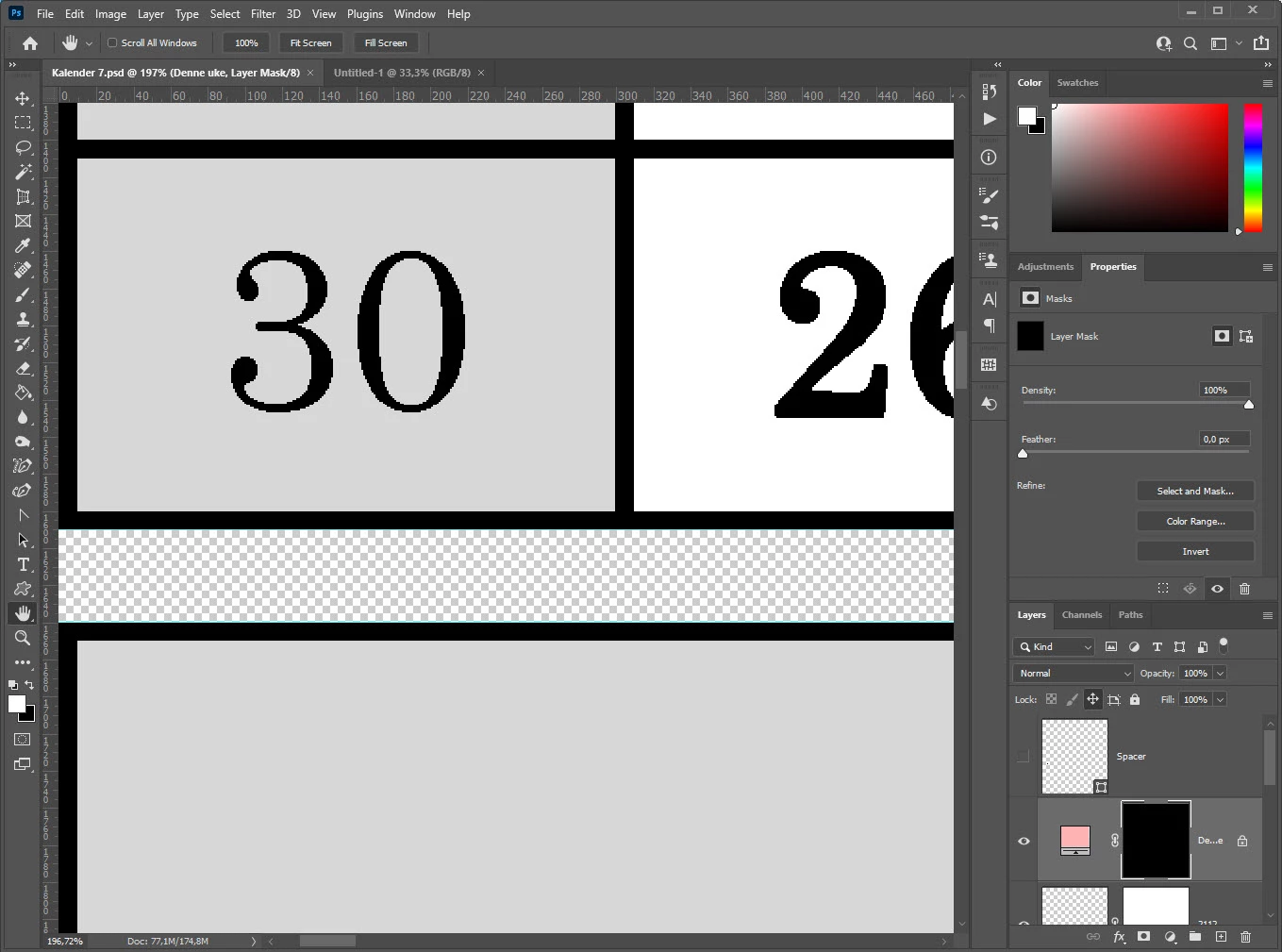
When I am working on a big screen, this is VERY annoying!


Does anybody know how this can be fixed?

---

Morten

This topic has been closed for replies.

1 reply

Omar.Fathy
Community Expert
Community Expert
June 30, 2021

I see that Scroll All Windows is disabled, so you resetting your Photoshop may fix it.
Double click on Photoshop icon and immediately hold down the Ctrl+Alt+Shift keys (in Windows) or the Command+Option+Shift before opening Ps immediately( in Mac OS)


bamsen61Author
Known Participant
July 4, 2021

Resetting Photoshop did not help. (It only lost me ALL my settings.. 😀 )

I do not scroll or change anything in the second window. Holding Ctrl and clicking Tab two times is enough.

Note that the offending window is showing the edge of the image in the center of the window. After switching, the image is moved so that it fills the window.


Can someone confirm that this does NOT happen on their installation?