Inspiring
May 9, 2022
Answered

Photoshop libraries not showing on Creative Cloud app [SOLVED]

  • May 9, 2022
  • 2 replies
  • 4310 views

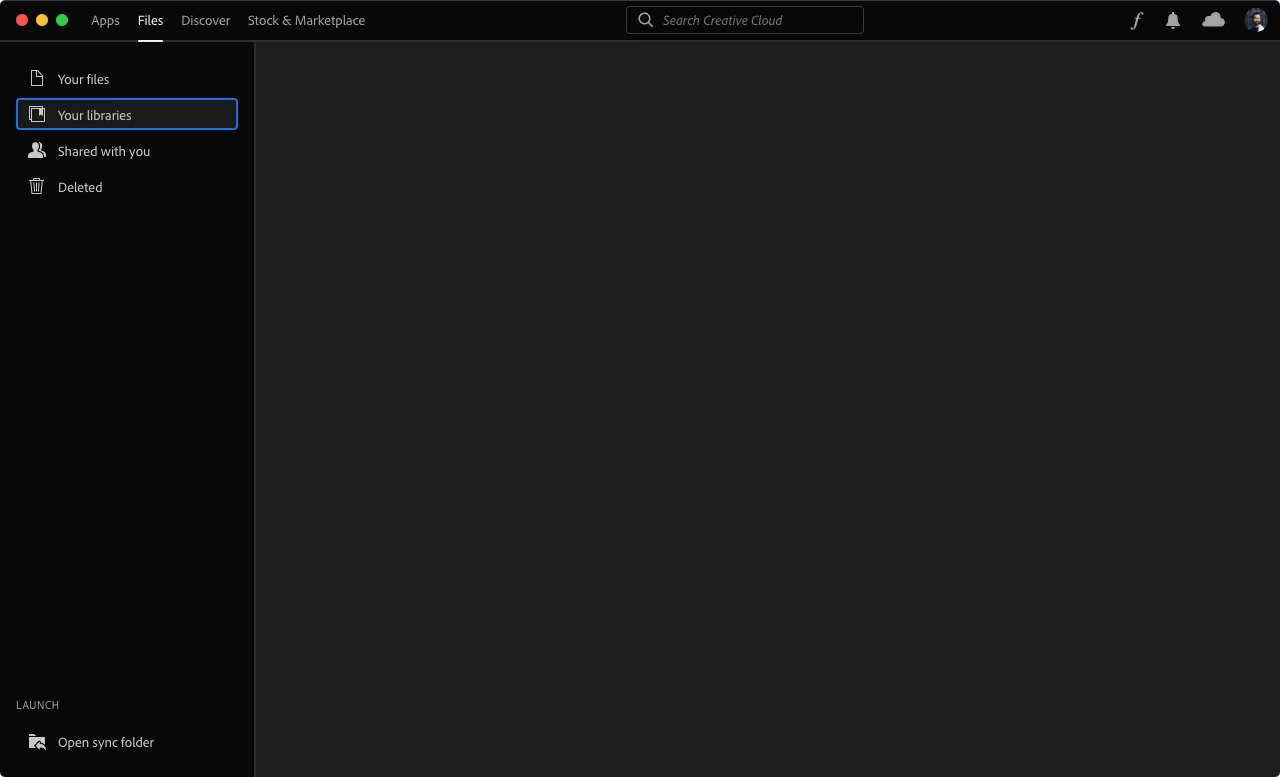
When I go to Photoshop I see some elements on my Libraries panel, but when I use the app (Mac), it's empty.
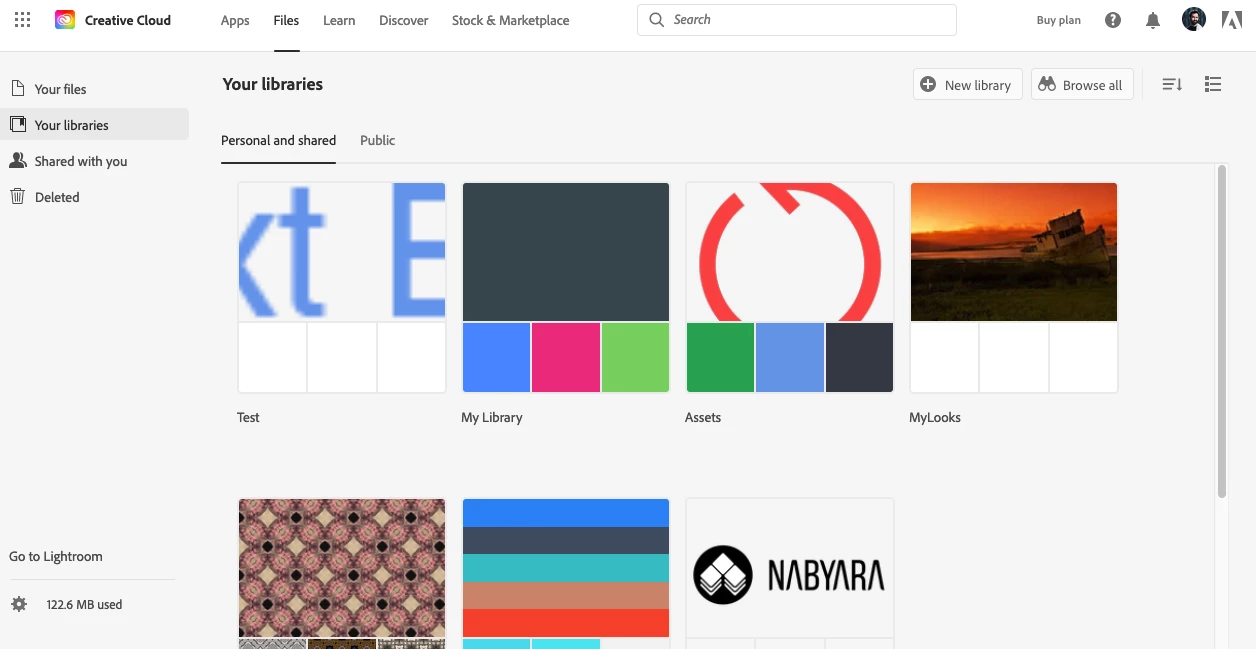
The web version shows those elements, though.
I was never a user of the libraries, but would like to use them. I just find it weird that the app doesn't show anything.

Any idea what's happening?

Thank you


This topic has been closed for replies.
Correct answer TiagoRocha

@J453 

Thank you for the suggestion. I ended up rebooting and here's what I noticed: when I tried to run it again, it didn't work. I was using Spolight to find the app and decided to see what was happening and I guess the issue is that Spotlight was grabbing another copy of Creative Cloud from a different volume I have on the same disk with another macOS installed and plenty of apps, including Creative Cloud. My guess is that it was loading that version and not the one from the main disk I walways boot from. Hope it makes sense.


Anyway, it's now working and I see the files again. 🙂


I appreciate your time and help!

2 replies

TiagoRochaAuthorCorrect answer
Inspiring
May 9, 2022

@J453 

Thank you for the suggestion. I ended up rebooting and here's what I noticed: when I tried to run it again, it didn't work. I was using Spolight to find the app and decided to see what was happening and I guess the issue is that Spotlight was grabbing another copy of Creative Cloud from a different volume I have on the same disk with another macOS installed and plenty of apps, including Creative Cloud. My guess is that it was loading that version and not the one from the main disk I walways boot from. Hope it makes sense.


Anyway, it's now working and I see the files again. 🙂


I appreciate your time and help!

Legend
May 9, 2022

Try killing CC library process from task manger or activity monitor.


Let me know if that gets things working again.