
Photoshop Low Pen Pressure Sensitivity - Yoga 920
Having an issue on my Lenovo Yoga 920 laptop in which all lines drawn using the Active Pen 2, my Wacom Bamboo Ink Pen, and my Wacom Intuos tablet do not respond to pen pressure properly. After rigorous troubleshooting, I found all other programs seemed to work fine and photoshop both on my personal PC and my Lenovo Laptop have the same issue.
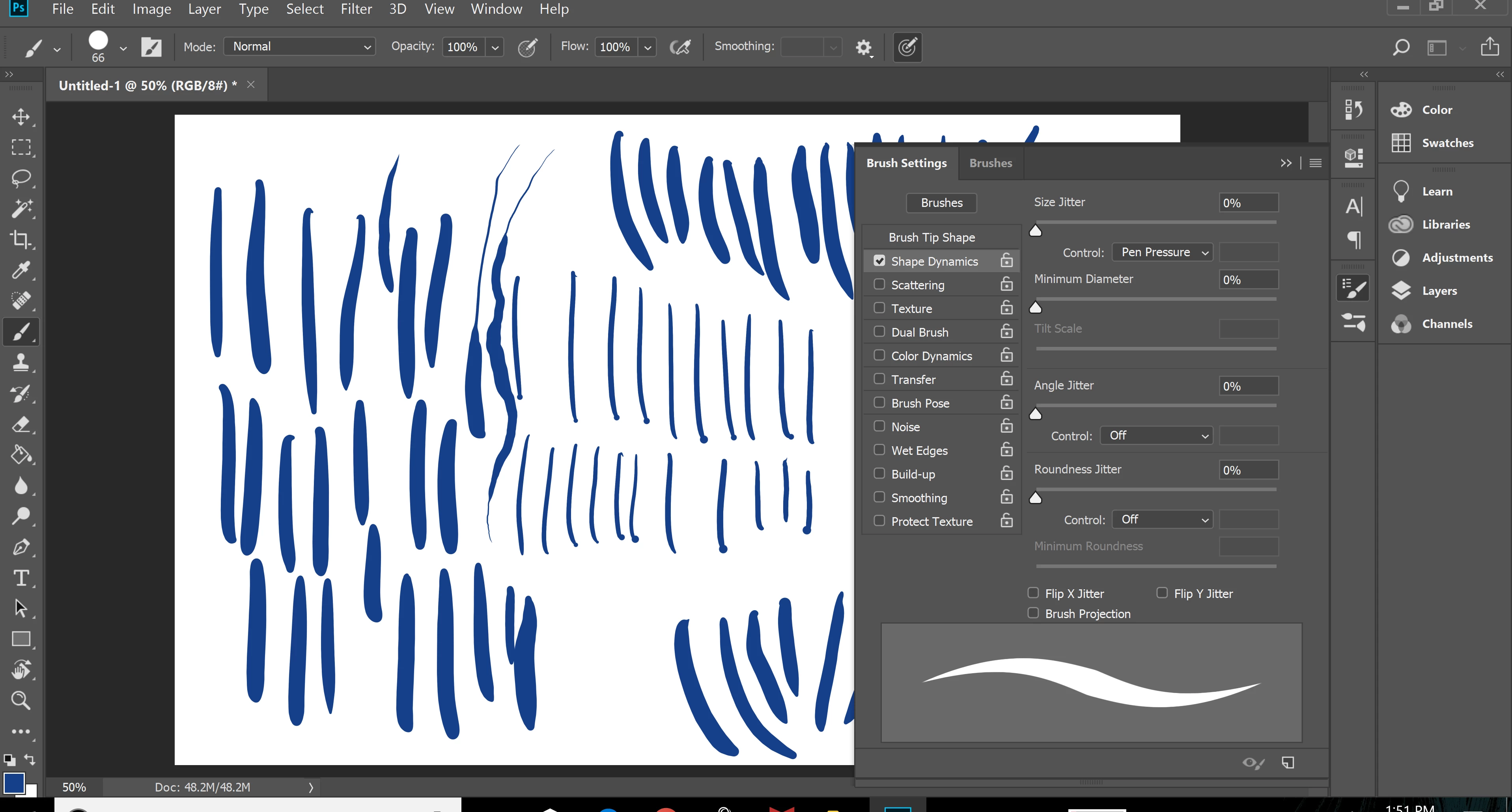
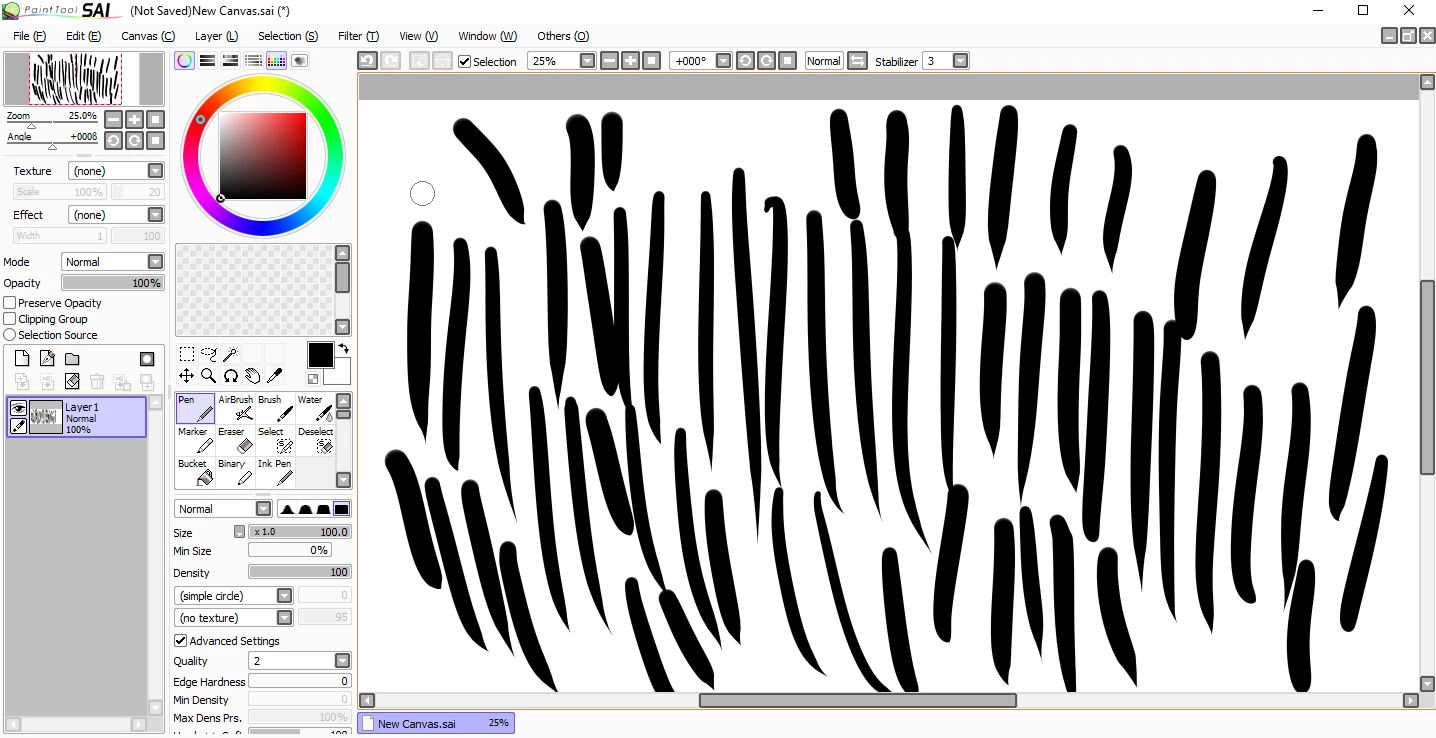
When attempting to draw a thick line in photoshop a rock hard press is required to the point I feel it's damaging to the screen. Likewise the same is true for thin lines. When creating a "bullet" line down the screen pen pressure responds rather uniformly but when lessening pressure it will have no effect and continue to draw a line with rather uniform thickness with barely any taper.
Another issue is lag/response time. While this issue was minor at first, it is pretty annoying, as slight delays cause inaccuracies in line thickness.
Some of the issues
1). Pen Pressure Incredibly Poor
2). Lines will barely taper off
3). Line Lag
4). Lines can be drawn thin to thick (with proper response), but not thick to thin (I suspect this is due to lag)
5). Dots where the line should taper off (Also suspect due to lag but uncertain)
 AdChoices