Inspiring
June 1, 2023
Question

Photoshop Menu Item Displays Incomplete Keyboard Shortcut

  • June 1, 2023
  • 1 reply
  • 1311 views

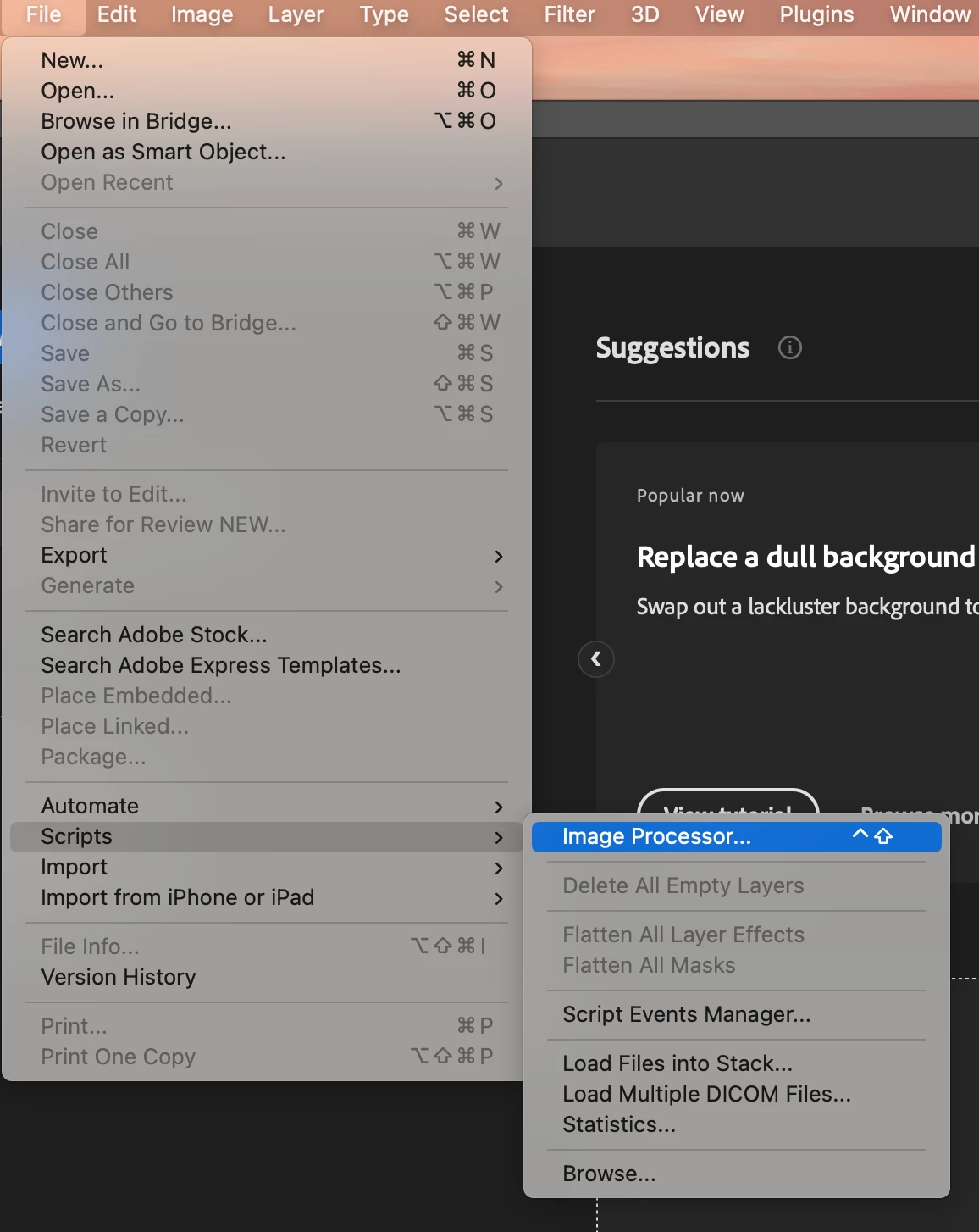
Photoshop is unable to display the full keyboard shortcut next to the menu time.

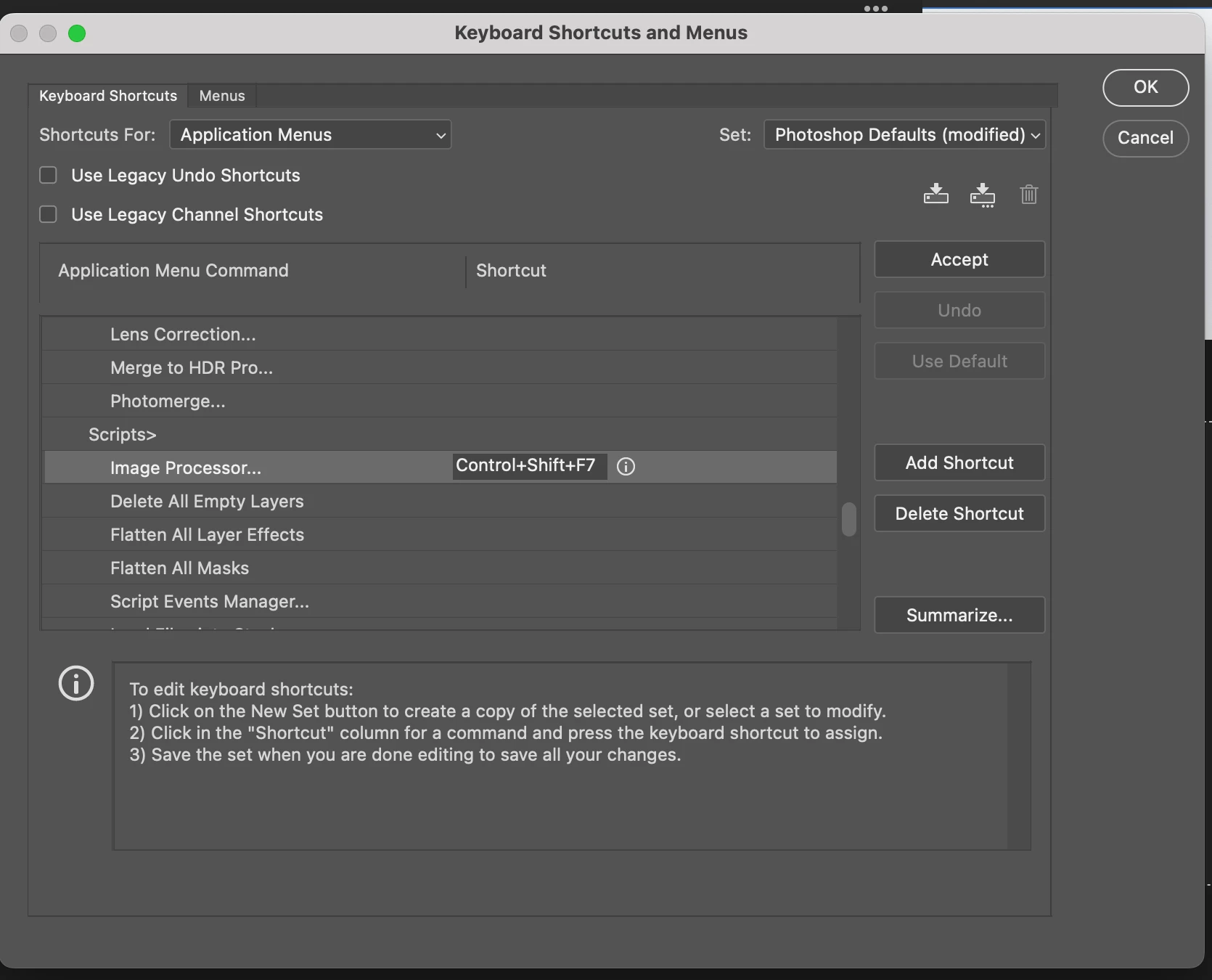
For example, the keyboard shortcut control+shift+F7 should appear immediately next to the Image Processor menu item. Instead, it only displays control+shift.


Does anyone have any ideas on how to correct this so that the full keyboard shortcut displays next to the Image Processor menu item?


Imac M1

OSX Ventura 13.14

Photoshop  24.5.0


This topic has been closed for replies.

1 reply

Jeff Arola
Community Expert
Community Expert
June 1, 2023

Yes i've noticed that with several keyboard shortcuts like for Edit>Fill which is Shift+F5, but only Shift is shown.


Only seems to be on the Mac side running macOS Ventura 13.x.x


2022 Mac Studio

MacOS Ventura 13.4

Photoshop 2023 (ps ver 24.5)


Inspiring
June 1, 2023

Thanks for letting me know Jeff. I don't have this issue with Intel-based Macs running OSX Ventura.


jane-e
Community Expert
Community Expert
October 6, 2023

Hello to all,

Today I posted a follow-up question about keyboard shortcuts in the general Photoshop discussion forum. The issue has to do with incomplete keyboard shortcut labels in Photoshop.


I would like to ask the developer community for feedback or suggestions to troubleshoot this persistent issue. Here is the link to the question.


https://community.adobe.com/t5/photoshop-ecosystem-discussions/photoshop-menu-item-displays-incomplete-keyboard-shortcut/m-p/13834450#M735916


Many thanks for your help.


[Duplicate posts merged by moderator. Please continue in the same thread.]


@Polycontrast 


It seems to be an issue in macOS13.

Jane