
Photoshop Mural: Small image size with high DPI needed for large scale print.
Hello Adobe Community,
I am creating large-scale print vinyl murals for a museum. My client has started providing me with images from their museum archives that they want to be enlarged.
For example, Museum wants the image below to become 46" x 37" - if opened, you can see that the image is only 9.9" x 7.9" with a 1600 DPI.
Here is my issue: Do I resample or resize.
If I resample the image at the same DPI it blows up and is messy.
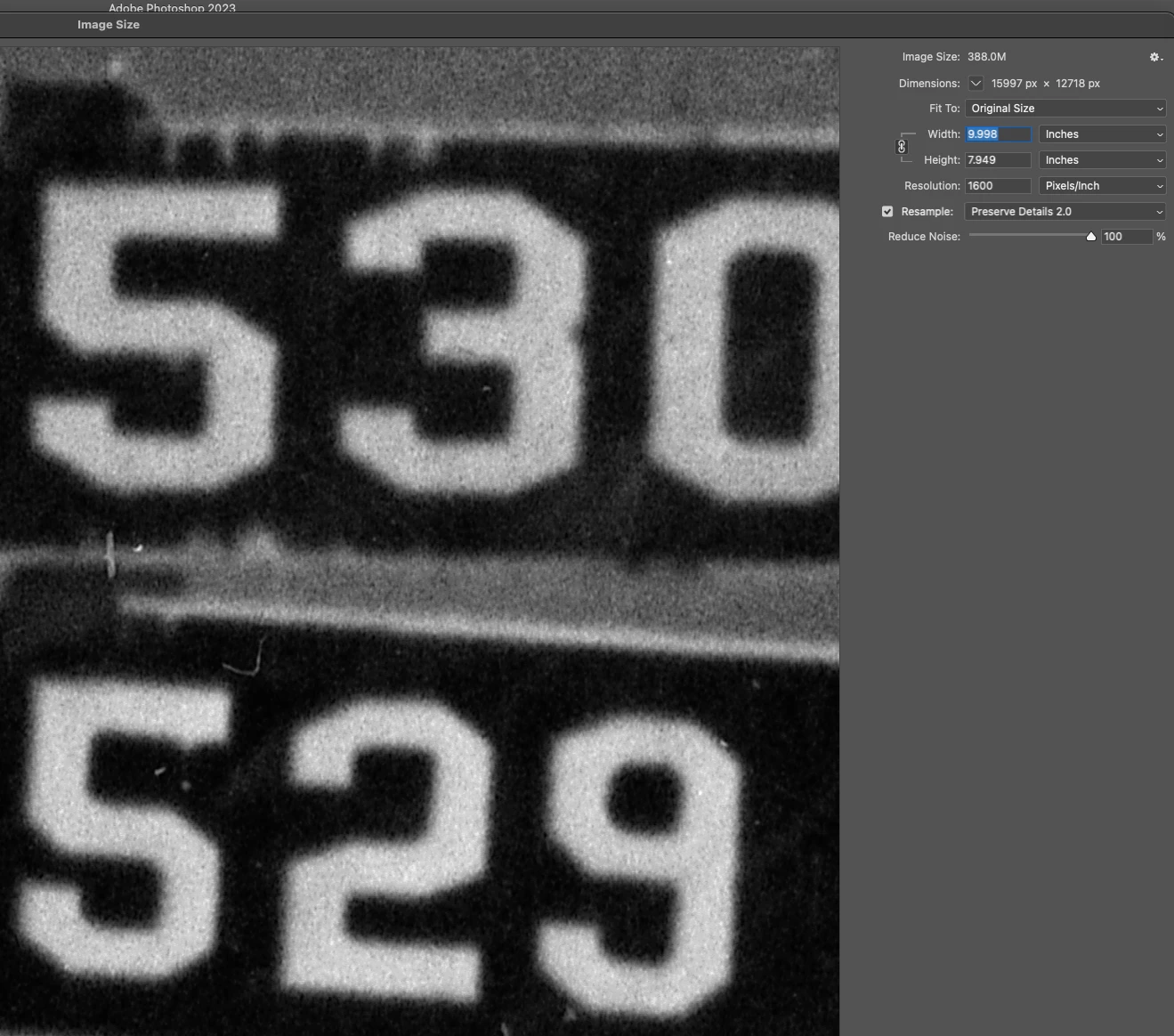
If I resample the image at a lower DPI the image shrinks???? It is still fuzzy but useable.
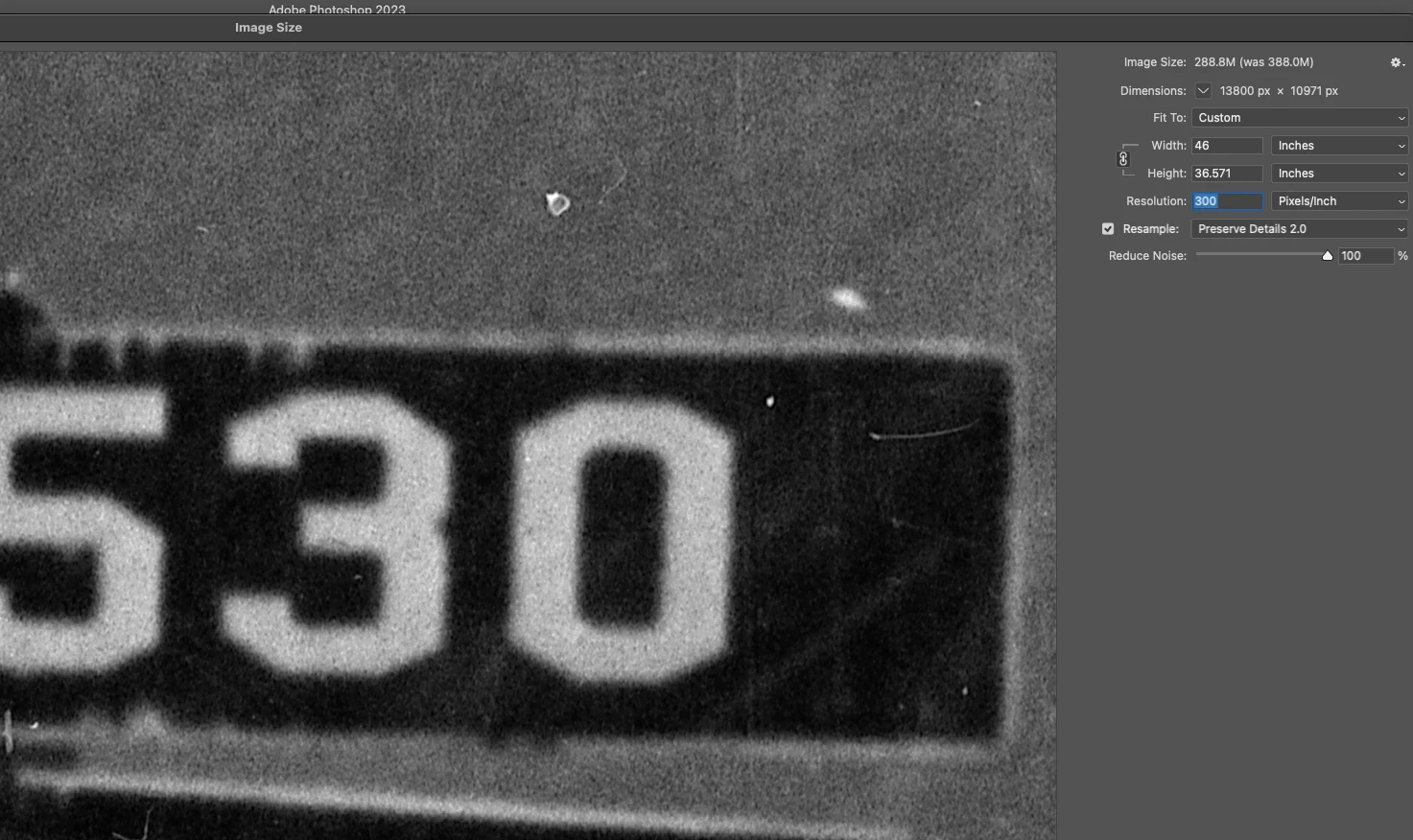
If I resize the image: with the current DPI
Obviously the DPI will adjust to the new dimensions etc etc. I have no really preserved the pixel when resizing?
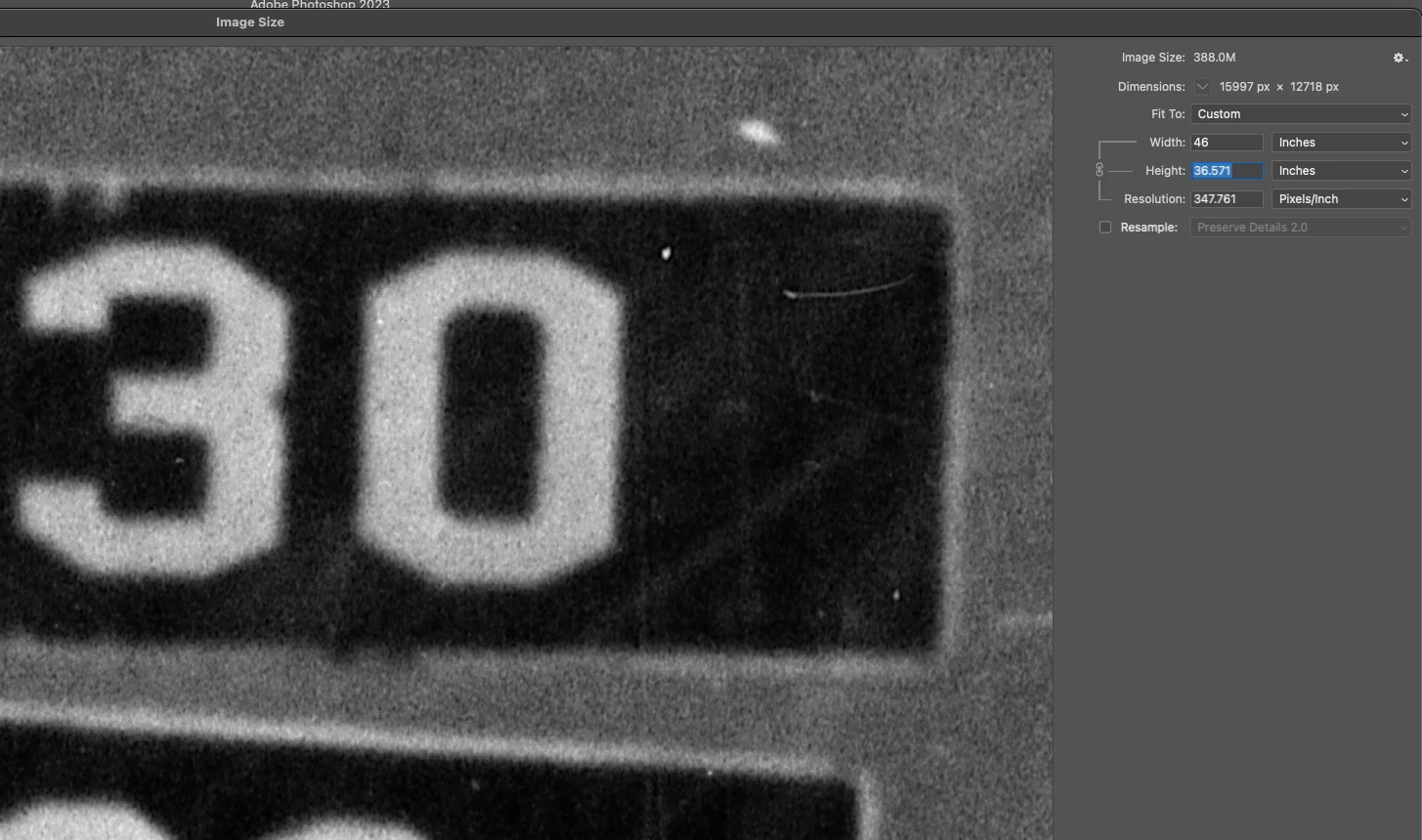
NOTE: these are anyways old photgraph images so I am not looking for sharpness as much as print quality.
1) How do I go about making the proper resizing- should I resample and preserve detail whilst changing the DPI? I understand nobody is going to look at 100%; they will be standing back at a distance.
2) Do I resample at a lower DPI, and if so, WHY does the whole image seem to shrink? I am nervous that this will change the actual print size. Even when I check the px count to inches, count it seems to be the same. This is not true for when I resample and use the original 1600DPI.
I notice that the image is obviously better resampled with a lower dpi, because even though I am upscaling the size, I am descaling the extra pixels. I will need to make a small crop, but nothing that will drastically change the PPI of the image. So that will not affect the image for this question.
I hope this makes sense!
Please let me know if I am processing this right and that I am properly SIZING this photograph for a large Vinyl Wall Mural Print.
Alice
#photoshop
 AdChoices