pwl4life
Participant
October 15, 2018
Question

Photoshop not printing at actual size

  • October 15, 2018
  • 1 reply
  • 610 views

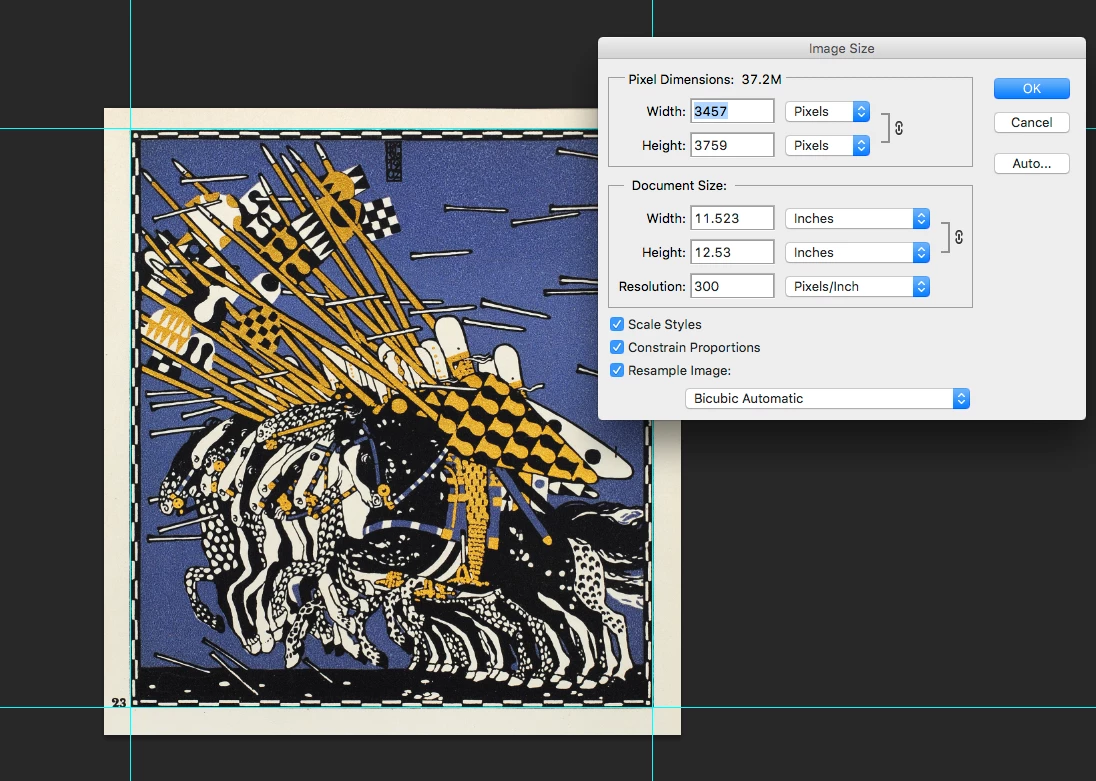
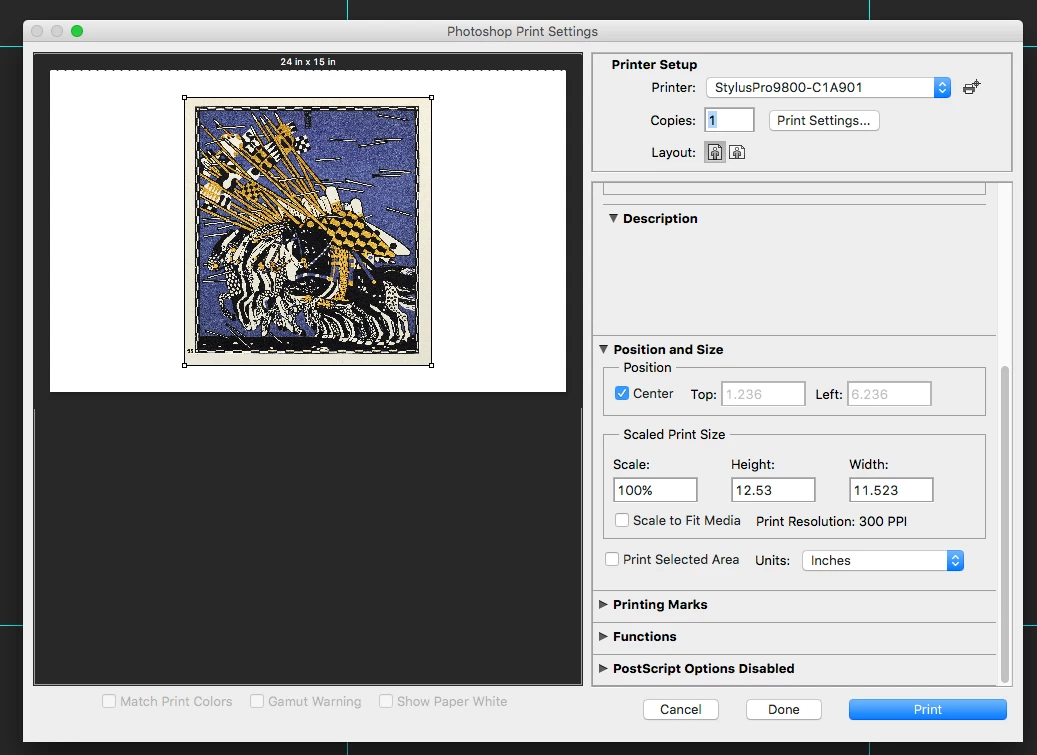
I often have to print at random and custom sizes and even though I have everything sized correctly in photoshop, and I have it set to print at actual size, the measurements of prints end up off. I've attached screenshots to show what I'm talking about. It's very frustrating and wastes a lot of paper & ink. Has anyone else had this issue? Anyone know what might be causing this? Thanks in advance.
    This topic has been closed for replies.

    1 reply

    Randy Hufford
    Community Expert
    Community Expert
    November 16, 2018

    Is it happening both directions or only the length? Epson has a issue moving canvas thru printer. It slips so prints are never long enough. Google calibrating Epson 9800 length.

    pwl4life
    pwl4lifeAuthor
    Participant
    November 17, 2018

    It's happening to the length and width, and it happens whether I'm printing on canvas or just regular photo paper. If I'm printing 16x20 I can scale it to 99% and get it pretty close, but at 20x24 I need to print it at 97% or so. In both cases it's not dead on and it's a lot of trial and error to get it just right. Wish I could figure out what is causing this so I can get it right the first time and not waste so much recources