Participating Frequently
July 4, 2022
Question

Photoshop not working

  • July 4, 2022
  • 14 replies
  • 309 views

Photosshop not working


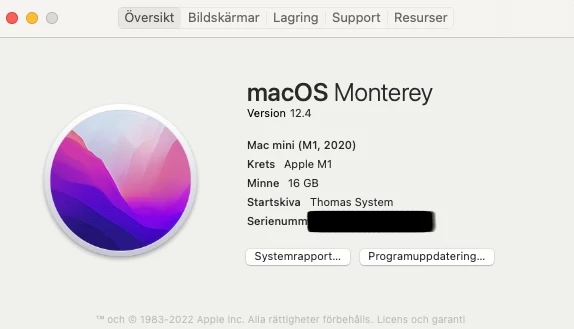
[Serial number of Mac Mini removed by moderator for your protection on a public forum.]



This topic has been closed for replies.

14 replies

Derek Cross
Community Expert
Community Expert
July 4, 2022

Try this:
1) Close Photoshop (if it's open).
2) Double click on the Photoshop icon to launch it
3) QUICKLY hold down Ctrl+Alt+Shift. (for Windows) or CTL+OPT+CMD+Shift (for Mac OS X)
4) When a dialogue appears, asking you “Delete Photoshop Preference Files?” Click Yes.
If you don't see the question repeat the procedure again.

Mamba56Author
Participating Frequently
July 4, 2022

What serial number do you mean?

I can only see the serial for my MAC

Mamba56Author
Participating Frequently
July 4, 2022

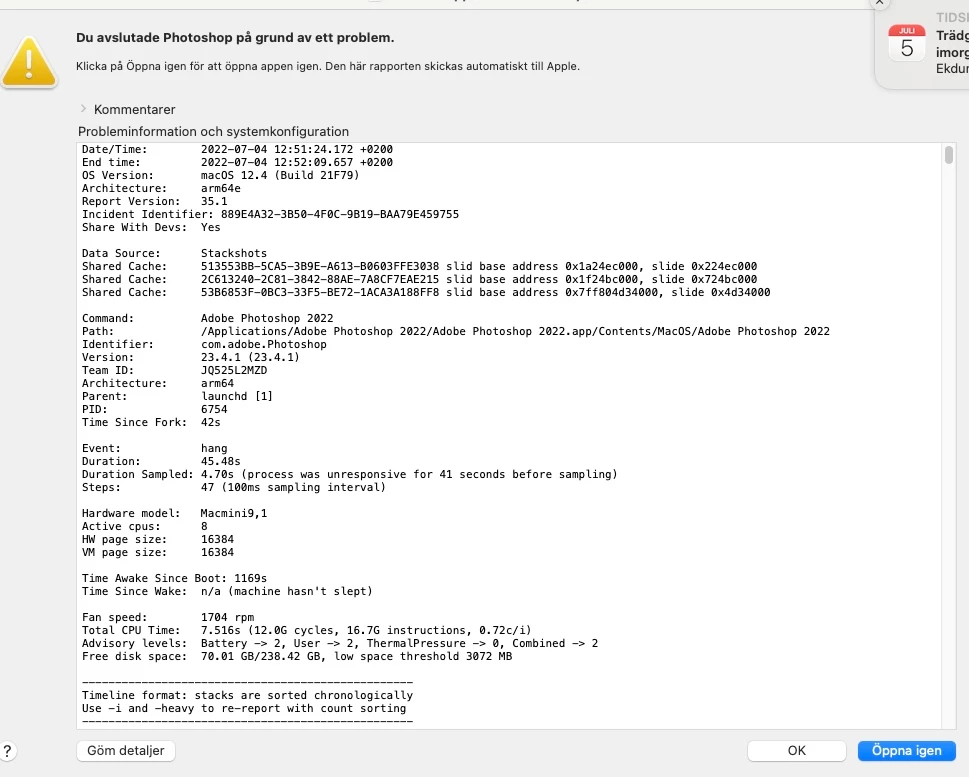
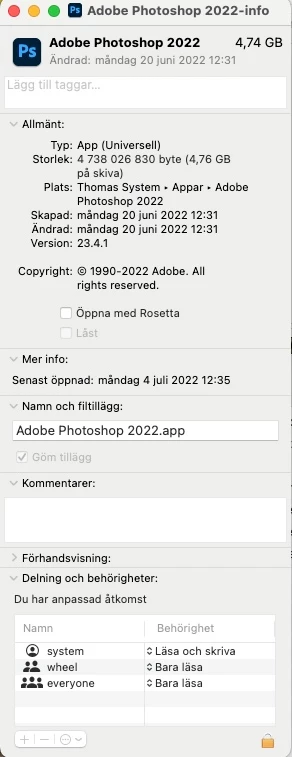
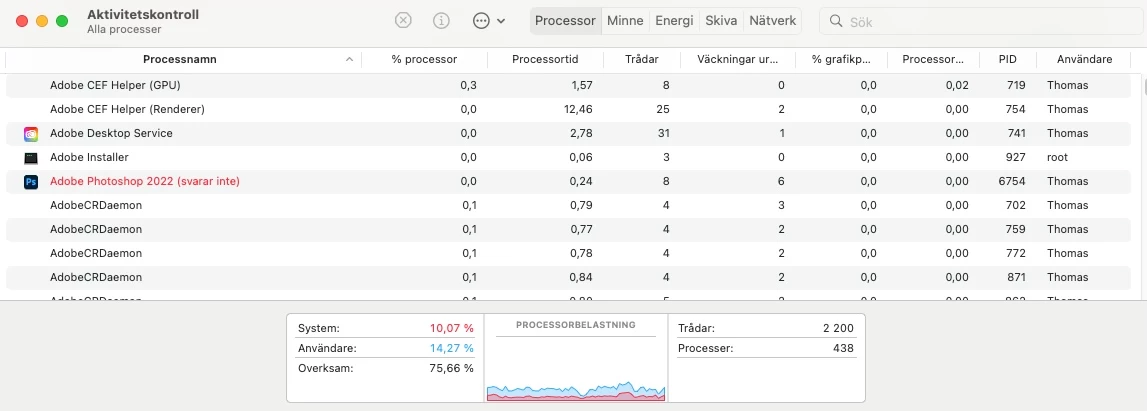
If you look at the screenshots you will se that Photoshop is not even starting so that is the problem.


Derek Cross
Community Expert
Community Expert
July 4, 2022

"Not working" is not much help, can you explain what hapens in more detail.

Have you tried resetting the Photoshop preferences?

I suggest you delete the screen grab of your serial number on this public forum (or blur it).