
Answered
Photoshop: one color printing on to color paper look?
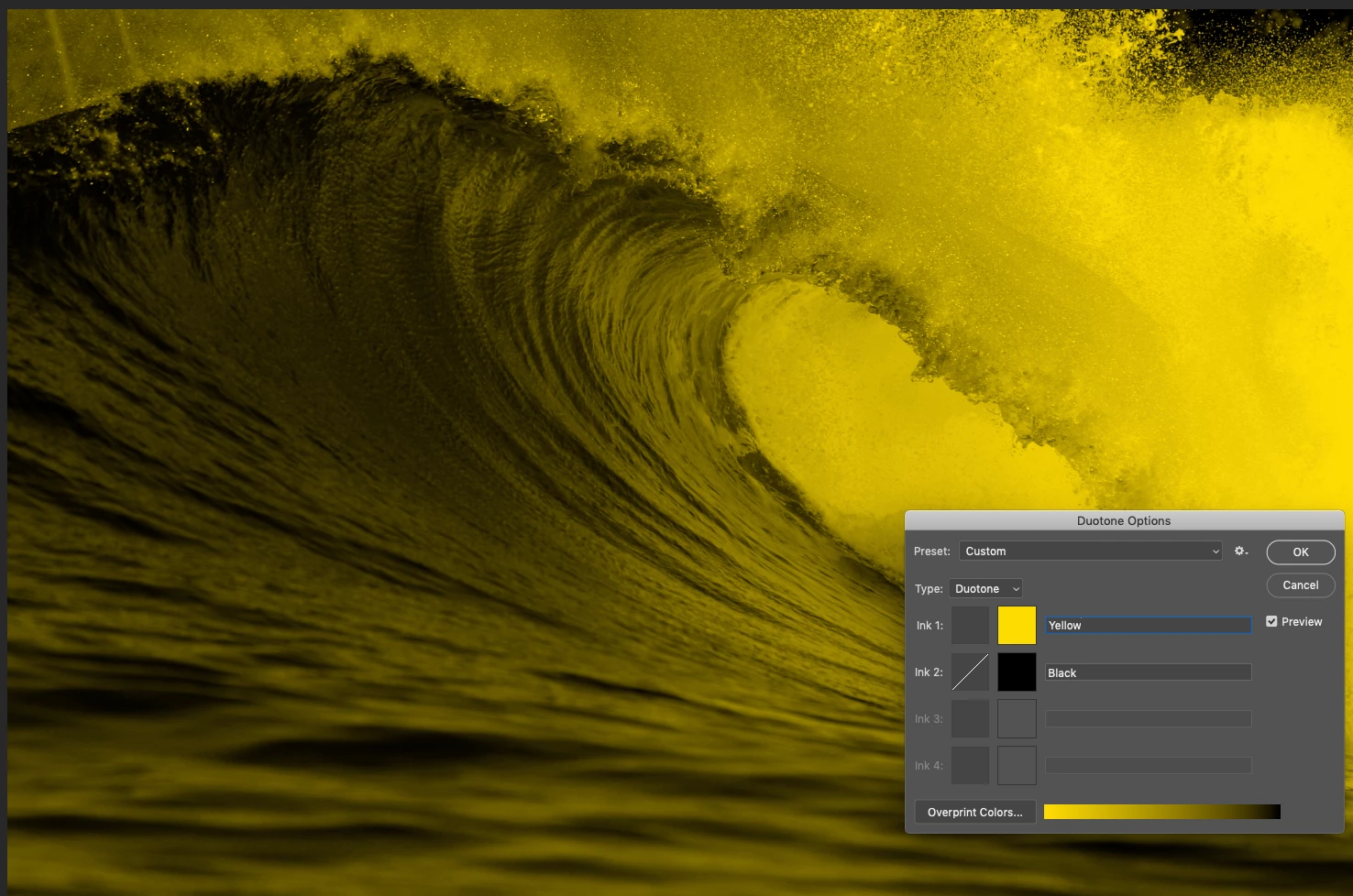
I have a greyscale scale image. I want it to look like it is on top of a colour background i.e. the white in the image is see through, showing the colour behind. However, I want the greyscale image to just be greyscale (and not for the colour behind it to change the greys). Like using a one colour printing press to print on to colour paper.
I have tried making a duotone. I have also tried to make two layers and use the layer options. But it seems that the greys in the image don't stay grey, they are changed by the background colour? The colours go from yellow to black
 AdChoices