Participant
March 8, 2018
Answered

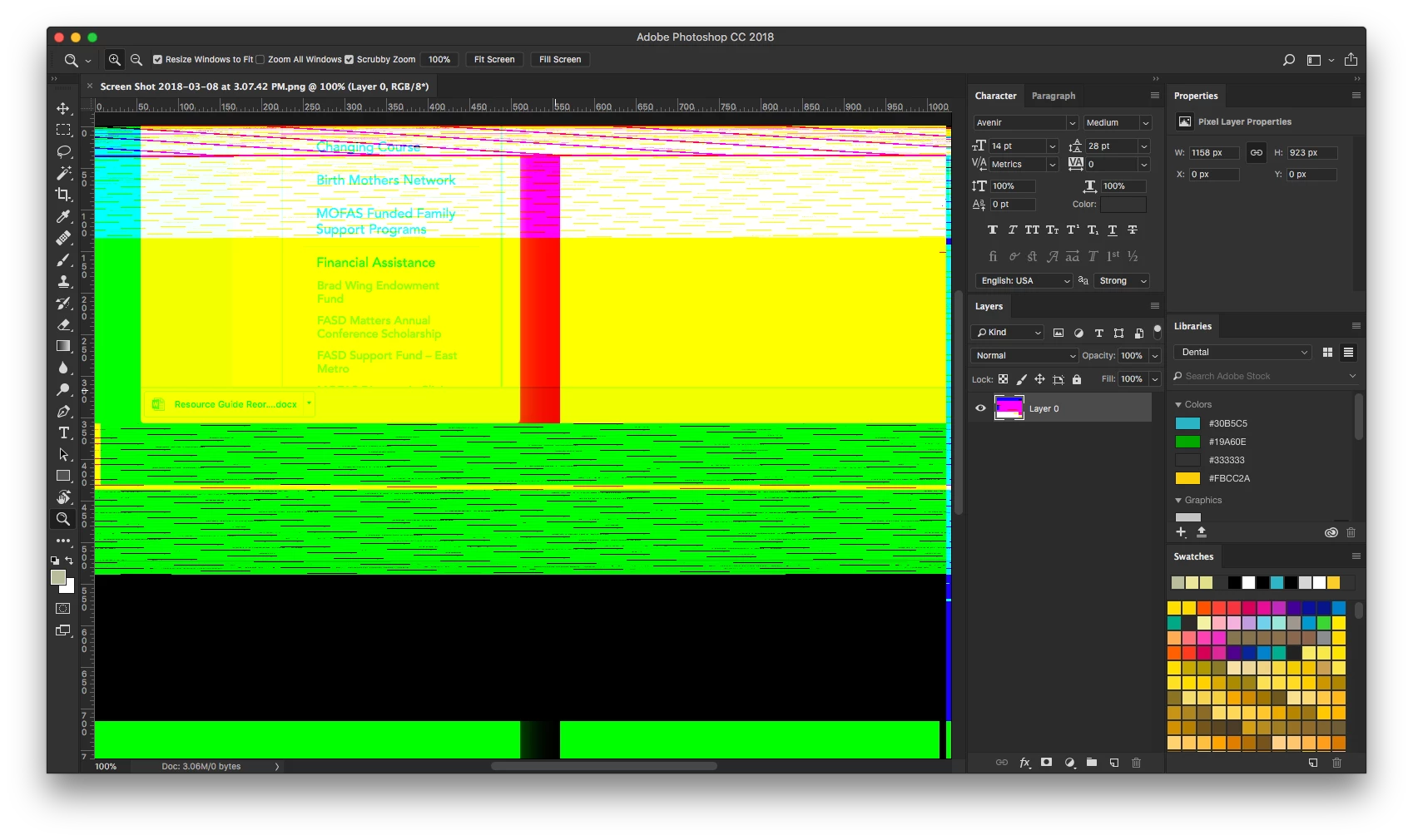
Photoshop opening png screenshots as pixelated mess...

  • March 8, 2018
  • 4 replies
  • 2513 views

As of yesterday, I am no longer to open PNG file in photoshop. The files open fine in Preview, and display fine in the Finder preview. Same results no matter how I attempt to "open" (within Photoshop File>Open, Finder "Open with..." etc

Anyone experienced this? Ideas?

Happens with screenshots, exported images, all PNG files.

Running:

Macbook Pro Late 2016

2.7 ghz i7

High Sierra 10.13.3

Photoshop CC 19.1.1 (latest as of today)

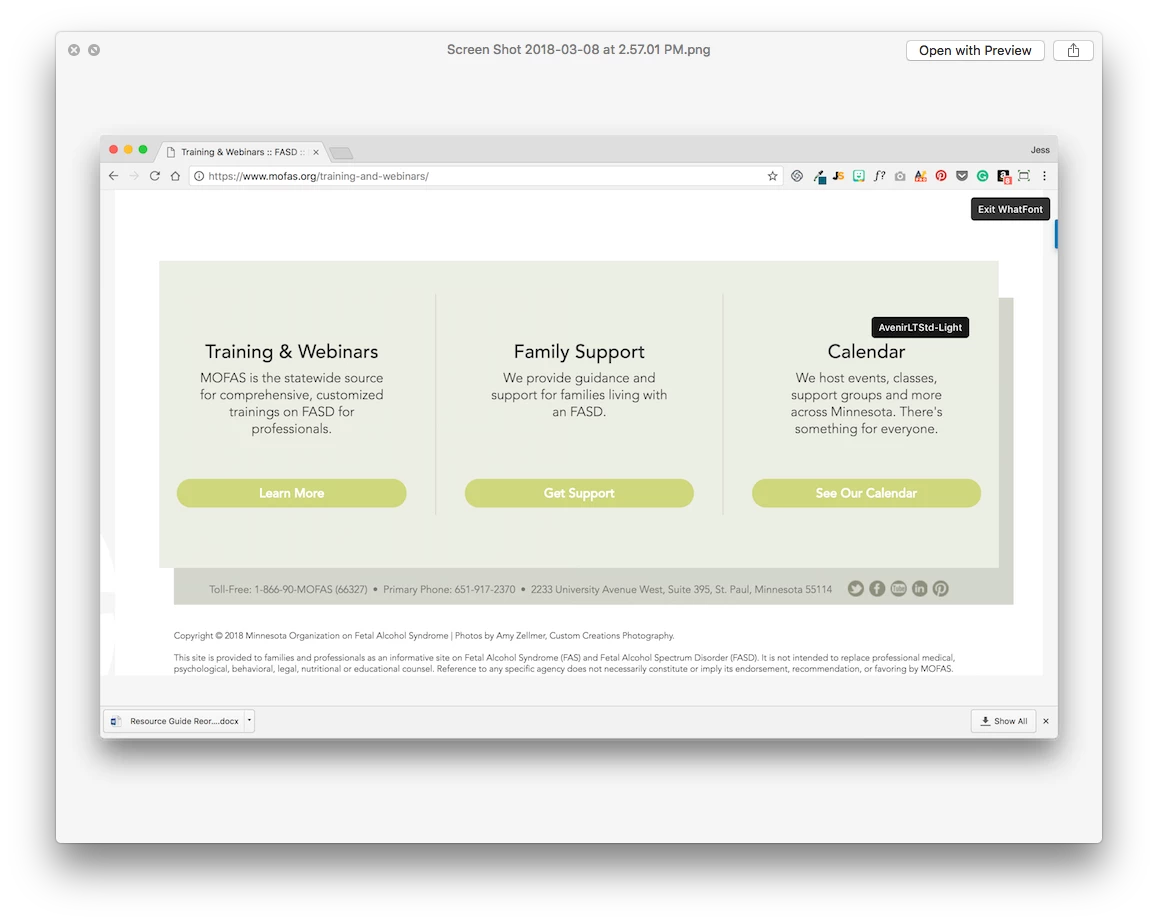
example image:
what I see in photoshop:
This topic has been closed for replies.
Correct answer Akash Sharma

Hi All,

We are happy to announce that the PNG distortion issue should be fixed with the Photoshop CC 2018 (19.1.2) update which is now available.

Please install the update and let us know if you still see this issue.

To update, click Update next to Photoshop CC in the Creative Cloud desktop application.

Just in case, If you don't see the update right away, click the 3 dots in the upper right and choose "Check for App Updates". See Available updates not listed for Adobe Creative Cloud applications

Regards

Akash

4 replies

Akash Sharma
Akash SharmaCorrect answer
Legend
March 13, 2018

Hi All,

We are happy to announce that the PNG distortion issue should be fixed with the Photoshop CC 2018 (19.1.2) update which is now available.

Please install the update and let us know if you still see this issue.

To update, click Update next to Photoshop CC in the Creative Cloud desktop application.

Just in case, If you don't see the update right away, click the 3 dots in the upper right and choose "Check for App Updates". See Available updates not listed for Adobe Creative Cloud applications

Regards

Akash

juliaf79298568
Participating Frequently
June 15, 2022

Is there another solution because that update didn't solve the issue for me.  I'm still seeing a crazy mess 😞


Participant
March 9, 2018

thank you very much, problem solved!

Participant
March 9, 2018

Thanks to both of you for the help, I tried the first simply because I tried in order - but assuming they both may work - any down sides to either or is one method better than the other for overall performance?

c.pfaffenbichler
Community Expert
Community Expert
March 9, 2018

Disabling GPU usage invalidates GPU dependent features (for example the Rotate View Tool, …), disabling the extensions-related settings would for example disable the Library Panel.

c.pfaffenbichler
Community Expert
Community Expert
March 8, 2018

Try turning off

Preferences > Plug-Ins > Allow Extensions …

Preferences > Plug-Ins > Load Extension Panels

and restarting Photoshop.

Photoshop CC 19.1: PNG Images Opens with Distortion | Photoshop Family Customer Community

Nancy OShea
Community Expert
Community Expert
March 8, 2018

That's a graphics problem.

Try turning off Graphics Processor in your Preferences > Performance settings.

Nancy O'Shea— Product User & Community Expert