
Answered
Photoshop Patch Tool, It whitens and puts all kind of effects after I select.
Hello,
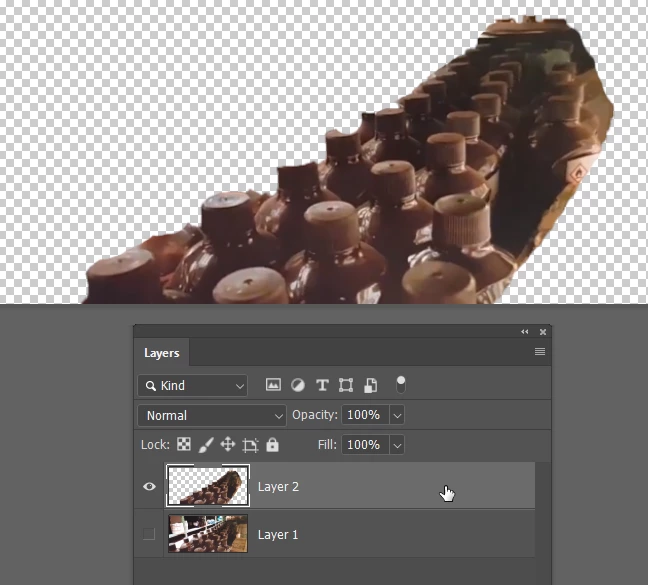
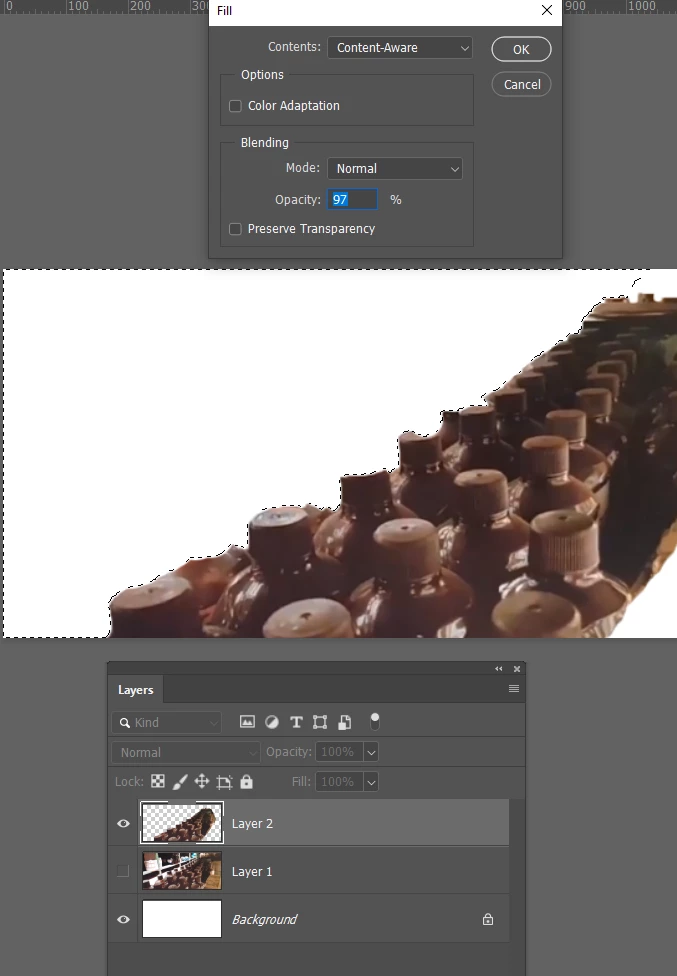
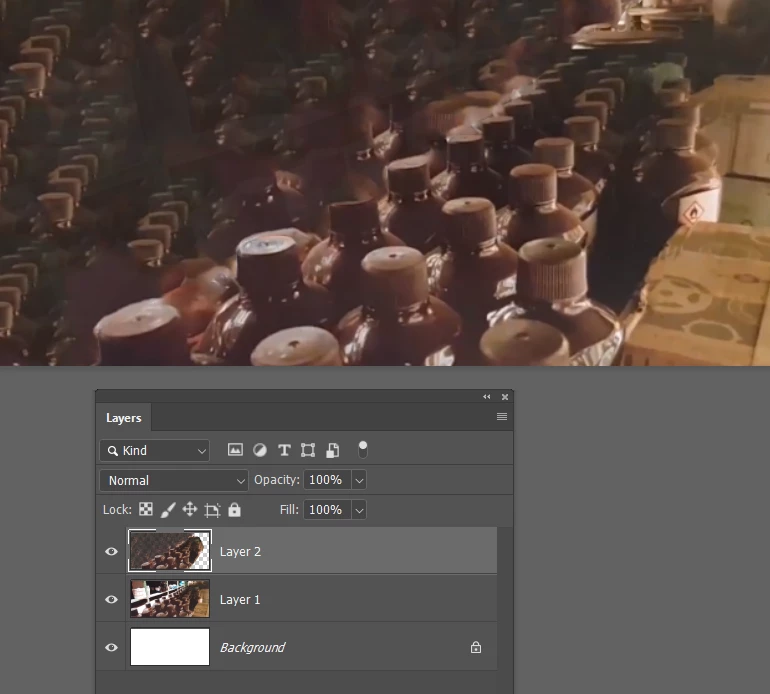
I'm new here and sort of beginner level in Photoshop, recently I've been wanting to multiple objects in a picture I have taken, and every time I select the area, patch it to where I want it to be, it Selects, I wait for 7-8 seconds and it brightens up and puts effects on selected area. Tried a whole bunch of things and searched all over and could find the answer so please take a look at this video as it shows exactly what happens:
BTW, could anybody tell me how could I rotate the selected area so it'll look like there's a lot of bottles there without them standing out? because now other the fact they brighten up, they line up crooked as to the original picture.
thank you very much, would appreciate any help.
 AdChoices