Answered
photoshop pen pressure not working..
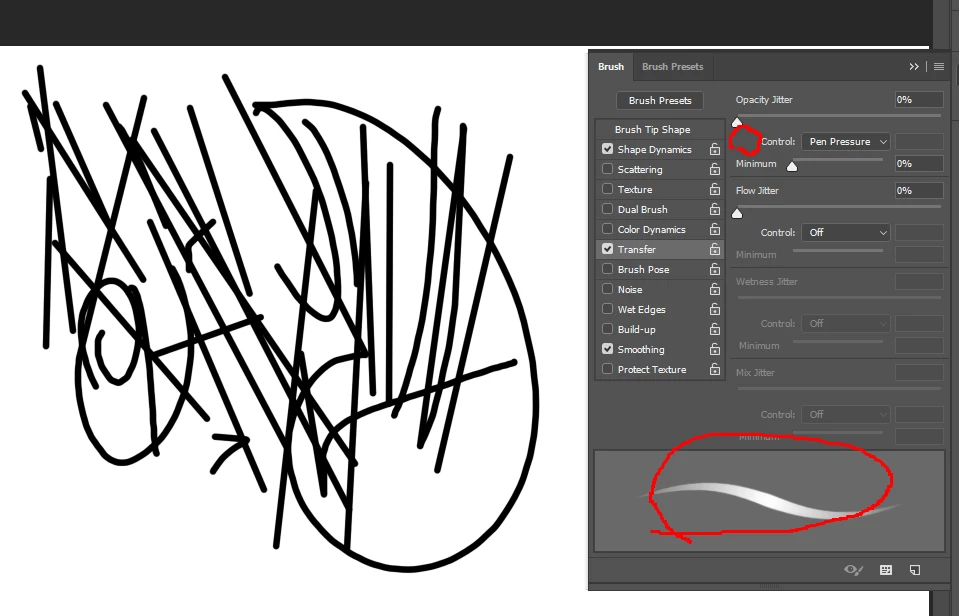
I followed the proposed method to the letter.
# Use WinTab
UseSystemStylus 0 and file name PSUserConfig,
un checking the "Use Windows Ink" box,
involves added a registry key > reg add HKEY_CURRENT_USER\Software\Microsoft\Windows\CurrentVersion\Pen /v LegacyPenInteractionModel /t REG_DWORD /d 1 /f ,
uninstall window update, changing option to pen and touch, reinstall photoshop (cs6, cc 2015.5, cc2017, cc2018 all failed)
UseSystemStylus 0 <When I use it, I don't see a warning sign like a picture but pen pressure still not working .
There is even a straight line (drawing a straight line) like in the picture.
I don't know why doing this. Clearly, it is working. In the wrong direction.
please help me(sob
 AdChoices