Question
Photoshop Place Embedded Bug
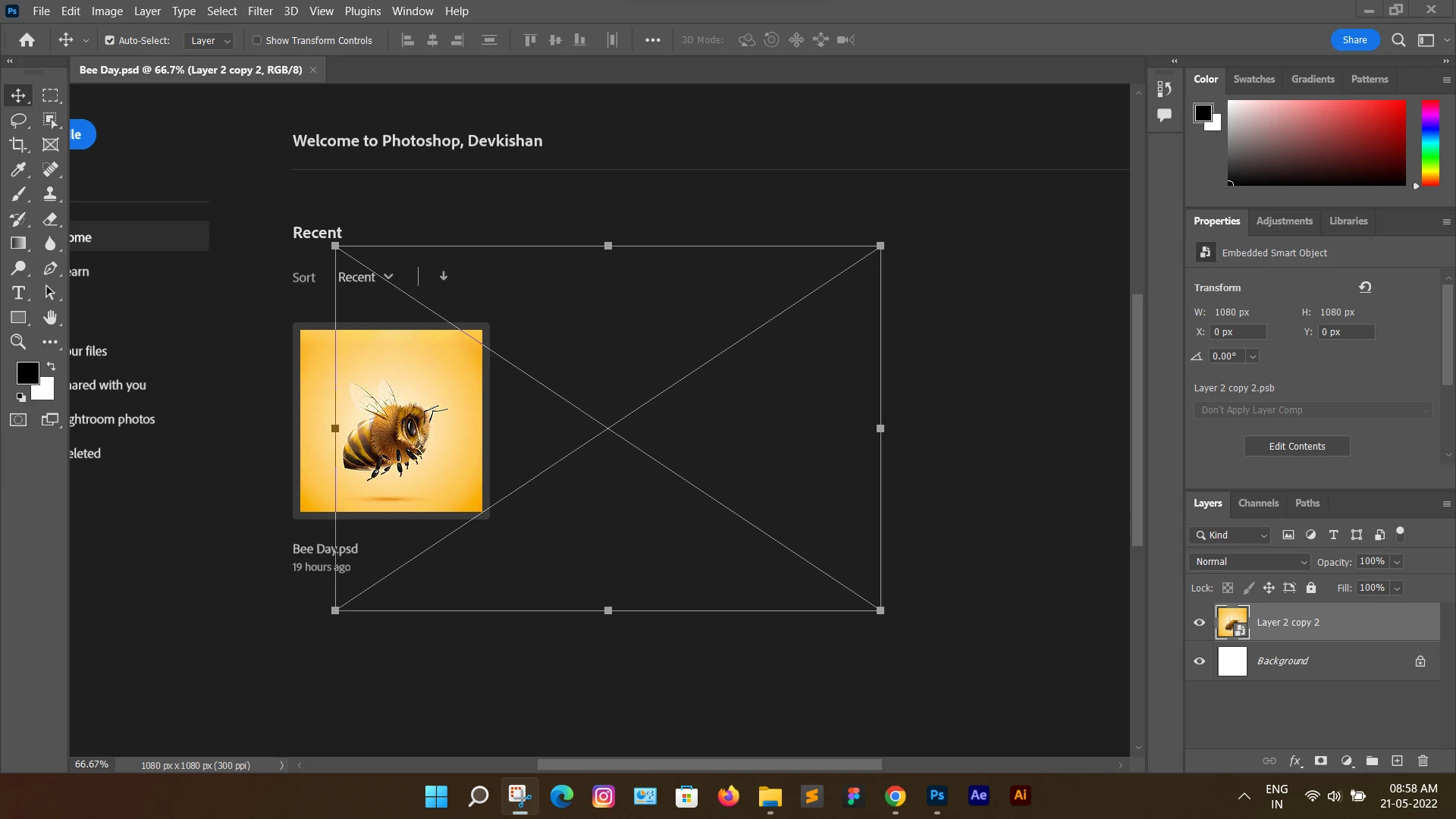
When I place embed or place some image via drag & drop, the current open document's screen overlaps with the welcome screen. How to solve ?
When I place embed or place some image via drag & drop, the current open document's screen overlaps with the welcome screen. How to solve ?
Already have an account? Login
Enter your E-mail address. We'll send you an e-mail with instructions to reset your password.
 AdChoices