Question
Photoshop problems
Hi, I cant open my Photoshop - these two windows allways comes up. Do you know where is the problem ?
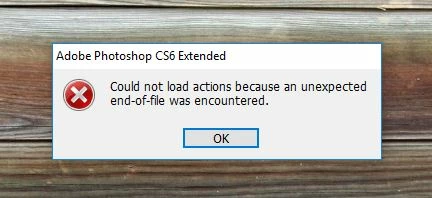
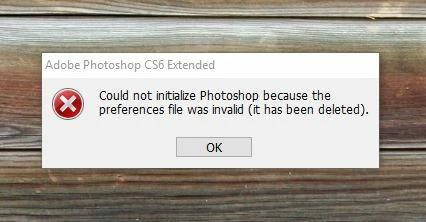

Hi, I cant open my Photoshop - these two windows allways comes up. Do you know where is the problem ?
Already have an account? Login
Enter your E-mail address. We'll send you an e-mail with instructions to reset your password.
 AdChoices