
Inspiring
December 16, 2016
Question

Photoshop Rendering Bug When Zooming

  • December 16, 2016
  • 2 replies
  • 913 views

I've just noticed that PS is rendering colours differently at different zoom levels. At least it seems to be switching to a more accurate / wider gamut when more zoomed in.

16 Bit / ProPhoto

At 33.3% [TIF]
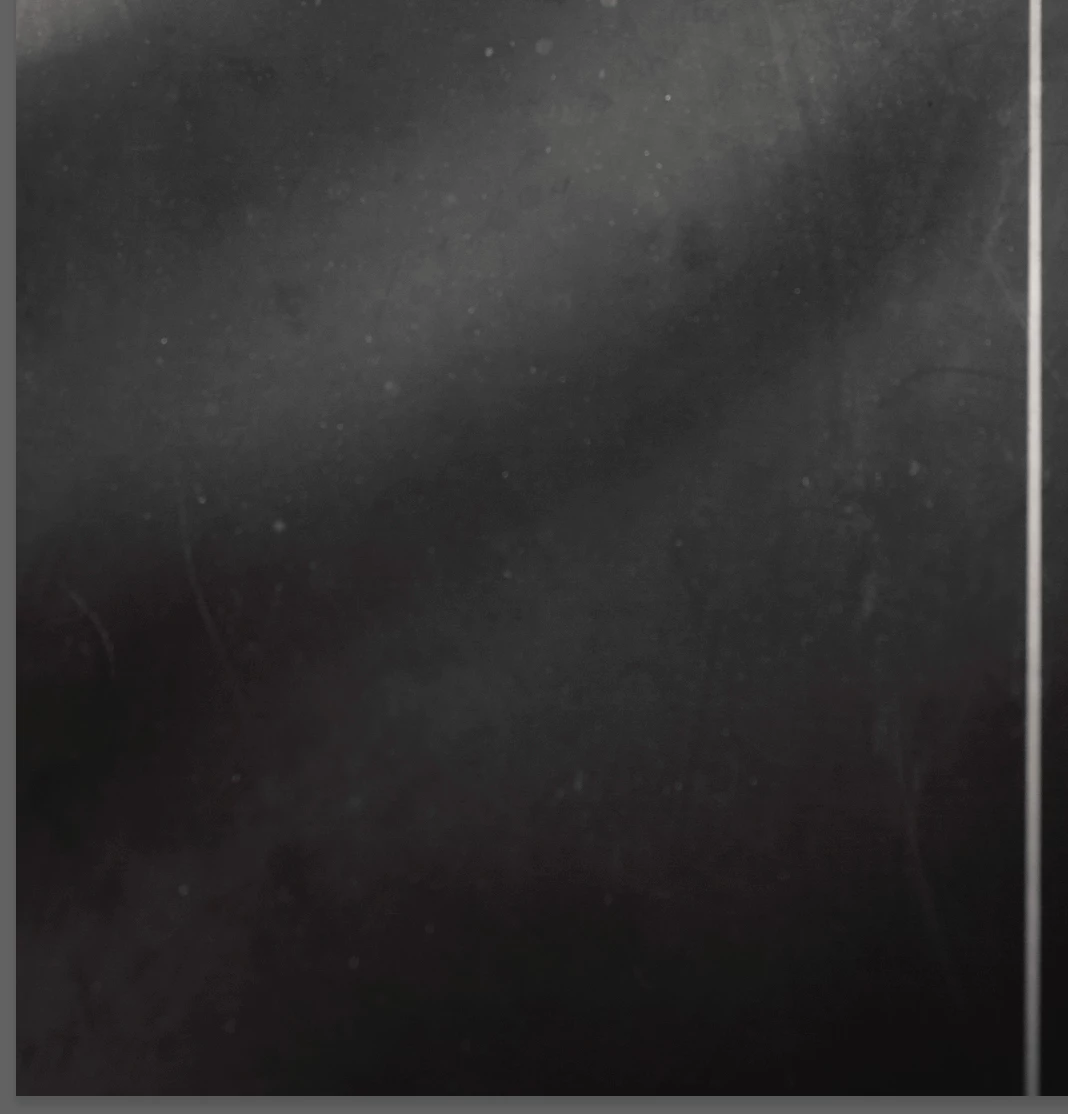
At 66.7% [TIF]
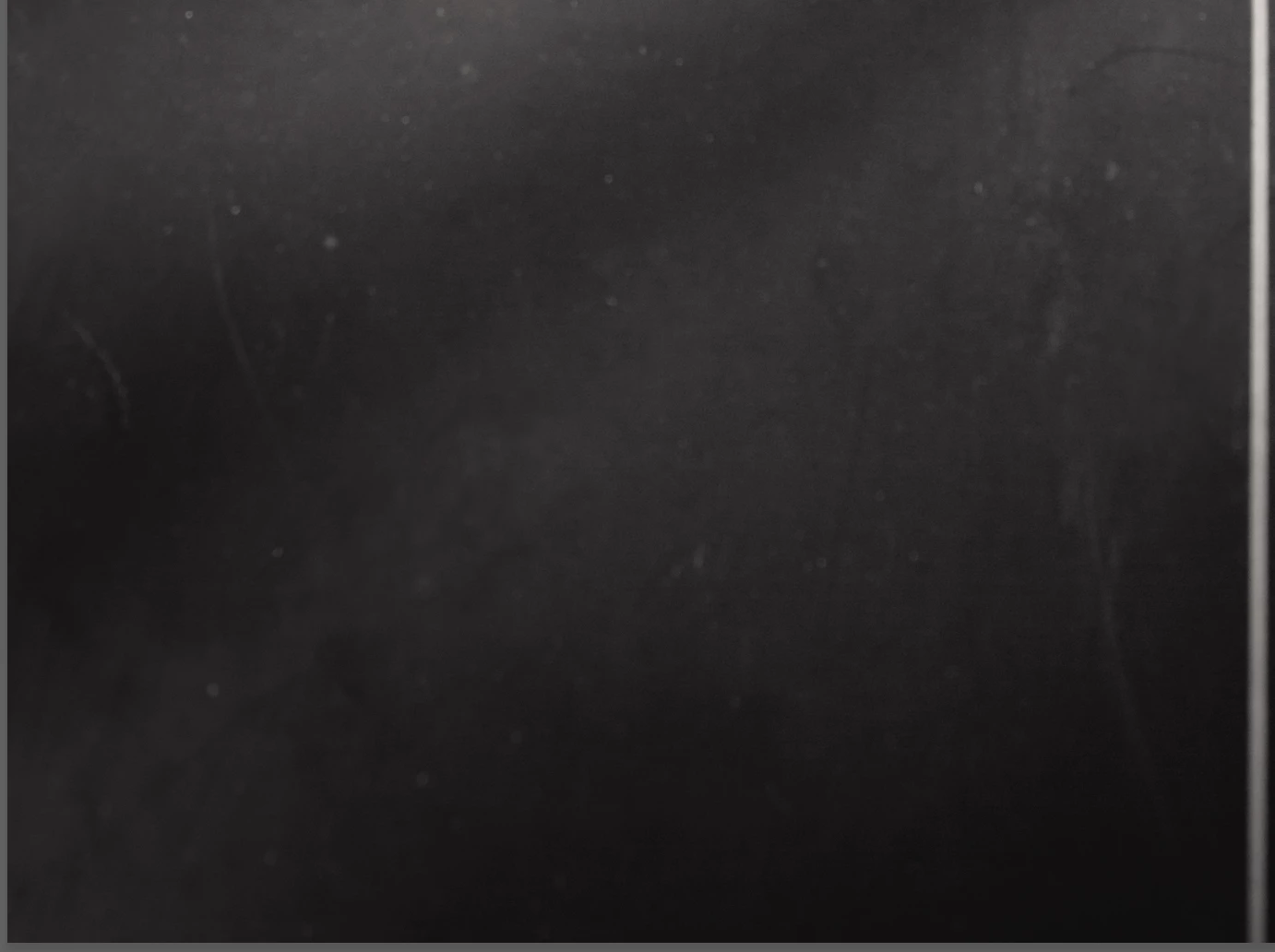
This is clearer in the TIFSs (links above) rather than as JPGs, but I think it is still pretty clear. The image is toned with a Gradient Map (Selenium), and at 33% there is strange banding between the darker areas which appear toned and the mids/highlights which don't. At 66.7% the toning appears evenly.

    This topic has been closed for replies.

    2 replies

    davescm
    Community Expert
    Community Expert
    December 16, 2016

    Noel Carboni, who use to post here a lot and had a real in depth knowledge of the technical aspects, once explained to me that as well as the scaling,  previews at zoom levels  of less than 66.7 % did not use full 16 bit. That also explained why a bug that impacted blending modes, that came in a couple of versions ago, and is now resolved, was only seen when zoomed in (it did not impact 8 bit).  The image is not affected just the screen preview but it was another reason to view at 100% when checking how an image really looks.

    Dave

    Inspiring
    December 16, 2016

    davescm​ That would definitely explain it. Thanks.

    JJMack
    Community Expert
    Community Expert
    December 16, 2016

    View at 100% zoom see what you actually have. When you view at 100% is the only time you looking at you image's pixels. At all other zoom levels you viewing a quickly scaled version of you document and you GPU may gave some bearing on the colors you see in your scaled view.  Some zoom % can be quite poor.  I also think Performance  preferences cache level setting of 6 may help improve what you see.

    JJMack
    Inspiring
    December 16, 2016

    JJMack Thanks for the suggestion. It had no effect, but good to know.