
Participant
December 9, 2021
Answered

Photoshop ruler in percentage goes beyond 100%

  • December 9, 2021
  • 1 reply
  • 617 views

New file, any size, any resolution. 

Show Rulers.

Set to percentage.

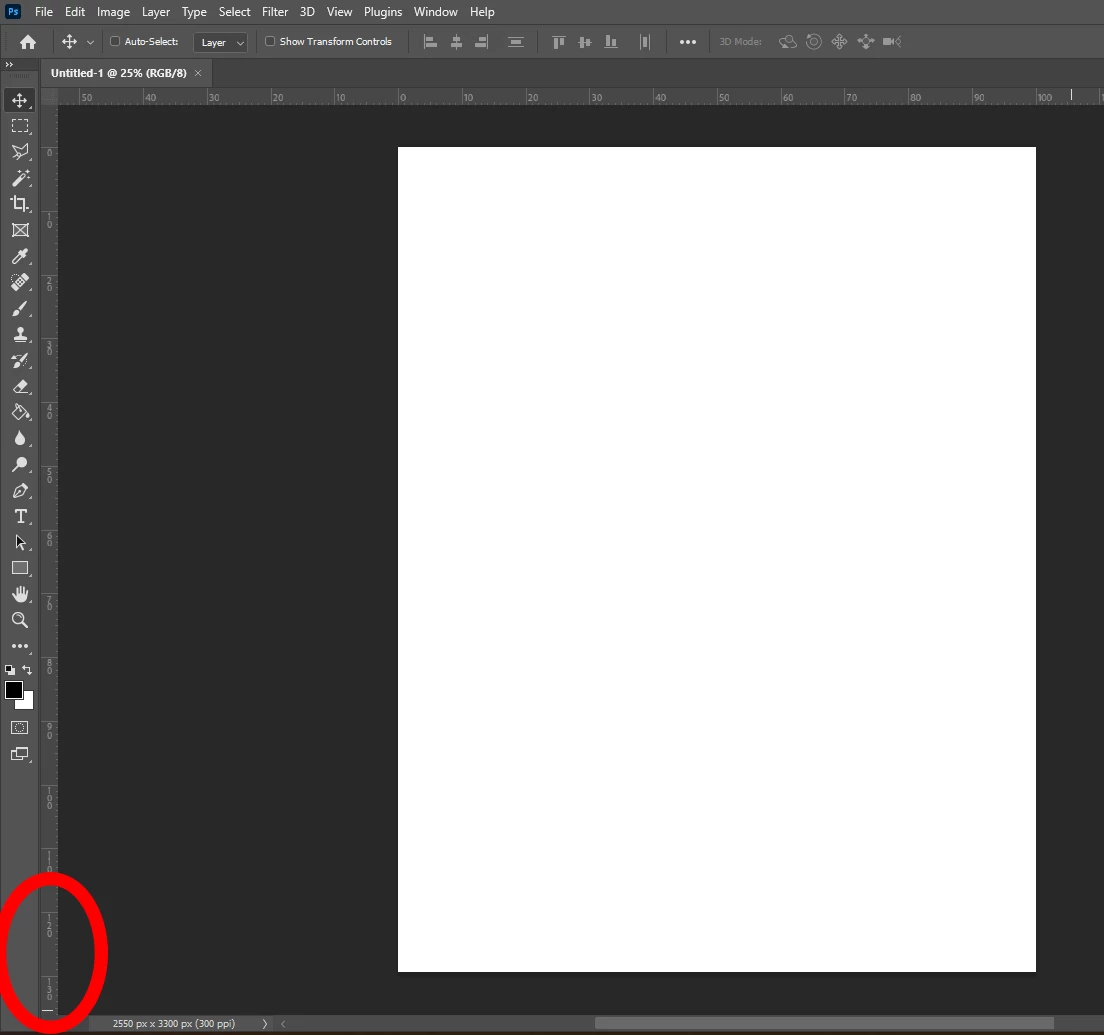
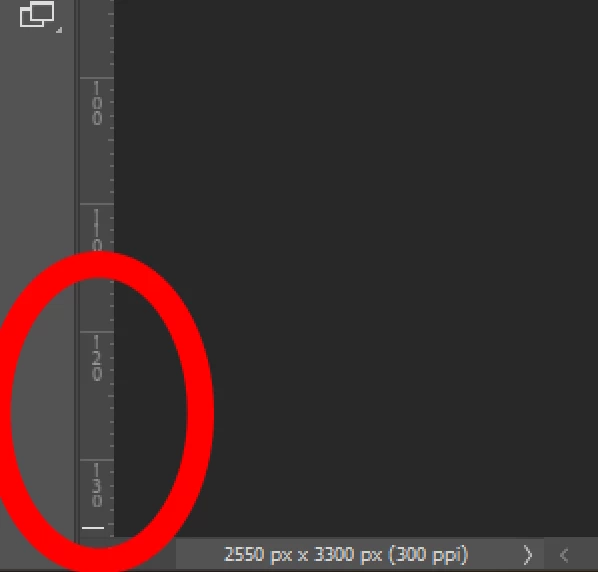
It goes to 100% only in the horizontal axis. If the paper is, say, letter size, the vertical ruler goes to 130%. If I rotate the paper, putting it horizaontal, now the vertical ruler ends at around 75%. This is not the classic behavior. How can I put it back to normal, common sense universe?


Thanks
This topic has been closed for replies.
Correct answer Rafael21998285c4xp

Ok if anyone is experiencing this, somebody in another very recent post found the solution. Just go to Preferences, tech previews, uncheck "Enable Native Canvas Rulers", Restart Photoshop and Rulers should be back to normal.

1 reply

Rafael21998285c4xpAuthorCorrect answer
Participant
December 9, 2021

Ok if anyone is experiencing this, somebody in another very recent post found the solution. Just go to Preferences, tech previews, uncheck "Enable Native Canvas Rulers", Restart Photoshop and Rulers should be back to normal.