
christopherc80319510
Participant
September 13, 2018
Question

Photoshop 'Save As' in different language?

  • September 13, 2018
  • 3 replies
  • 555 views

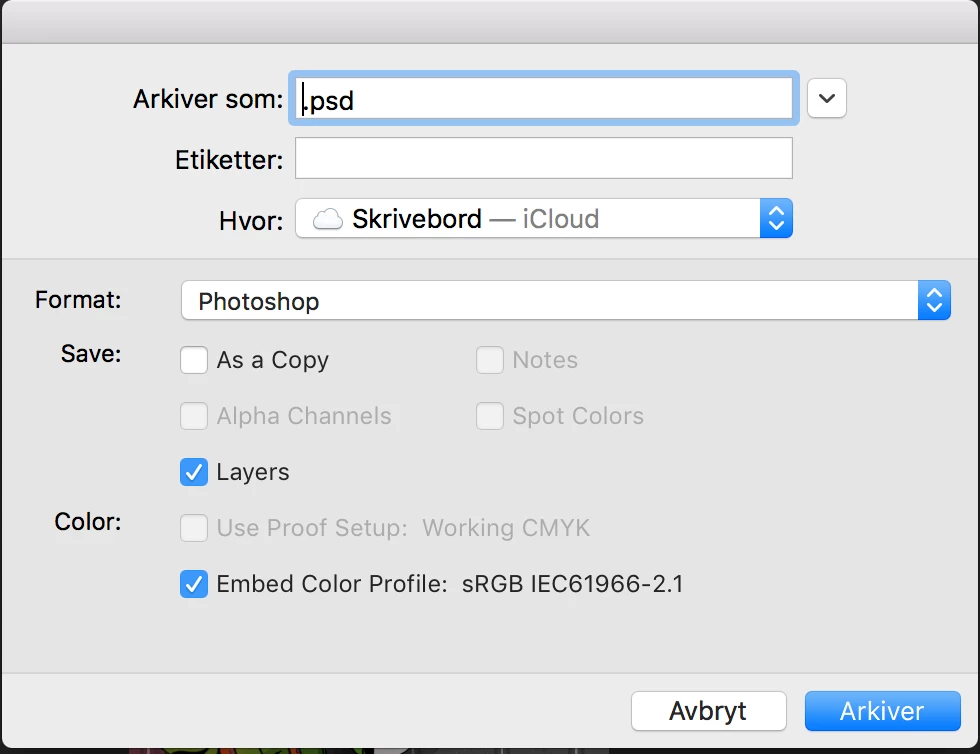
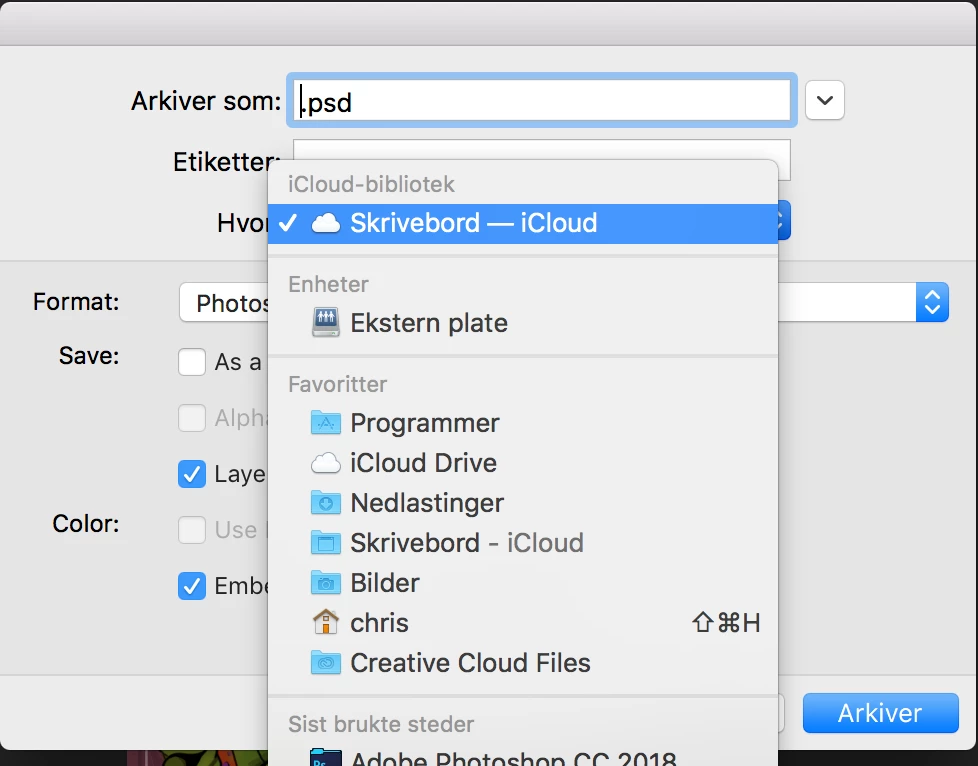
I recently deleted some unneeded files on my computer, but I think I deleted something important, because know when I hit 'save as' on photoshop, the pop up screen is in a different language then what I had originally. I need it to be English, but I think its Swedish or something instead? I attached photos. Please Help. I am in Art School and need to use photoshop everyday, so I need it in an language I know ! ! !
This topic has been closed for replies.

3 replies

D Fosse
Community Expert
Community Expert
September 13, 2018

But they are still operating system dialogs, called by Photoshop, but generated by and originating from the operating system. Note how the Photoshop part of the dialog is English, only the OS parts are Norwegian.

Look in MacOS language settings.

c.pfaffenbichler
Community Expert
Community Expert
September 13, 2018

christopherc80319510 , does the Save As-dialog appear like this in other applications, too?

christopherc80319510
Participant
September 13, 2018

yes, in all my adobe apps

D Fosse
Community Expert
Community Expert
September 13, 2018

Those are operating system dialogs - I don't do MacOS, but that's where I'd look.

JJMack
Community Expert
Community Expert
September 13, 2018

Check your language settings in the creative cloud desktop application preferences for creatube clogd

JJMack
christopherc80319510
Participant
September 13, 2018

I tried that, but its says that the Language is North American English, and not the language it obviously is.

c.pfaffenbichler
Community Expert
Community Expert
September 13, 2018

If restoring the Preferences does not help

https://helpx.adobe.com/photoshop/kb/basic-trouble-shooting-steps.html

you may want to try using the Cleaner Tool and reinstalling Photoshop.

Use the Creative Cloud Cleaner Tool to solve installation problems