
Participant
November 9, 2019
Question

Photoshop saving problem and it destroy my original file

  • November 9, 2019
  • 4 replies
  • 781 views

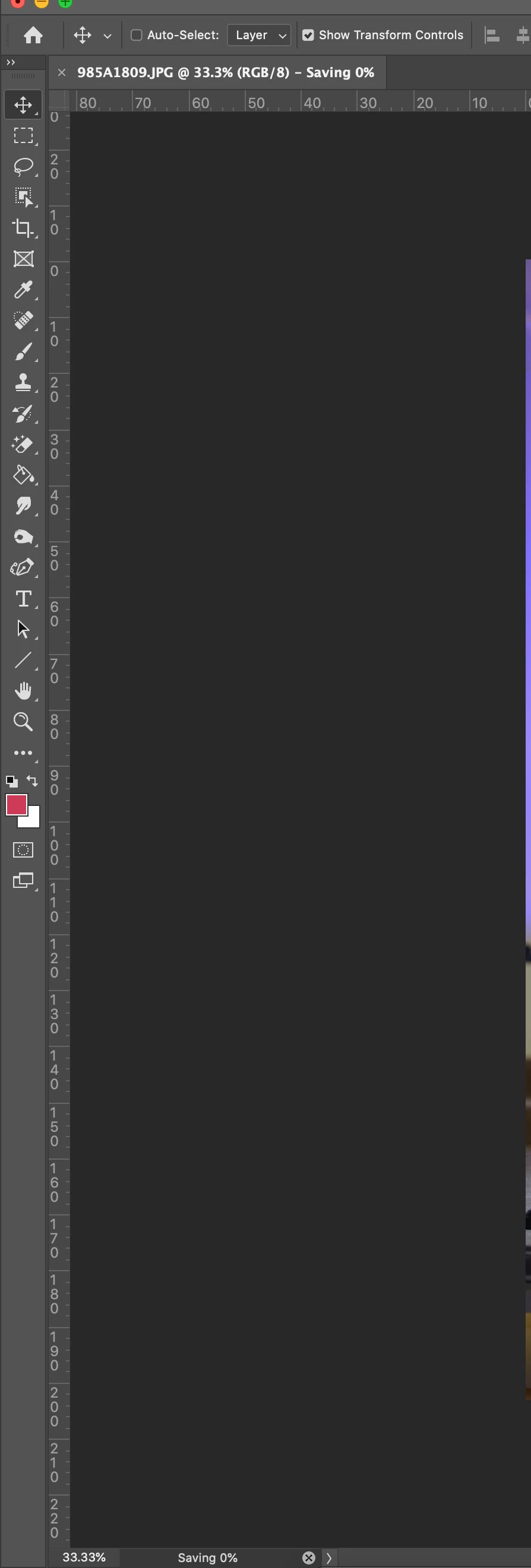
sometimes when i save any file as an image or a photoshp file it lags like its shown in the photo beside that i can't even use any thing in photoshop even closing it ,but when i do force quit it close but my original photo is gone.

it happens manytimes, can you help me out ?!


This topic has been closed for replies.

4 replies

davescm
Community Expert
Community Expert
November 9, 2019

Make sure you are saving to a local drive - not an external drive. You can always copy files to an external drive later.

https://helpx.adobe.com/photoshop/kb/networks-removable-media-photoshop.html

Dave


Bob_Hallam
Legend
November 9, 2019

Are you working on an external drive?

ICC programmer and developer, Photographer, artist and color management expert, Print standards and process expert.
ezzalzainAuthor
Participant
November 9, 2019

yes, and the problem is i can't even open it again and i should restart the computer 

Bojan Živković11378569
Community Expert
Community Expert
November 9, 2019

Do not force close it because you will loose file and nothing can help you beside that Photoshop may recover file when relaunching it. Perhaps you are working with huge file sizes or you have many memory consuming apps running in background?

ezzalzainAuthor
Participant
November 9, 2019

I can't use it at all i tried not to close it but still lagging for a long time and  i can't even open it again when i do force close and i should restart the computer 

Derek Cross
Community Expert
Community Expert
November 9, 2019

Try resetting your Photoshop preferences.

ezzalzainAuthor
Participant
November 9, 2019

I already did