Participant
February 5, 2020
Question

Photoshop Screen Glitch 21.0.3

  • February 5, 2020
  • 1 reply
  • 158 views

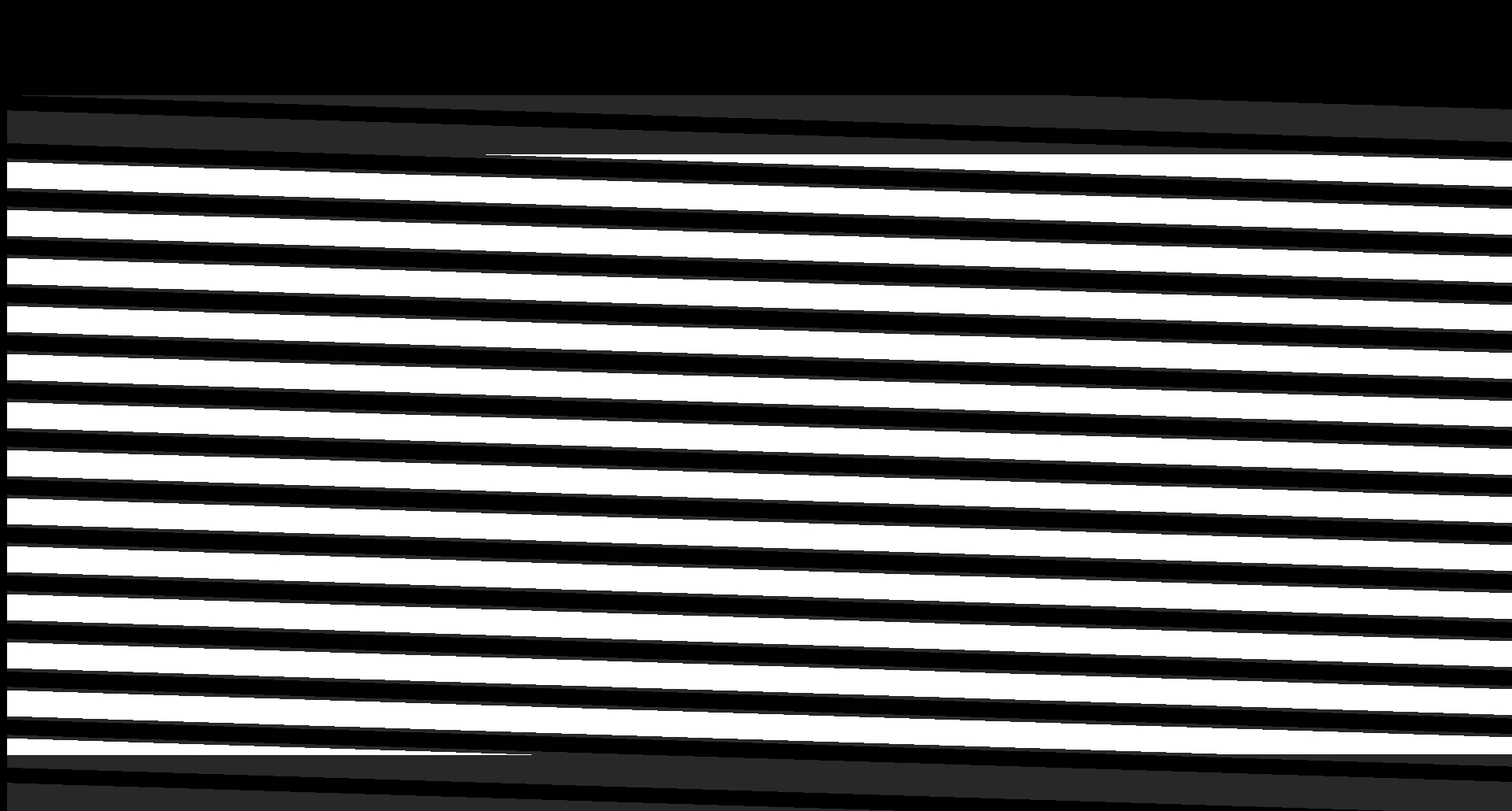
Whenever I try to open a file or make a new one I am greeted with this screen glitch. the program is still running and I can still hover over and see the tools explanations and I can still see the artwork in the taskbar window. The problem seems to fix itself after a week but will just happen again. Any help would be appreciated. Photoshop version is 21.0.3
This topic has been closed for replies.

1 reply

c.pfaffenbichler
Community Expert
Community Expert
February 5, 2020

Does turning off »Use Graphics Processor« in the Performance Preferences (Photoshop > Preferences > Performance > Graphic Processor Settings) and restarting Photoshop have any bearing on the issue? 

Does turning on »Legacy Compositing« in the Performance Preferences (Photoshop > Preferences > Performance) and restarting Photoshop have any bearing on the issue? 

Storm365Author
Participant
February 5, 2020

I'm sorry, neither of the suggestions worked.