Participating Frequently
October 2, 2020
Answered

Photoshop script change textitem size (javascript)

  • October 2, 2020
  • 1 reply
  • 1450 views

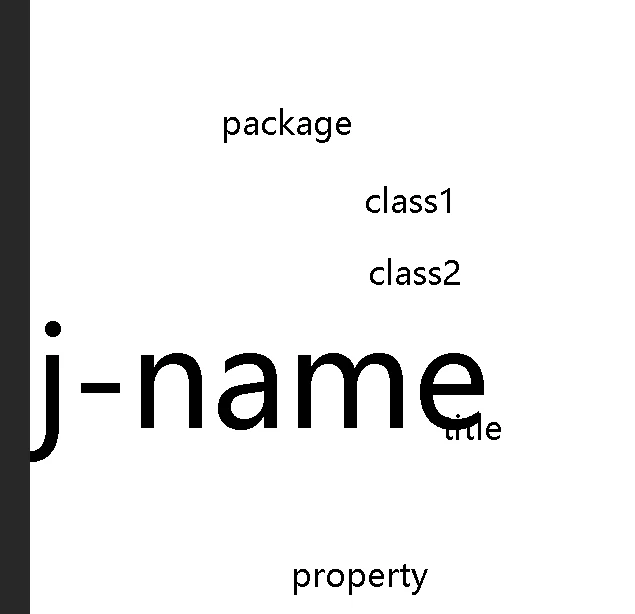
When i reduce size, the text size will bigger.

app.preferences.rulerUnits = Units.PIXELS;  
app.preferences.typeUnits = TypeUnits.PIXELS;  

var doc = app.activeDocument;

var textLayer = doc.layers.getByName('obj-name');
var tI = textLayer.textItem;
var old_size = tI.size;
var size_value = old_size.value;
size_value -= 1;
tI.size = new UnitValue(size_value , 'px');

$.writeln(tI.size + " " + old_size + " " + size_value);

the result is:

134.722198486328 px 33.3333282470703 px 32.3333282470703
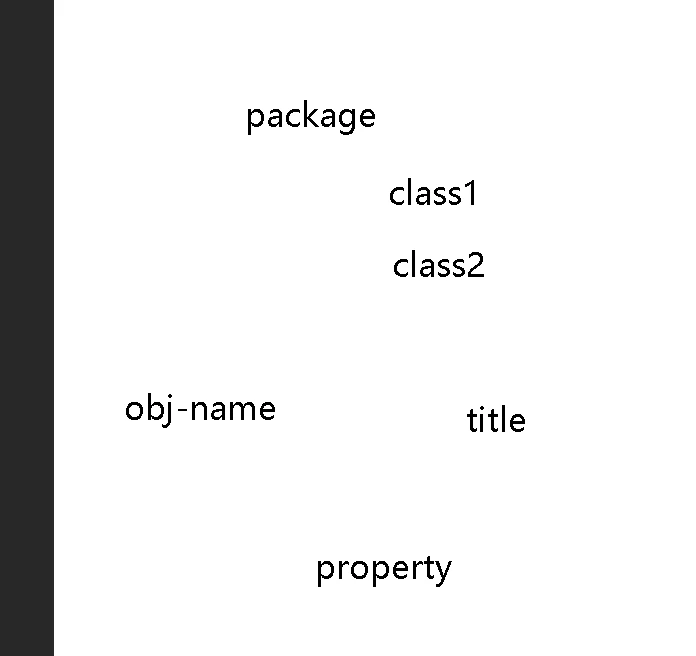


My ps version is 2020.


Correct answer r-bin
Most likely some old bug.
Doesn't work in CS6 either.

Try to set the size property always in points.
 
That is, instead of
tI.size = new UnitValue(size_value, 'px');
use
tI.size = new UnitValue(size_value * 72/doc.resolution, 'pt');
 

1 reply

r-binCorrect answer
Legend
October 2, 2020
Most likely some old bug.
Doesn't work in CS6 either.

Try to set the size property always in points.
 
That is, instead of
tI.size = new UnitValue(size_value, 'px');
use
tI.size = new UnitValue(size_value * 72/doc.resolution, 'pt');
 
Participating Frequently
October 3, 2020

Thank you. work grek! And the bug can be fix ?