
Answered
Photoshop Script - Replace Smart Object from path (no dialog)
Hello everyone,
I have a document with a smart object on it:
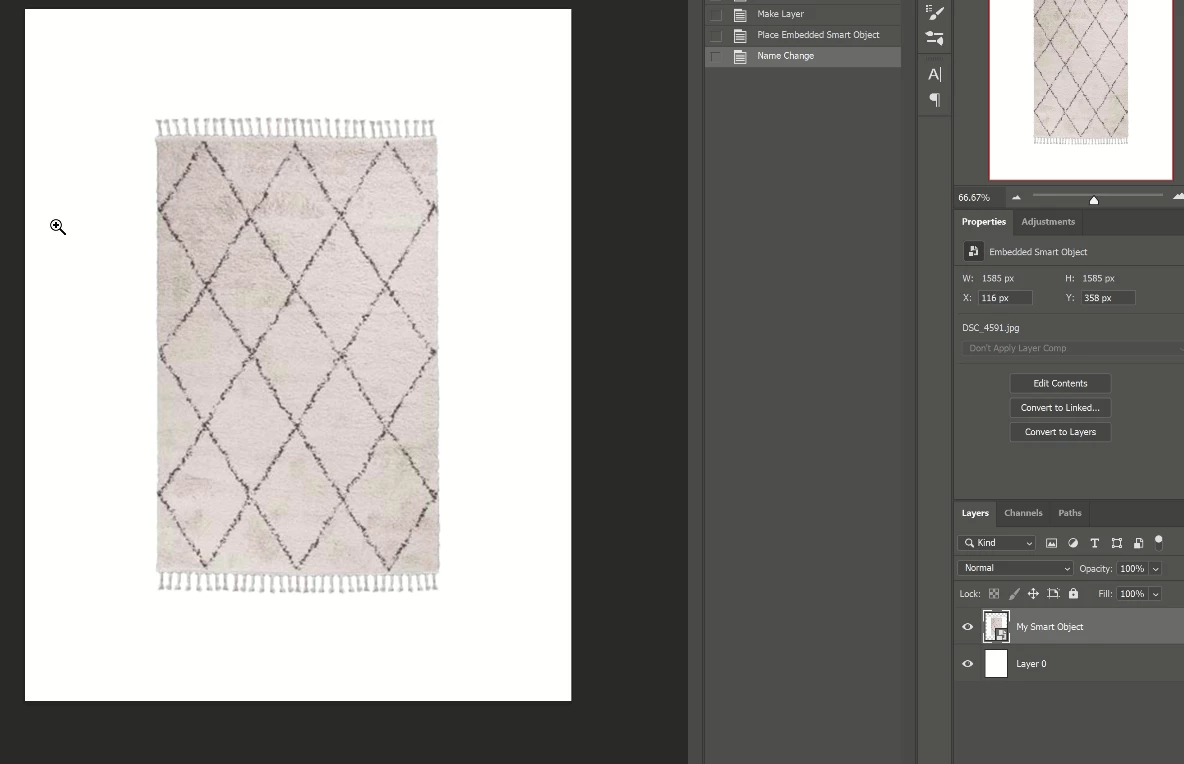
I have this image path: "E:\REPLACE SO\DSC_4591_Round.jpg"
I want a script to replace the smart object with the image path i have without using a dialog to select the file, is that possible?
This is what I've tried and it doesn't work:
var mySmartObjectLayer = activeDocument.artLayers.getByName("My Smart Object");

var PathFile = "E:\REPLACE SO\DSC_4591_Round.jpg";

var myFile = File(PathFile);

replaceContents(myFile, mySmartObjectLayer);

function replaceContents(newFile, theSO) {
    app.activeDocument.activeLayer = theSO;
    var idplacedLayerReplaceContents = stringIDToTypeID("placedLayerReplaceContents");
    var desc3 = new ActionDescriptor();
    var idnull = charIDToTypeID("null");
    desc3.putPath(idnull, new File(newFile));
    var idPgNm = charIDToTypeID("PgNm");
    desc3.putInteger(idPgNm, 1);
    executeAction(idplacedLayerReplaceContents, desc3, DialogModes.NO);
    return app.activeDocument.activeLayer
};
 AdChoices